Gaming audio
Best PC Gaming Headsets for Clear Voice Chat and Game Audio
A good PC gaming headset should make two things easy: hearing the game and being understood by the people playing with you. Software features matter only after the connection, microphone placement and comfort are right.

Amelia Collins is an editorial pen name for gaming and streaming audio at Sound Mic Test. This byline covers headset features, microphone communication, platform compatibility and audio choices for play and live content.
Sound Mic Test editorial pen name.
amelia.collins@soundmictest.com
A good PC gaming headset should make two things easy: hearing the game and being understood by the people playing with you. Software features matter only after the connection, microphone placement and comfort are right. A complicated audio suite cannot rescue a headset plugged into the wrong socket or a boom pointed away from your mouth.
For a straightforward wired setup, HyperX Cloud III is a useful starting point. For wireless freedom, compare the exact SteelSeries Arctis Nova 7 variant and its supported connection modes. If you already own a good microphone, a separate listening headphone may be a better use of the budget. The selections here are based on documented functions, with no invented positional-audio scores.
Pick the connection for the desk
| Approach | Main benefit | Main compromise |
|---|---|---|
| USB wired headset | Defined headphone and microphone device | Cable across the desk |
| Analog headset | Simple connection to compatible sockets | Depends on the computer's audio input and output |
| USB wireless receiver | Freedom to move away from the chair | Charging and receiver placement |
| Headphones plus separate microphone | Independent component choices | More equipment and routing |
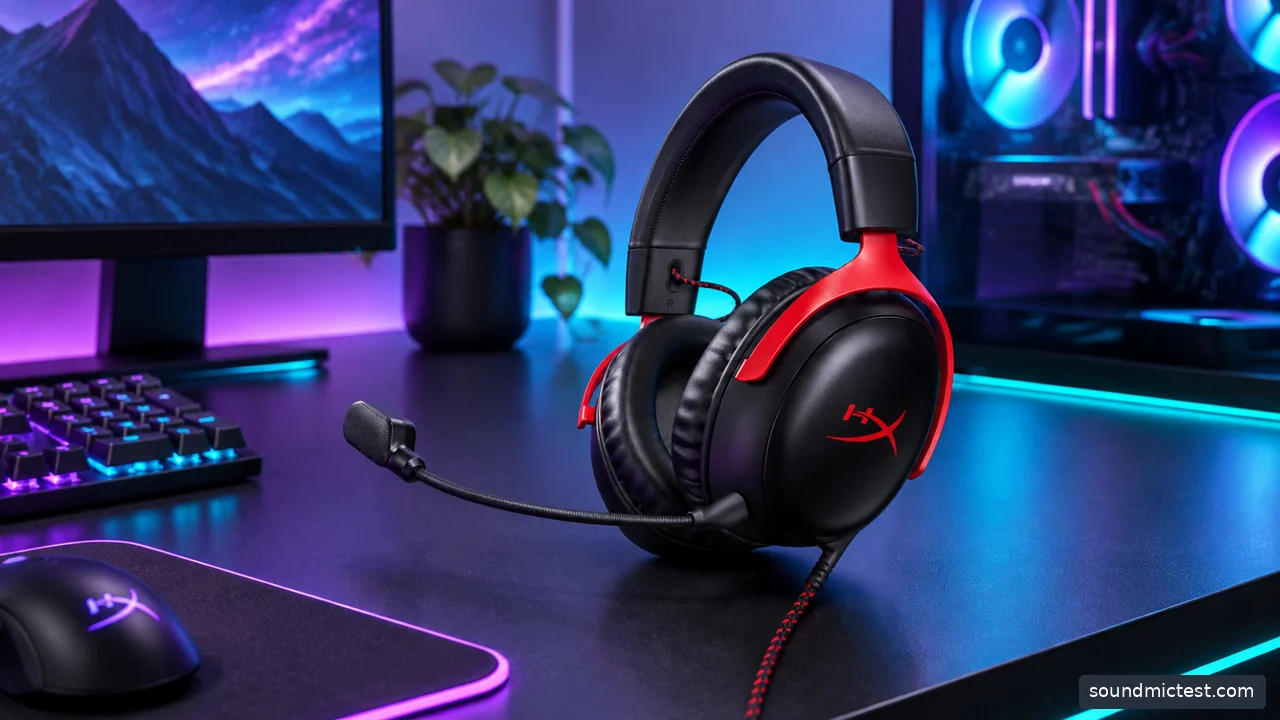
A gaming headset must match the platform connection, not just its color scheme. Editorial illustration.
HyperX Cloud III wired for a complete basic setup
The Cloud III wired includes a detachable boom microphone and 3.5mm, USB-C and USB-A connection options. Those choices make it worth considering when you want one purchase to cover listening and voice chat.
Its practical advantage on a PC is flexibility in the signal path. If an analog connection behaves poorly, the included USB route provides a different audio device to configure. That is not a promise that USB always sounds better, but it can simplify troubleshooting compared with an unidentified combination of motherboard socket, splitter and cable.
The cable is the obvious compromise. Check the route from the PC to your seat, especially if the tower is under the desk. Keep enough slack for normal movement and avoid running the lead where the chair wheels can catch it. Our Cloud III setup guide covers the model in more detail.
Wireless freedom needs the correct variant
The Arctis Nova 7 setup guide is a starting point for understanding the model family. Before purchasing, check the manufacturer's current listing and distinguish the original generation from newer versions and platform-specific variants.
A dedicated receiver connection and ordinary Bluetooth are not interchangeable simply because both are wireless. Their behavior with simultaneous microphone use, latency and device switching can differ. Follow the supported PC connection path rather than choosing Bluetooth only because the computer already has it.
Place the receiver where the wireless path is reasonable and avoid burying it behind a crowded metal tower if an extension is provided. Check battery expectations for the modes you will use. A quoted maximum with optional features disabled may not represent a long gaming session with everything enabled.
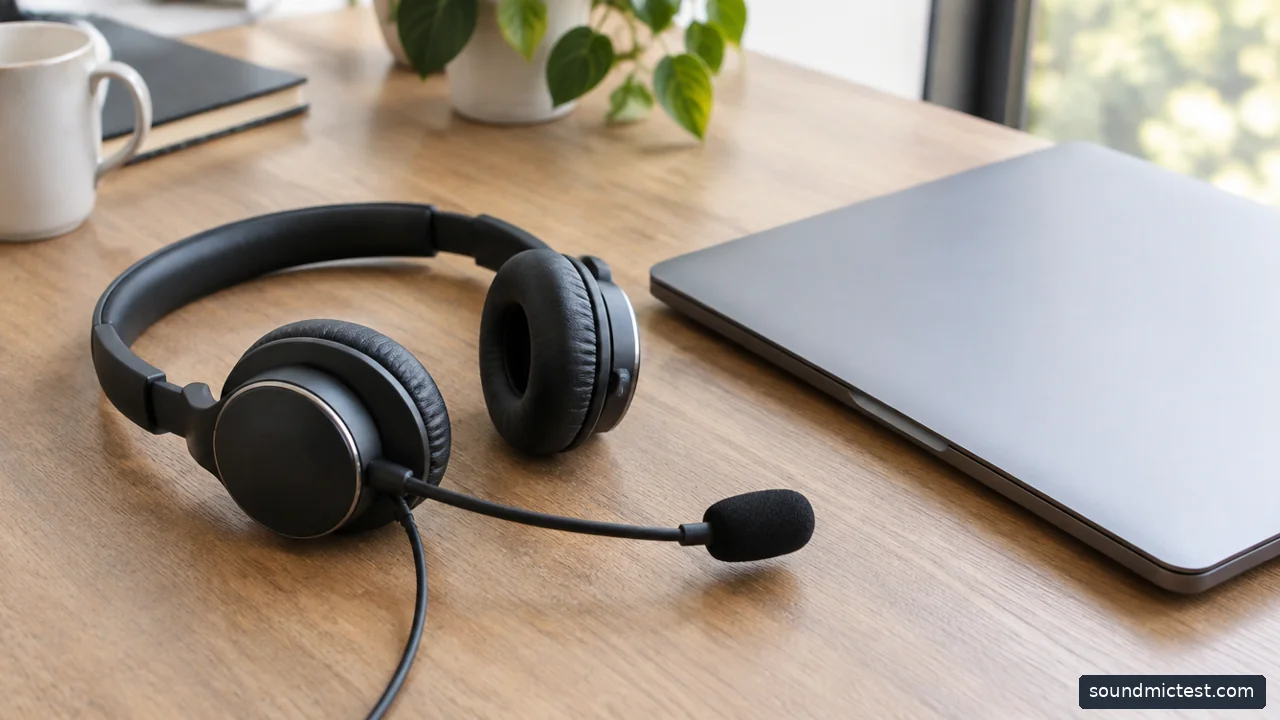
headset boom microphone positioned beside a closed laptop. Editorial illustration.
Headphones and a separate microphone can be the better system
If a suitable USB or XLR microphone is already on your desk, you do not necessarily need another microphone attached to the headphones. A separate listening model can give you more choice over open or closed construction and cable style.
The cost comparison changes if you own none of that equipment. A microphone, stand, cable and interface can exceed the saving from buying headphones without a boom. Count the complete setup before deciding that a dedicated headset is poor value.
Also consider room noise. An open-back headphone lets you hear the room and leaks sound outward. That may be pleasant in a private space and inconvenient beside a sensitive microphone. Make a recording at your normal listening level before deciding the arrangement works.
Set the microphone before adding processing
Position the boom according to the manual, usually near the corner of the mouth rather than directly in the breath stream. Select the headset microphone in Windows and in the voice-chat application. Those selections can differ, especially after you connect a webcam or another USB device.
Make a short recording with the microphone test. Speak normally, then type briefly and listen back. This checks routing and obvious noise, not a calibrated microphone benchmark. After that, compare the chat application's noise reduction one setting at a time.
Stacking several noise suppressors can create unnatural speech or cut off quiet words. If the microphone sounds worse after enabling every enhancement, return to a simpler setup and identify which layer caused the problem.
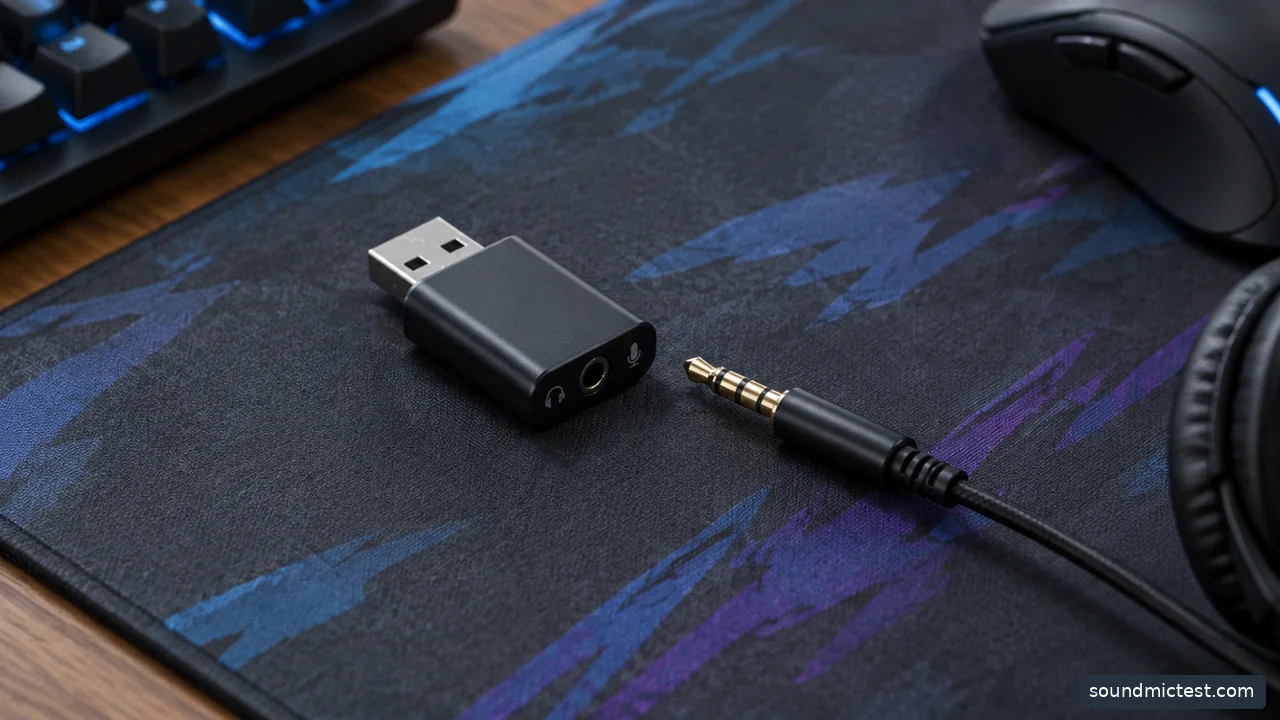
USB audio adapter and 3.5mm headset plug resting separately on gaming mousepad. Editorial illustration.
Positional audio is not a driver-count contest
Begin with the game's recommended headphone setting and avoid adding several spatial processors at once. The game's rendering, operating-system effects and headset software can otherwise overlap in ways that make evaluation confusing.
Use the stereo test to confirm channel orientation, then compare familiar in-game scenes at a comfortable level. A browser directional effect is not evidence that one headset offers a competitive advantage. Keep any judgment tied to the game and settings you actually use.
Choose a wired USB-capable headset for a simple complete system, a receiver-based wireless model when movement matters, or separate components when you already own the supporting equipment. Clear voice chat, reliable routing and a comfortable fit will improve the everyday experience more consistently than collecting software badges.