Headphones and earbuds
Best Wireless Earbuds for Android: Features That Actually Matter
The best wireless earbuds for an Android phone are not necessarily the pair with the longest codec list. An app that works reliably, controls you can customize and a stable connection to your second device may matter more than a specification your phone cannot use.

Noah Mitchell is an editorial pen name for wireless audio and accessories at Sound Mic Test. Articles explore earbuds, portable audio, cables and the small setup choices that affect everyday listening.
Sound Mic Test editorial pen name.
noah.mitchell@soundmictest.com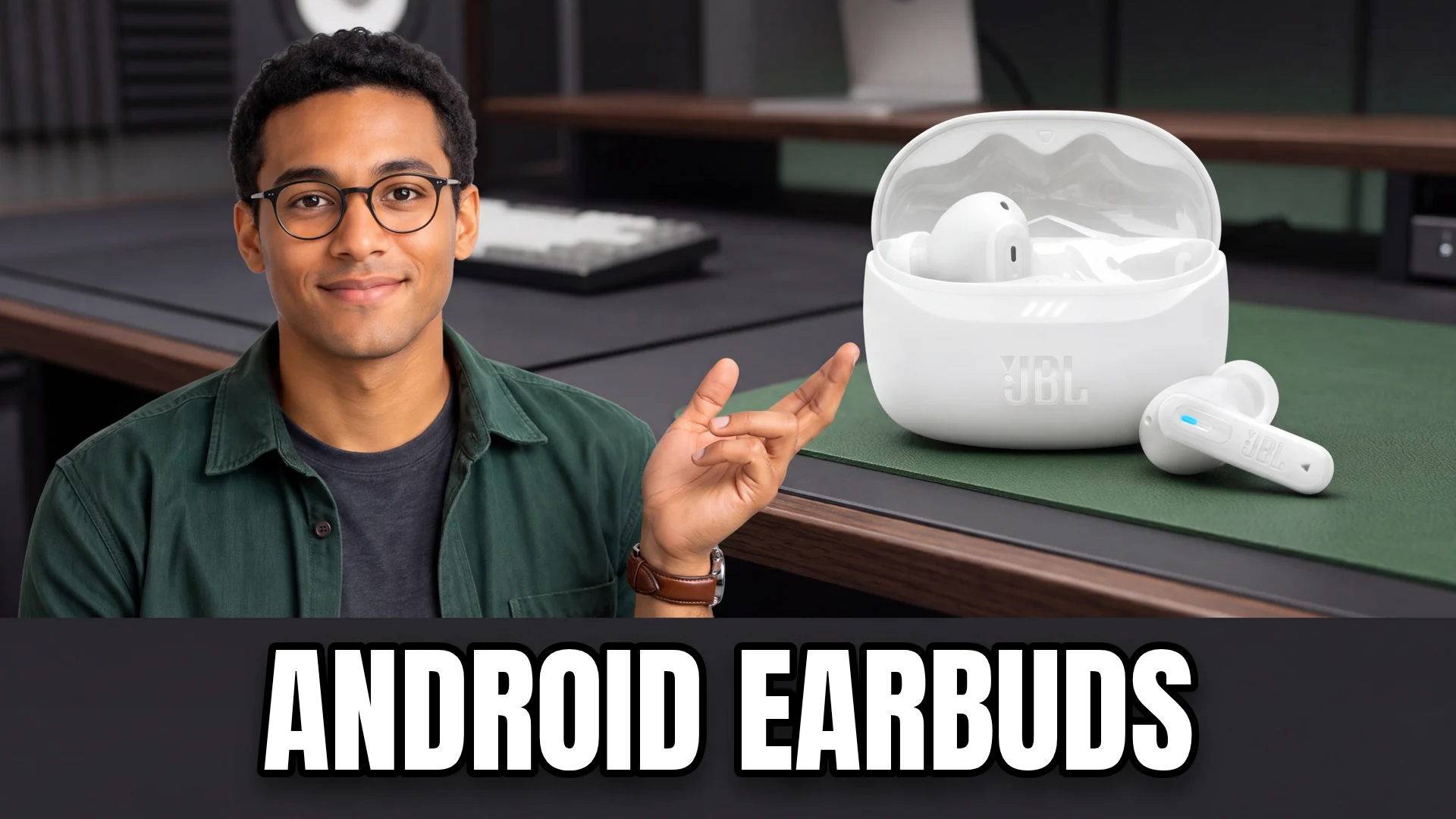
The best wireless earbuds for an Android phone are not necessarily the pair with the longest codec list. An app that works reliably, controls you can customize and a stable connection to your second device may matter more than a specification your phone cannot use. Start with the exact handset and the way you listen each day.
Sony WF-1000XM6 is worth comparing if you want a broad set of documented codec options and multipoint. JBL Tune Beam 2 is a simpler mainstream candidate with app controls and Google Fast Pair. Open-ear sports models offer another route if comfort and awareness matter more than isolation. This shortlist is based on manufacturer information, not a claimed laboratory ranking of Android audio.
The useful feature checklist
| Feature | Why it matters | What to verify |
|---|---|---|
| Companion app | EQ, controls and firmware | Support for your operating-system version |
| Multipoint | Staying connected to two devices | How calls interrupt playback |
| Codec support | Available Bluetooth transmission options | Support at both ends of the connection |
| Fast Pair | Easier initial setup on supported devices | Account and device requirements |
| Fit and controls | Daily comfort and fewer accidental commands | Your own ears and preferred gestures |
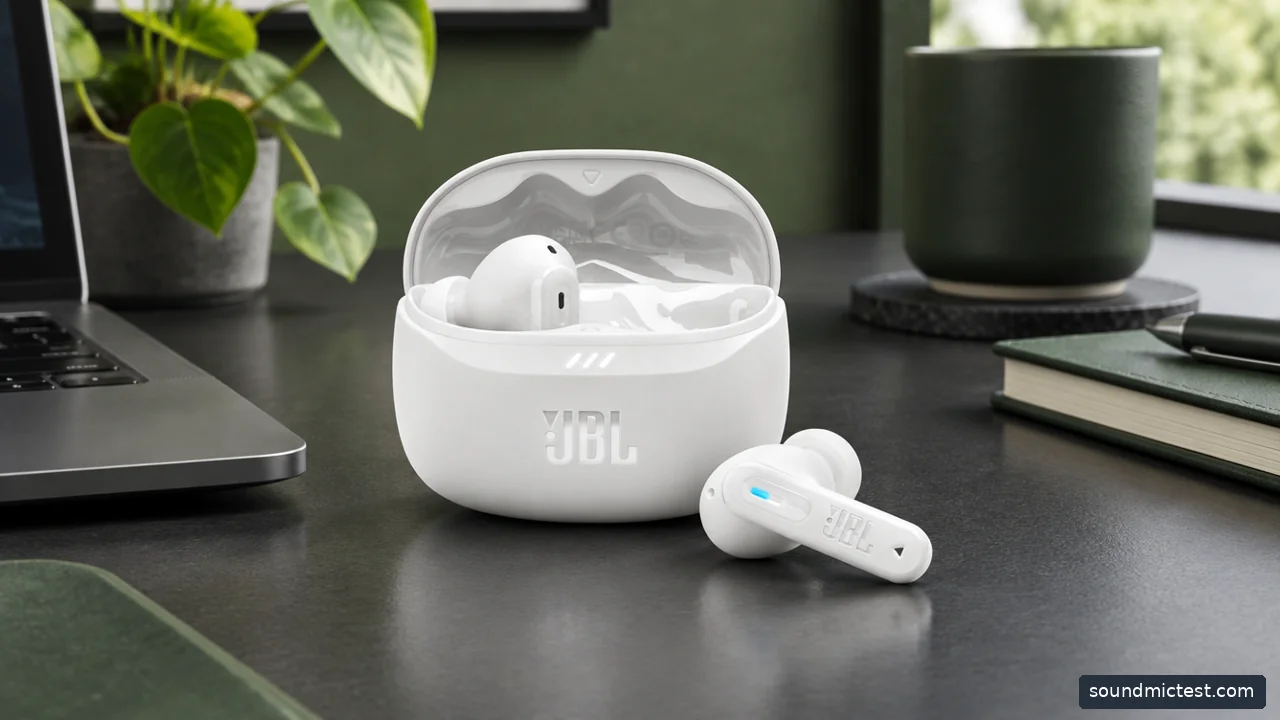
Earbud features on Android depend on the phone, companion app and exact model. Editorial illustration.
Sony WF-1000XM6 for a flexible feature set
Sony's WF-1000XM6 specifications list SBC, AAC, LDAC and LC3, alongside multipoint support. The useful consequence is choice, provided your phone and selected operating mode support the feature you want.
A codec label is not proof of an audible improvement in every setting. Connection stability, the recording, ear-tip seal and your listening environment all affect the experience. If a higher-bandwidth setting causes interruptions on a busy commute, a more stable option can be preferable. Do not change developer settings simply to maximize a number without checking what actually happens during playback.
This is also a premium product to justify against your routine. If most listening is spoken audio at a desk, you may get more value from a comfortable lower-cost pair than from paying for transmission options you rarely use.
JBL Tune Beam 2 for everyday Android use
JBL Tune Beam 2 combines adaptive noise cancellation, app support, multipoint and Google Fast Pair. Those are useful features to compare together: easy pairing helps on day one, while customizable controls and reliable device switching affect the following months.
The compromise is not established by a missing prestige badge. Instead, check how the earbud shell fits, which actions you can assign and whether the case is convenient to carry. JBL's listed total runtime includes charging-case capacity, so do not treat that number as uninterrupted listening time.
For a tighter budget, our wireless earbuds under $100 guide covers the trade-offs involved in spending less. The Tune Beam 2 should only enter that price bracket when its actual checkout price qualifies; the model name is not a permanent price guarantee.
Android compatibility is more than successful pairing
Most Bluetooth earbuds can play audio after pairing, but that does not mean every advertised feature works. Spatial processing, voice assistants, device finding and automatic switching may depend on a particular phone family, account or application.
Before ordering, check the manufacturer's support page for your exact handset and software version. If the listing only says Android compatible, look further for the function you care about. A feature available on one manufacturer's flagship may not be offered on another Android phone, even when ordinary music playback works normally.
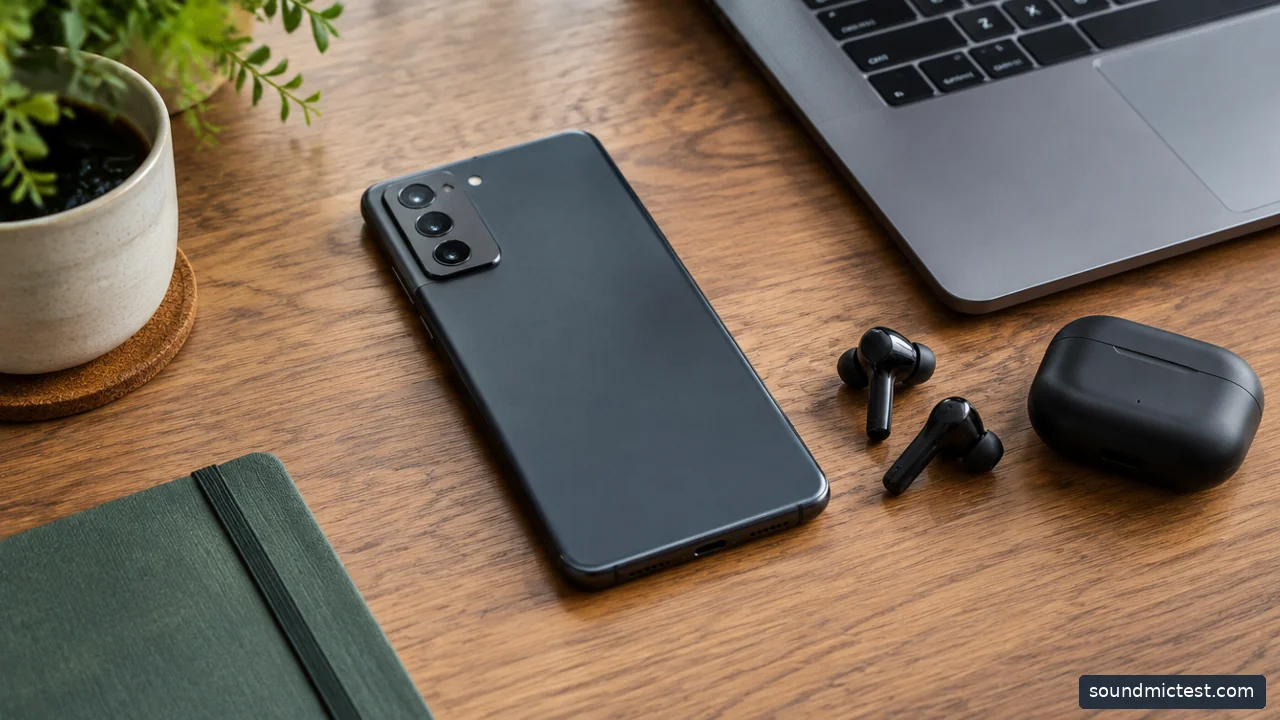
An unbranded Android phone facing down beside earbuds and laptop. Editorial illustration.
Multipoint needs a real-world check
Connect the earbuds to your phone and laptop, start music on one and then initiate a call on the other. Check what pauses, which device receives the microphone and how playback resumes. This short exercise is more informative for a working day than counting how many devices the earbuds remember in their pairing history.
Remembered devices and simultaneous connections are different features. Also check whether an app setting changes behavior when you enable a particular codec. Follow the current documentation for the exact model rather than advice written for an older generation with a similar name.
If your calls sound unexpectedly poor, use the microphone test to confirm that the browser is using the earbuds rather than the laptop microphone. Then make a test call in the actual communication app, since its processing can differ from the browser recording.
Fit and controls should settle the decision
A secure seal is important for sealed earbuds, but tighter is not always better. Compare tip sizes in each ear and check the fit while speaking. If you dislike a sealed canal, an open-ear design such as the Shokz OpenFit 2 series is worth considering, with the expected loss of passive isolation.
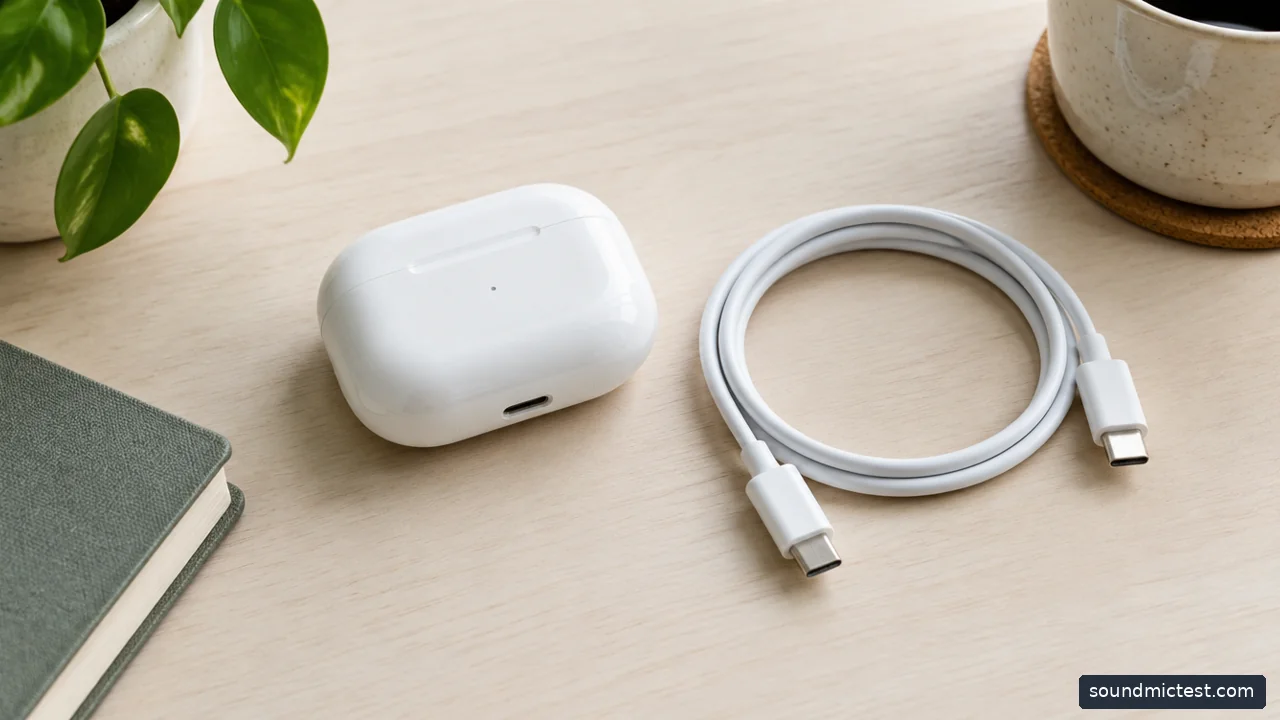
Earbud charging case beside USB-C cable on pale desk. Editorial illustration.
Try volume adjustment, pausing and noise-mode switching before leaving the house. A control arrangement that conflicts with your habits can make an otherwise capable product frustrating. If you frequently adjust a loose earbud, make sure doing so does not repeatedly skip a track.
Choose the Sony for the feature flexibility you will actually use, the JBL for a mainstream app-and-multipoint package, or an open-ear alternative for a different fit. The winning Android earbud is the one whose useful functions work on your phone, not the one with the most impressive list when disconnected from it.