Music production
Best MIDI Controllers for Logic Pro: Keys, Pads and DAW Controls
A MIDI controller for Logic Pro should do more than produce notes when you press a key. The useful upgrade is a control layout that fits your playing style and a supported integration that reduces trips to the mouse.

Ethan Parker is an editorial pen name for Sound Mic Test's audio-electronics coverage. Articles explain DACs, headphone amplifiers, audio interfaces and how their specifications relate to a complete setup.
Sound Mic Test editorial pen name.
ethan.parker@soundmictest.com
A MIDI controller for Logic Pro should do more than produce notes when you press a key. The useful upgrade is a control layout that fits your playing style and a supported integration that reduces trips to the mouse. Transport buttons, track selection and plugin controls are valuable only when they work with your exact software version.
Novation Launchkey MK4 and Arturia KeyLab Essential mk3 are sensible starting points. The Launchkey Mini models suit a compact desk; a larger keyboard makes more sense for two-handed playing. KeyLab Essential is worth comparing for its faders, encoders and Arturia software relationship. This guide uses current manufacturer setup documentation rather than claiming a hands-on keybed comparison.
Choose by workflow, not just key count
| Workflow | Useful direction | Check before buying |
|---|---|---|
| Small Mac desk and short parts | Launchkey MK4 Mini | Mini-key feel and Logic version requirements |
| Two-handed chords and arrangement | Larger Launchkey or KeyLab Essential | Desk width and exact control layout |
| Arturia instrument browsing | KeyLab Essential mk3 | Included software and integration requirements |
| Logic on a tablet | Explicitly supported mobile setup | Desktop scripts do not automatically apply |
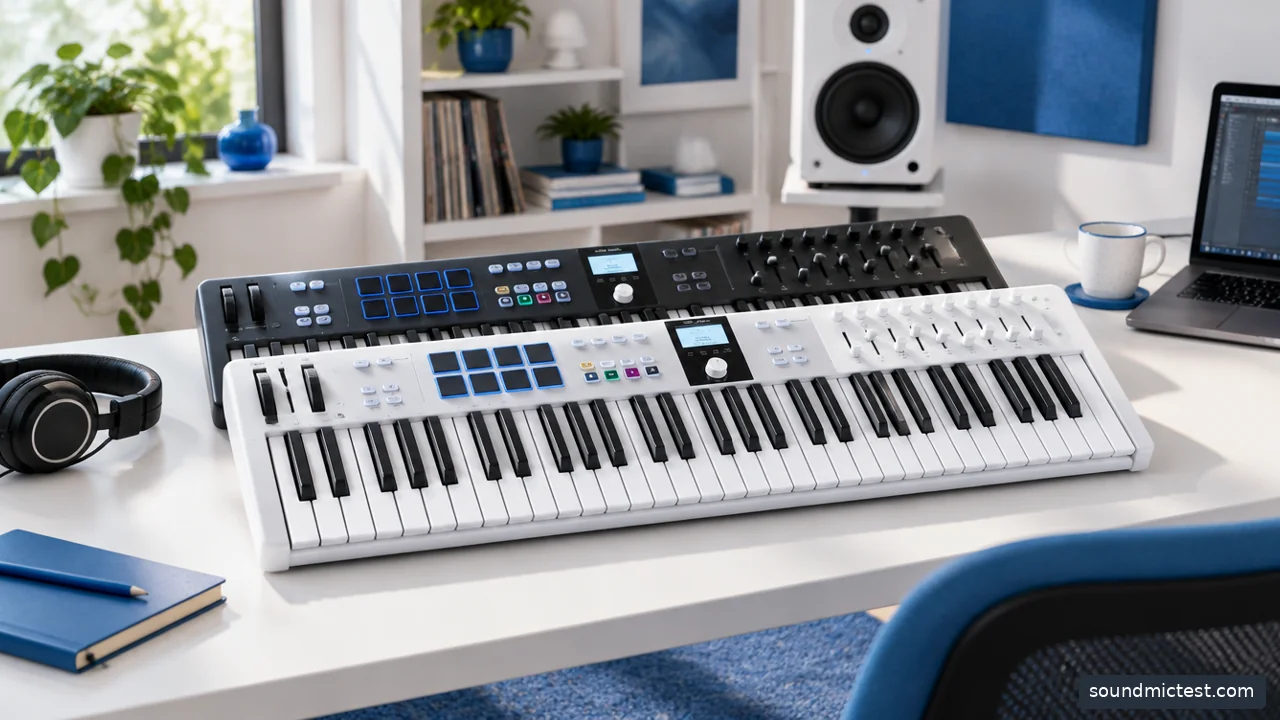
Confirm the controller script and Logic Pro version before expecting automatic integration. Editorial illustration.
Launchkey MK4: check the dedicated Logic instructions
Novation's Launchkey MK4 Mini Logic setup guide specifies Logic Pro 10.8.1 or later and instructs users to update firmware through Components. It also makes clear that those desktop instructions do not apply to Logic for iOS.
That distinction should influence the purchase. A controller can send ordinary MIDI notes to a device while advanced integration remains unavailable. If your main goal is transport and mixer control, confirm that the supported setup covers those functions on the machine you own.
For larger Launchkey models, consult the matching guide rather than assuming every Mini instruction and physical control is identical. The range overview is useful for choosing size, but the installation documentation determines how the device works in a specific DAW.
KeyLab Essential mk3: use the correct program and script
Arturia's integration guide describes a dedicated Logic script and a minimum version for external scripts. It also tells users to select the controller's DAW program and accept the relevant automatic assignment prompt.
This is more specific than a general plug-and-play claim. Basic keyboard input may work before the transport and mixer functions are configured. Do not interpret that partial success as evidence that every control is ready, or the opposite situation as proof the hardware is defective.
The KeyLab Essential product page explains the control layout and software relationship. Choose it because those controls fit your work, not merely because a bundled sound library contains a large number of presets.
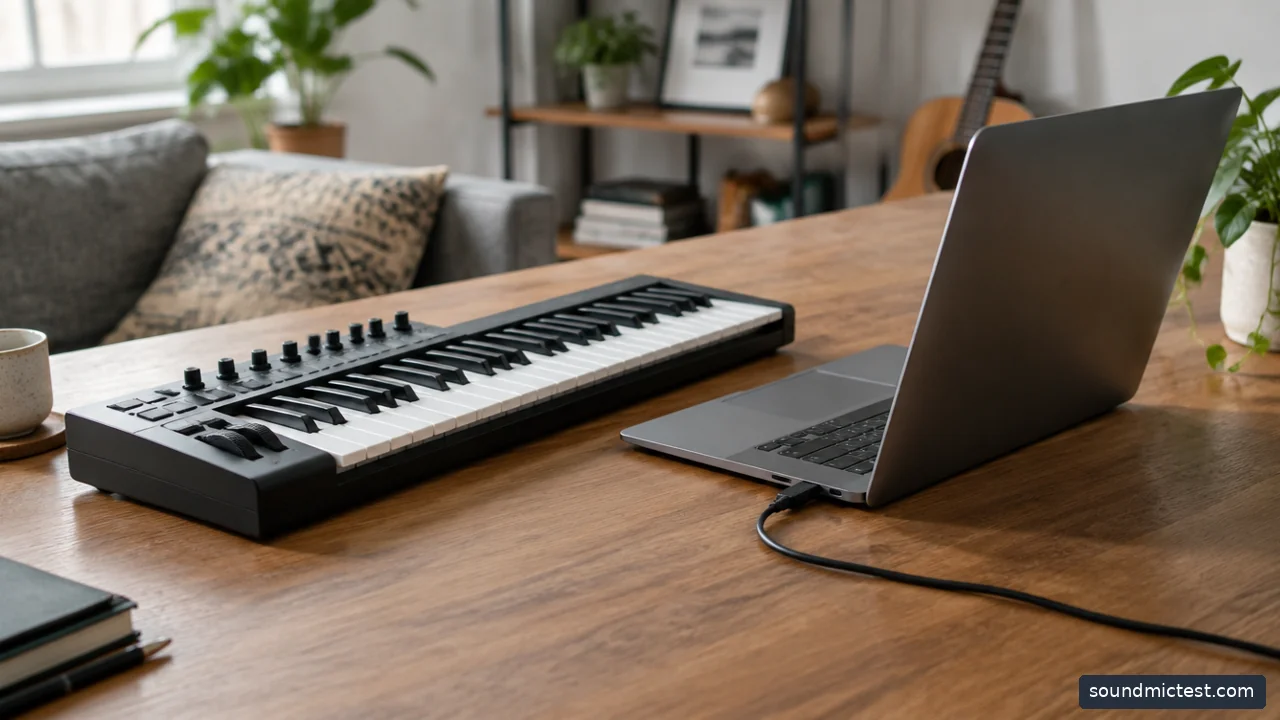
MIDI keyboard beside laptop facing away and USB cable. Editorial illustration.
A sensible first setup sequence
- Check the exact controller generation and the supported Logic and macOS versions.
- Download firmware utilities and integration scripts from the manufacturer's official support pages.
- Follow the guide's installation order, including closing Logic when requested.
- Connect the controller through a suitable data-capable cable.
- Open a simple project and accept the documented control-surface assignment when appropriate.
- Confirm note input before testing transport, track selection and mixer functions.
Keep the initial project simple. A complicated template with several MIDI processors and custom assignments can hide the source of a problem. Once the standard setup works, introduce your usual template and identify any conflicting mappings deliberately.
Notes and control surfaces are separate paths
A controller may expose several MIDI ports. Some carry note data while others serve DAW commands. Enabling every port everywhere can create duplicate messages or unexpected behavior, so use the manufacturer's recommended assignments.
If pressing a key produces two notes or a button triggers the wrong action, inspect the routing before reinstalling everything. Check whether a previous manual assignment overlaps with the new script. Save your working configuration before experimenting with custom mappings.
For instrument playing, create a software-instrument track and select a straightforward sound. If MIDI activity appears but no audio is heard, investigate the instrument, track monitoring and audio output. The controller and the audio interface perform different jobs.
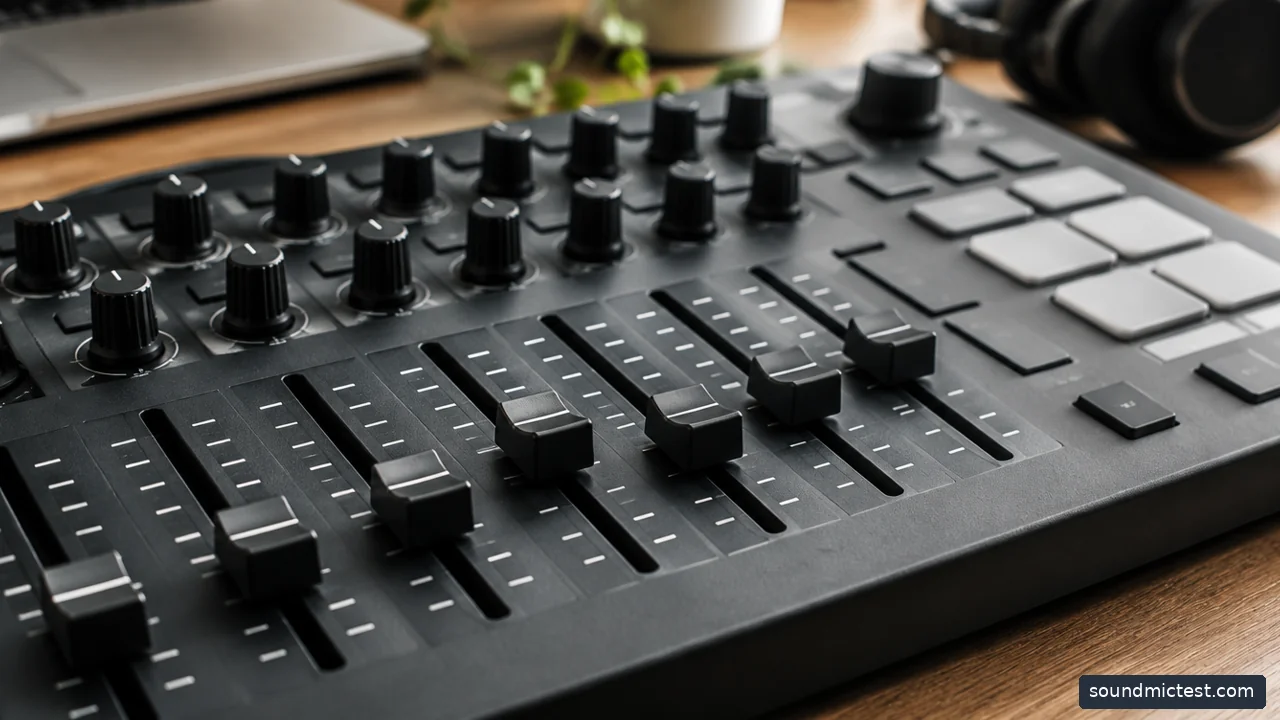
Close view of generic MIDI controller faders and rotary controls, no fake display text. Editorial illustration.
Evaluate the playing space and audio path
Measure the keyboard with enough room for the mouse and computer keyboard you still need. A 61-key controller can be attractive for performance but awkward if it pushes the screen too far away. Mini keys save space at the cost of a different playing feel.
Test velocity response, sustain behavior and the controls you actually use during a short recording. If sound arrives late, investigate Logic's audio settings and the output path rather than assuming another MIDI controller will remove the delay.
The speaker test can confirm basic browser playback through an output, but it does not test MIDI messages or measure Logic's latency. Our broader MIDI-controller guide explains the complete home-studio decision.
Choose Launchkey when its size and Logic integration match your workflow, or KeyLab Essential when its controls and software relationship are more useful. Confirm the exact desktop or mobile environment before buying. A successful controller should make recording a part easier, not leave half its buttons waiting for an unsupported setup.