Music production
Best MIDI Controllers for Music Production at Home
A MIDI controller should make it easier to put ideas into a project. The best one for a home studio depends on whether you play with two hands, program short bass lines, tap drums or spend more time adjusting software than playing keys.

Ethan Parker is an editorial pen name for Sound Mic Test's audio-electronics coverage. Articles explain DACs, headphone amplifiers, audio interfaces and how their specifications relate to a complete setup.
Sound Mic Test editorial pen name.
ethan.parker@soundmictest.com
A MIDI controller should make it easier to put ideas into a project. The best one for a home studio depends on whether you play with two hands, program short bass lines, tap drums or spend more time adjusting software than playing keys. A compact controller can be liberating on a small desk and frustrating for a pianist.
Novation's Launchkey MK4 range and Arturia's KeyLab Essential mk3 are useful starting points for different workflows. Choose the size and integration first, then compare extra performance features. These recommendations are based on documented controls and setup requirements, not a claimed keybed-feel comparison from hands-on testing.
Choose the physical format
| Main task | Useful format | Likely compromise |
|---|---|---|
| Portable melody and bass entry | Mini-key controller | Less room for two-handed playing |
| Chords and general production | 49 or 61 keys | Larger permanent desk footprint |
| Piano-focused performance | Wider range and appropriate action | More space, weight and cost |
| Drum programming | Accessible velocity-sensitive pads | Pads do not replace every keyboard task |
| Mixing and automation | Encoders and faders | Integration varies by software |
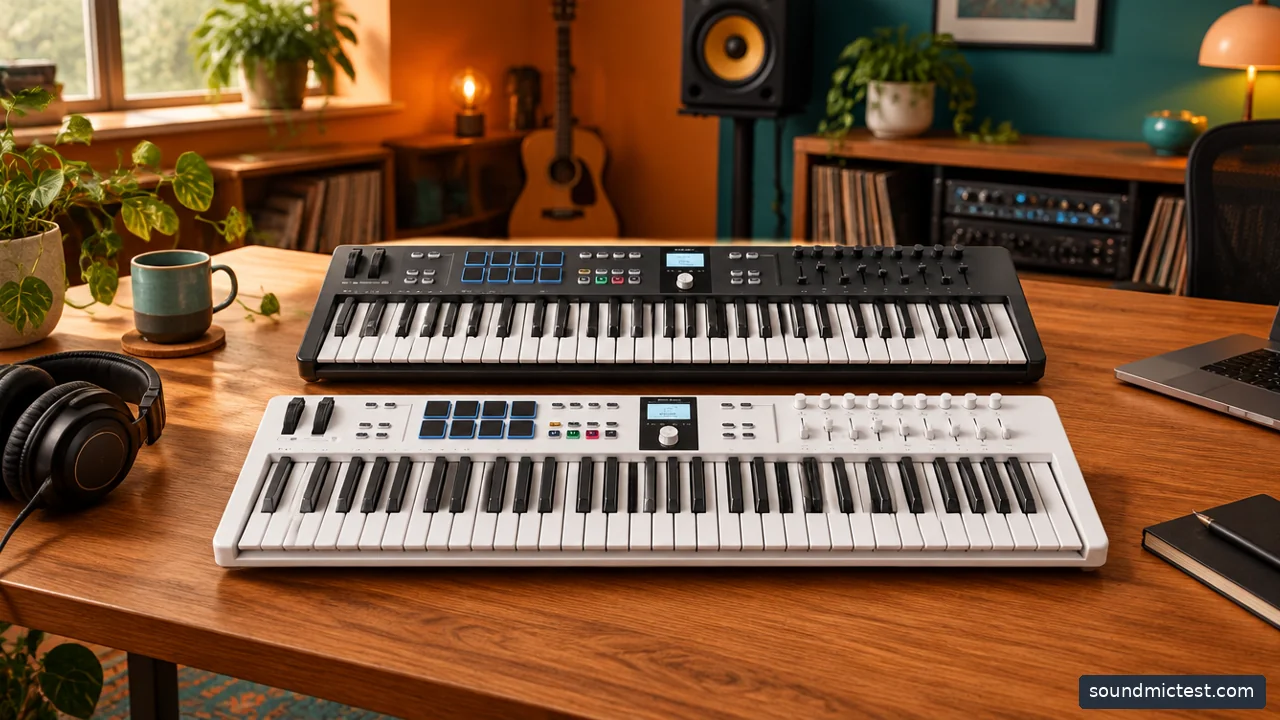
Choose a controller around key count, desk space and the DAW controls you need. Editorial illustration.
Launchkey MK4 for a range of desk sizes
The Launchkey MK4 family spans compact mini-key models and larger keyboards, with pads, creative MIDI functions and DAW integration. That range makes it useful to shortlist by space before comparing feature details.
For a small desk, measure the usable area with the computer keyboard and mouse still in their normal positions. A controller that fits only when everything else is moved may slow you down. Leave space behind it for the cable and, if needed, a sustain pedal connection.
Do not assume every size has the same key action, faders or physical controls. Compare the exact model rather than the family photograph. A small version can retain useful software functions while changing the playing experience substantially.
KeyLab Essential mk3 for keys and software control
Arturia KeyLab Essential mk3 combines a keyboard with pads, faders and encoders, plus integration with Arturia's software and supported DAWs. It is worth considering when hands-on control and instrument browsing are central to the routine.
The included software should be evaluated realistically. A large collection is useful if you will use those sounds, but it does not automatically make the hardware a better fit. Check current license terms and system requirements, especially when buying used or open-box equipment.
Also distinguish KeyLab Essential from other KeyLab ranges and generations. Similar names do not guarantee identical key action or integration. Read the exact product and support pages rather than transferring a reviewer's comments from a more expensive model.
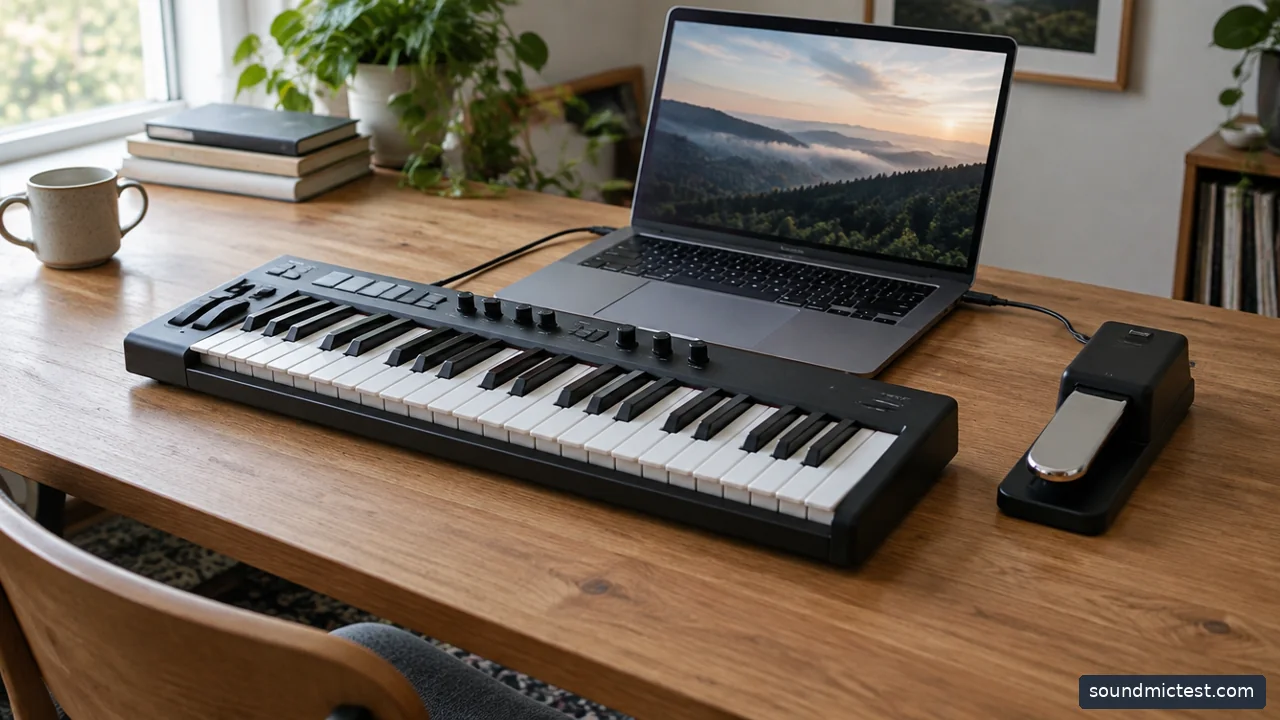
Compact generic MIDI keyboard beside laptop and a sustain pedal. Editorial illustration.
A MIDI keyboard is not necessarily a sound source
A controller typically sends performance and control messages to software or another instrument. It should not be confused with a standalone keyboard that contains its own sounds and speakers. If you expect to turn it on and play without a computer, verify that capability explicitly.
The audio path is a separate question. Your software instrument produces sound, which reaches headphones or speakers through the computer or an audio interface. Buying a controller does not automatically add microphone recording inputs or a better headphone output.
For a first setup, keep those jobs clear. You may be able to begin with the computer's existing output and add an interface later when recording or connection needs justify it. Our wired-headphone guide helps explain the listening side of a desk system.
Integration should reduce work, not create it
Check the manufacturer's current instructions for your DAW and operating system. Basic note input and advanced transport or mixer control are different levels of integration. A controller can play a software instrument correctly while its faders do nothing until a script or control-surface assignment is installed.
Follow the exact setup sequence and keep firmware current through the supported utility. Avoid assigning every visible MIDI port indiscriminately. Some devices expose separate ports for notes and control messages, and duplicate assignments can create confusing behavior.
Arturia's DAW integration guidance is a useful example of why version requirements matter. Do not assume that desktop instructions also apply unchanged to a tablet edition of the same DAW.
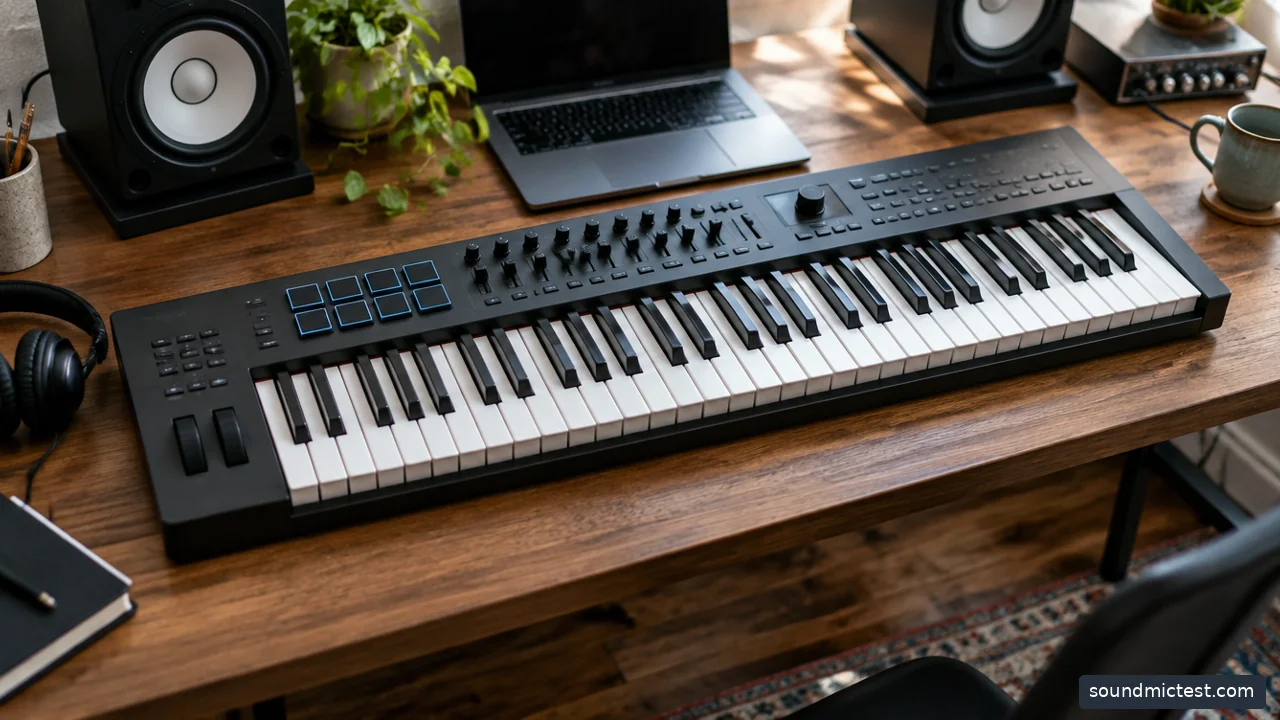
Full size keyboard controller on a studio desk with room for hands. Editorial illustration.
Test the functions you will use every day
Create a software-instrument track and check note input across the keyboard. Try soft and firm playing to see whether the velocity response suits your style. Then test sustain, pitch and modulation where supported, followed by transport and the controls you plan to use for automation.
If there is a delay between a key press and sound, investigate the software audio path and buffer settings before blaming the controller. MIDI communication and audio output are different parts of the chain. A browser speaker playback check can confirm an output works, but it cannot measure DAW latency or validate MIDI input.
Choose a compact Launchkey when desk space and portability dominate, a larger model when two-handed playing matters, or KeyLab Essential when its control layout and software relationship suit your workflow. The best controller is the one that lets you stay with an idea instead of repeatedly reaching around equipment that does not fit the way you make music.