Gaming audio
Best IEMs for Gaming: Fit, Imaging and Microphone Options
IEMs can make a gaming setup smaller and cooler around the ears, but they do not automatically provide better positional audio than a headset. Their usefulness depends on fit, the game mix, your source and how you handle voice chat.

Amelia Collins is an editorial pen name for gaming and streaming audio at Sound Mic Test. This byline covers headset features, microphone communication, platform compatibility and audio choices for play and live content.
Sound Mic Test editorial pen name.
amelia.collins@soundmictest.com
IEMs can make a gaming setup smaller and cooler around the ears, but they do not automatically provide better positional audio than a headset. Their usefulness depends on fit, the game mix, your source and how you handle voice chat. A comfortable seal and a sensible microphone plan matter more than a gaming label on the box.
Moondrop CHU II is a straightforward analog option with a replaceable cable. FiiO JD1 offers both analog and USB-C variants, while Sennheiser IE 200 is a more expensive alternative with a compact shell. The shortlist is based on manufacturer specifications and connection choices. There are no invented footstep scores or claims that one model guarantees a competitive advantage.
Build the complete gaming setup
| Option | Connection focus | Voice-chat question |
|---|---|---|
| Moondrop CHU II | Standard model uses 3.5mm | Do you already own a separate microphone? |
| FiiO JD1 / JD1 TC | Analog or digital USB-C variant | Does the selected cable include the required mic functions? |
| Sennheiser IE 200 | Analog listening and removable cable | Standard listening cable is not a boom headset |
| Conventional headset | Integrated listening and microphone | Is the larger size acceptable? |
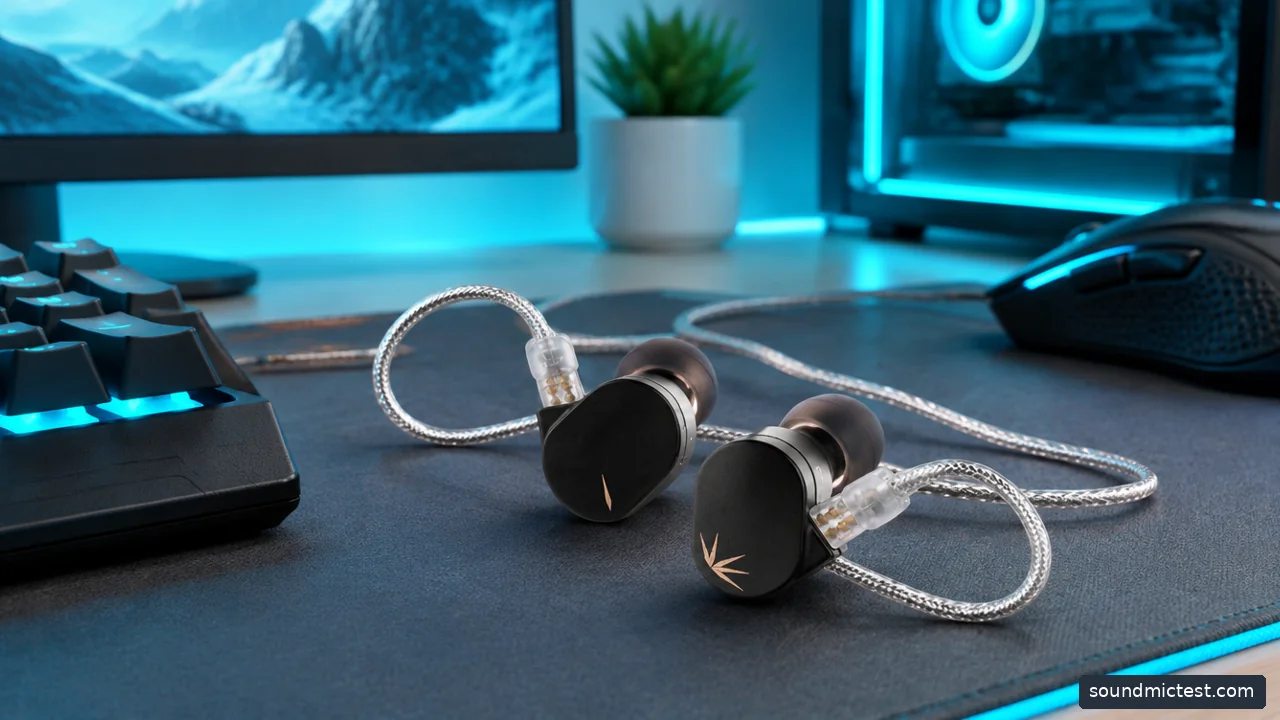
Compact IEMs leave room for a separate microphone and avoid a full-size headband. Editorial illustration.
CHU II for a simple analog route
Moondrop CHU II uses a detachable two-pin cable and a 3.5mm plug in its standard form. That makes it worth considering for a PC or controller with an appropriate headphone output, especially if a desktop microphone already handles chat.
The cable route is part of the experience. Run it where it will not catch on the mouse arm or chair, and leave enough slack to turn your head. Cable contact with clothing can create distracting handling noise, so experiment with placement before deciding the earphones themselves are unsuitable.
Do not confuse replaceable cable with universal compatibility. Connector housings and cable wiring still matter. If you plan to buy a microphone cable, verify that it fits the earphones and that the destination socket supports the microphone signal.
JD1 when the source dictates the connector
FiiO's JD1 family includes a conventional 3.5mm version and the JD1 TC with digital USB-C electronics. This gives you two routes into a compact setup without assuming that a passive adapter will work on every device.
For a PC, the useful question is whether you want to use the existing headphone output or a separate USB audio device. For a console, verify compatibility explicitly rather than assuming that a USB-C plug guarantees support. Some platforms handle USB audio accessories differently.
Check the exact listing for microphone and remote functions. A product family can include several cable options, and the cheapest thumbnail does not necessarily represent the configuration you need. Buy the complete path from earphone to source, not just the shell.
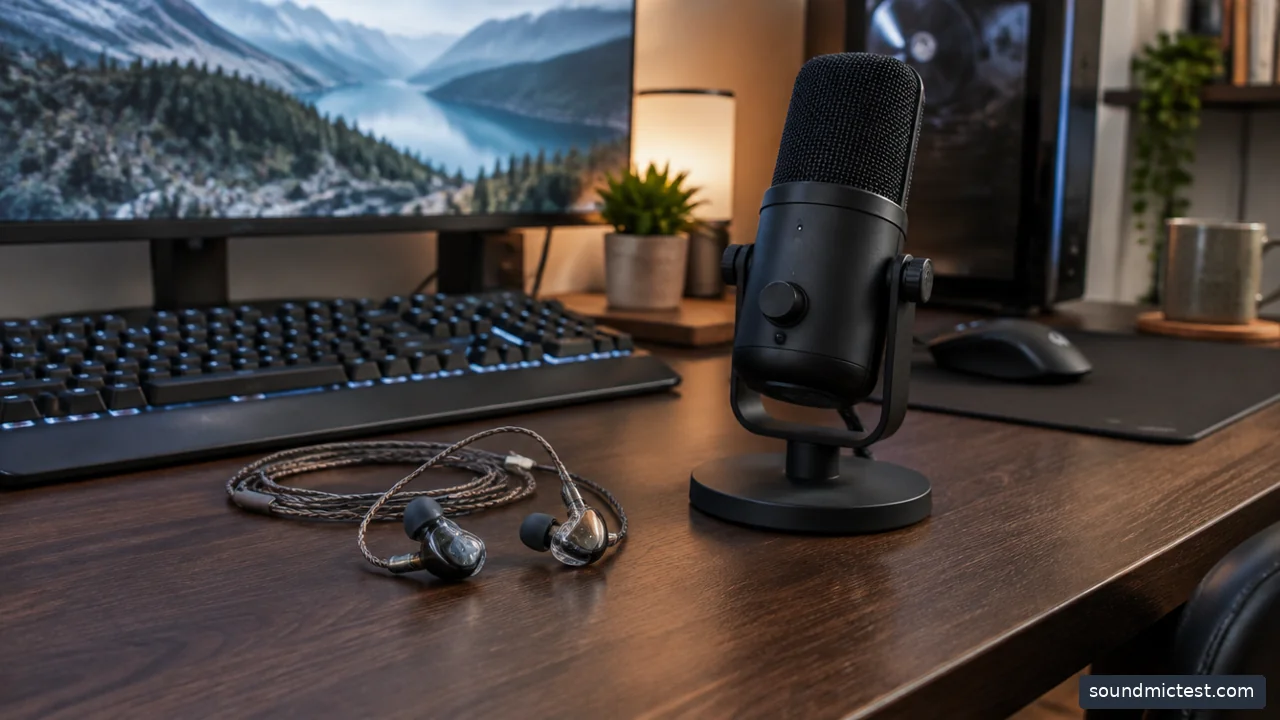
wired in-ear monitors and a separate desktop microphone on gaming desk. Editorial illustration.
IE 200 if fit justifies a larger budget
The IE 200 is worth comparing when you want a small in-ear shell and a removable cable from a different system. Its tip-position adjustment changes the listening arrangement, but it should not be treated as a dedicated gaming-performance switch.
The extra expenditure needs a concrete reason. If an inexpensive IEM already fits comfortably and your microphone works, spending more does not establish that you will locate opponents more accurately. The game, settings and your familiarity with its sound cues remain central.
For readers choosing primarily for albums and everyday listening, the wired-earbud guide covers the connection decision more broadly. Keep the gaming purchase focused on long-session fit and communication rather than trying to solve every audio hobby at once.
Imaging claims need context
Imaging describes how sounds are placed within a presentation, but a product description is not a standardized gaming benchmark. A wider impression is not automatically more accurate, and a strong bass emphasis can change what you notice without improving the information in the game mix.
Start with the game's recommended headphone setting. Disable unnecessary extra spatial processors while establishing a baseline. Adding a Windows effect, a device effect and an in-game effect simultaneously makes it difficult to understand which one changes the result.
Use the stereo test to confirm the channels are correct. Then compare familiar gameplay at a moderate level. The browser check cannot establish a competitive ranking between IEMs, and it should not be described as a laboratory positioning test.
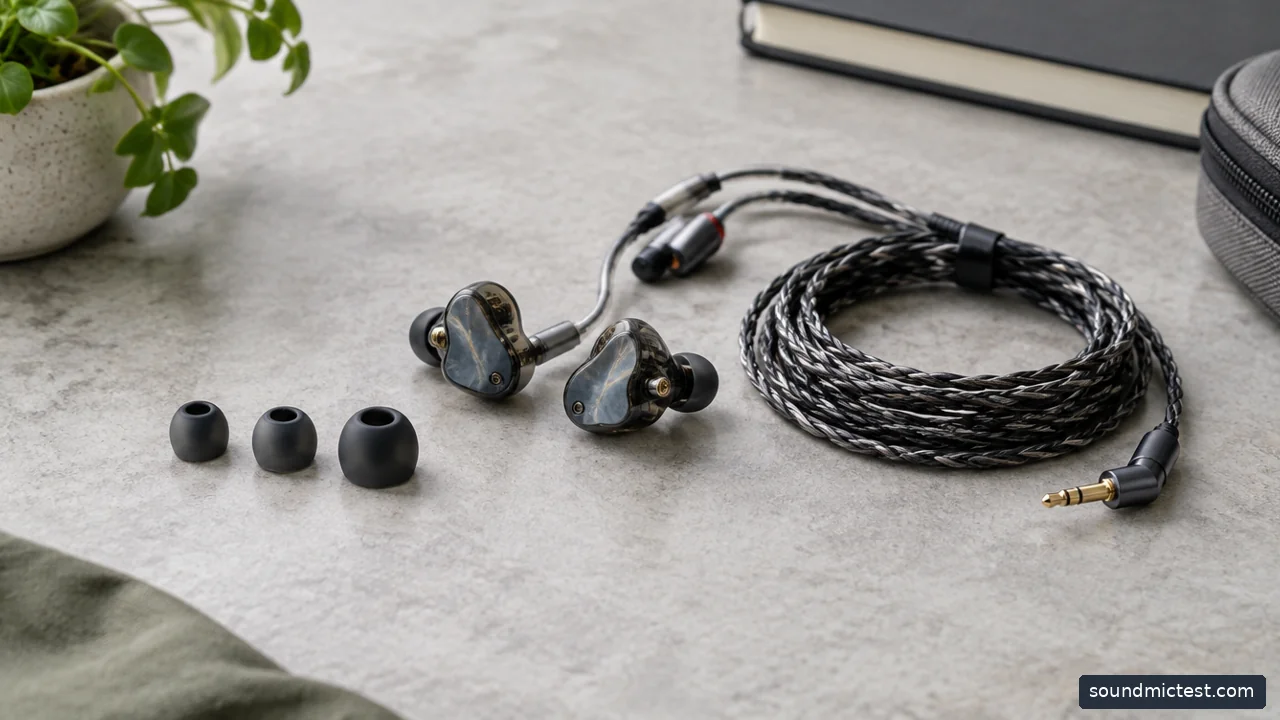
Three ear tip sizes beside wired IEM shells and neatly coiled cable. Editorial illustration.
Fit and microphone checks before a long session
Try the included tips independently in each ear. The same nominal size may not suit both sides. Speak, chew gently and move your head to see whether the seal remains comfortable. A fit that requires repeated adjustment will become distracting during play.
For voice chat, record a short sample through the microphone test, then check the actual game or chat application's input. If you use a separate microphone, keep speaker playback muted to avoid an unintended echo path.
Choose CHU II for a simple analog setup, JD1 when its connector variants solve a source problem, or IE 200 when its fit is worth the additional cost. Choose a conventional headset instead when integrated controls and a boom microphone are more important than compact size. IEMs are a useful option, not a shortcut around the rest of the audio system.