Soundbars
Best Budget Soundbars for Better TV Dialogue
A budget soundbar should make everyday television easier to follow without demanding a second shopping list of speakers and accessories. For many rooms, clear dialogue, dependable volume control and a suitable connection are more valuable than an ambitious surround-sound badge.

Sophie Brooks is an editorial pen name for home-audio coverage at Sound Mic Test. This byline focuses on soundbars, living-room audio systems, television connections and making sense of home-listening features.
Sound Mic Test editorial pen name.
sophie.brooks@soundmictest.com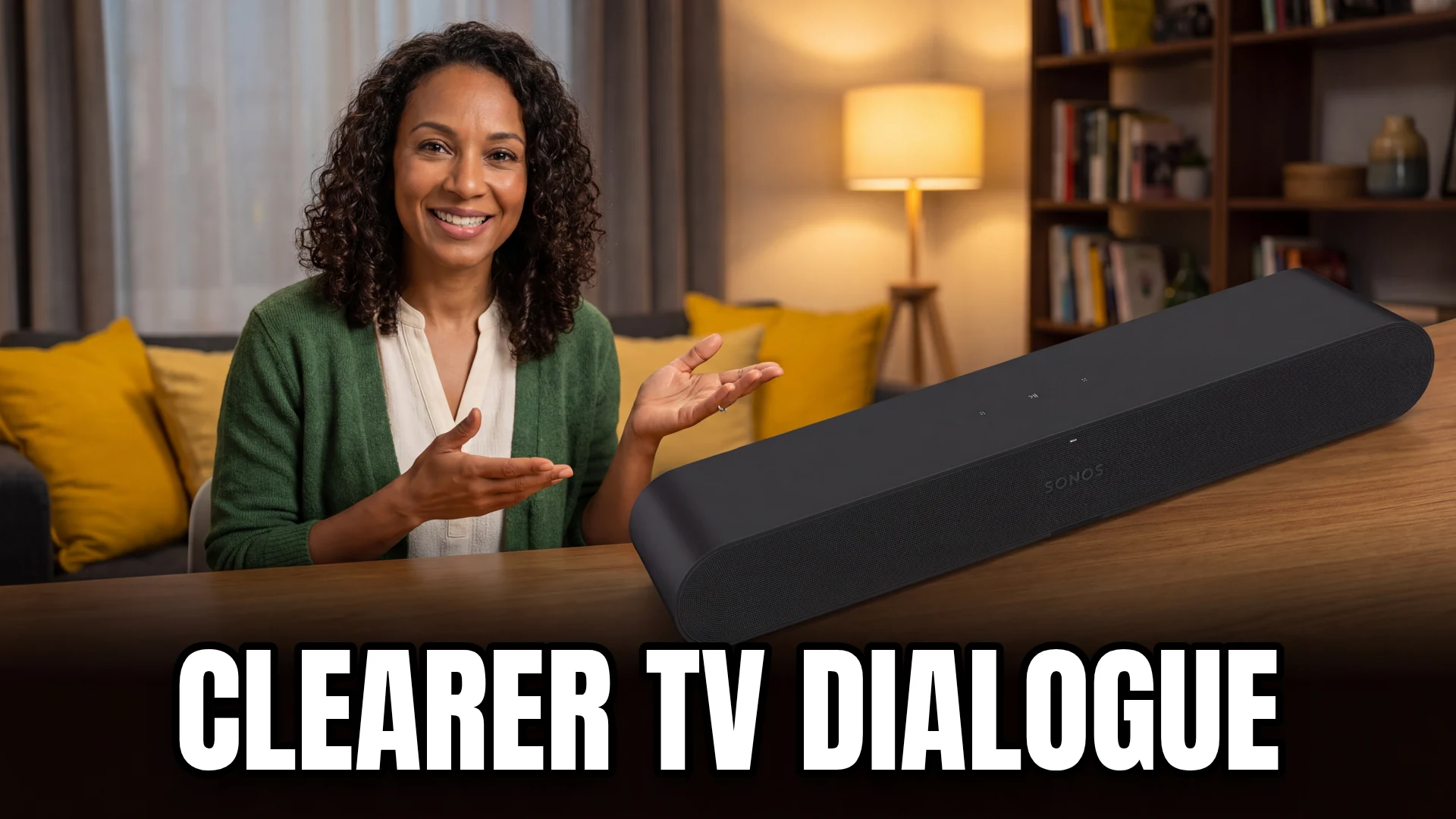
A budget soundbar should make everyday television easier to follow without demanding a second shopping list of speakers and accessories. For many rooms, clear dialogue, dependable volume control and a suitable connection are more valuable than an ambitious surround-sound badge.
Yamaha SR-C20A is a compact option with several physical input choices and a dialogue-focused mode. Sonos Ray is an alternative for an optical-connected television and a household interested in the Sonos system. Both deserve a connection check before purchase. This is a research-based guide to their practical fit, not a claim that either wins a measured speech-intelligibility contest.
Two compact approaches
| Option | Main reason to consider it | Important limitation |
|---|---|---|
| Yamaha SR-C20A | HDMI ARC, optical and analog connection choices | No external subwoofer output |
| Sonos Ray | Compact optical bar with app-based functions | No HDMI ARC connection |
| Keep the TV and change settings first | No new hardware cost | Cannot solve every speaker limitation |
| Larger bar-and-sub package | More low-frequency capability | Higher cost and more equipment |
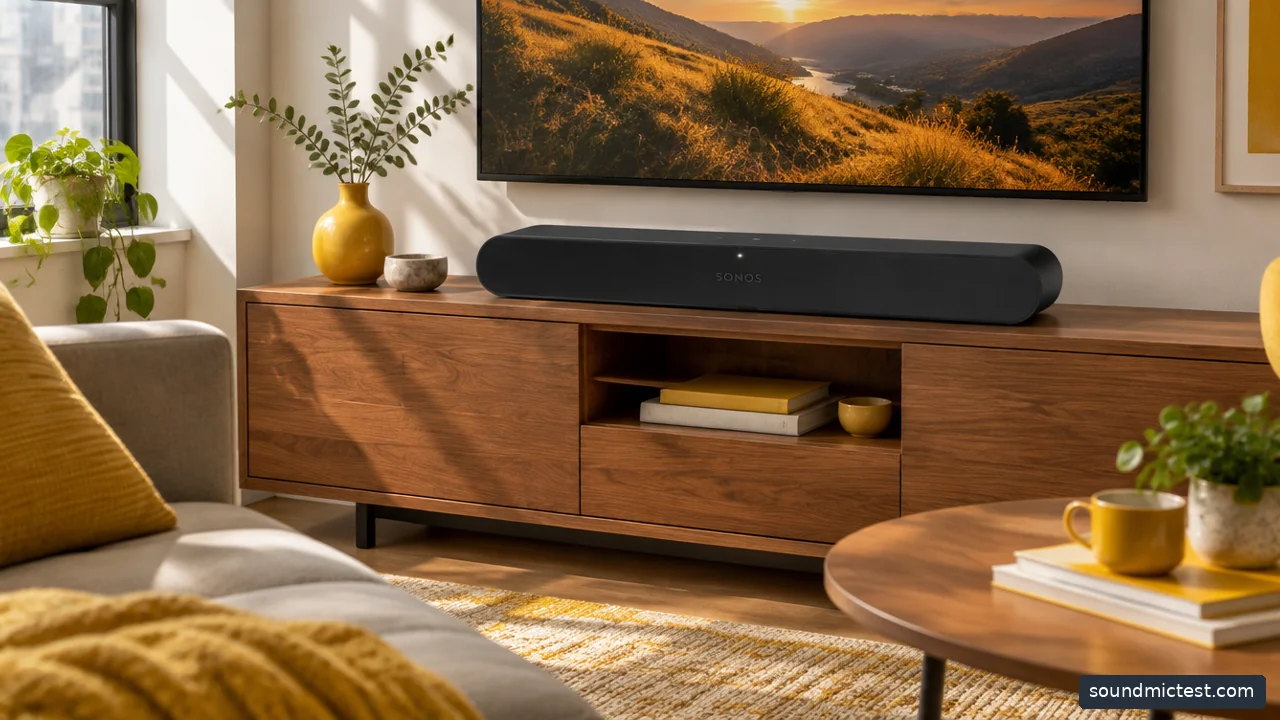
An optical soundbar can be a practical match for a TV with compatible output settings. Editorial illustration.
Yamaha SR-C20A for flexible basic connections
The SR-C20A documentation lists HDMI ARC, optical and analog connections, along with Bluetooth playback and Clear Voice. That makes it a useful candidate for a small television or desk where the available sockets may dictate the purchase.
Its manual specifications also make the limits clearer: the USB socket is for updates, and the bar does not provide an external subwoofer output. Do not buy it expecting to attach a generic USB audio source or add any subwoofer you like later.
Clear Voice is a setting to compare with your own content, not a guarantee that every film mix becomes easy to understand. Try it at your normal volume and keep the other sound modes unchanged during the comparison. A sensible evaluation should isolate the feature you are judging.
Sonos Ray for an optical television setup
Sonos Ray is compact and uses optical for TV audio. It can suit a smaller room where you want a simple front speaker arrangement and are comfortable using the Sonos app for setup.
The optical connection is the purchase checkpoint. Confirm that your television has the output, that its audio settings support the intended signal and that you can control volume conveniently. Do not assume the presence of an HDMI cable in another part of the room solves the mismatch: Ray is not an HDMI ARC soundbar.
The wider Sonos ecosystem may be attractive, but consider the total price of future additions before treating expandability as a saving. If you only need better television dialogue, you may never use the additional system features. Buy the functions that solve today's problem rather than paying for a hypothetical house-wide setup.
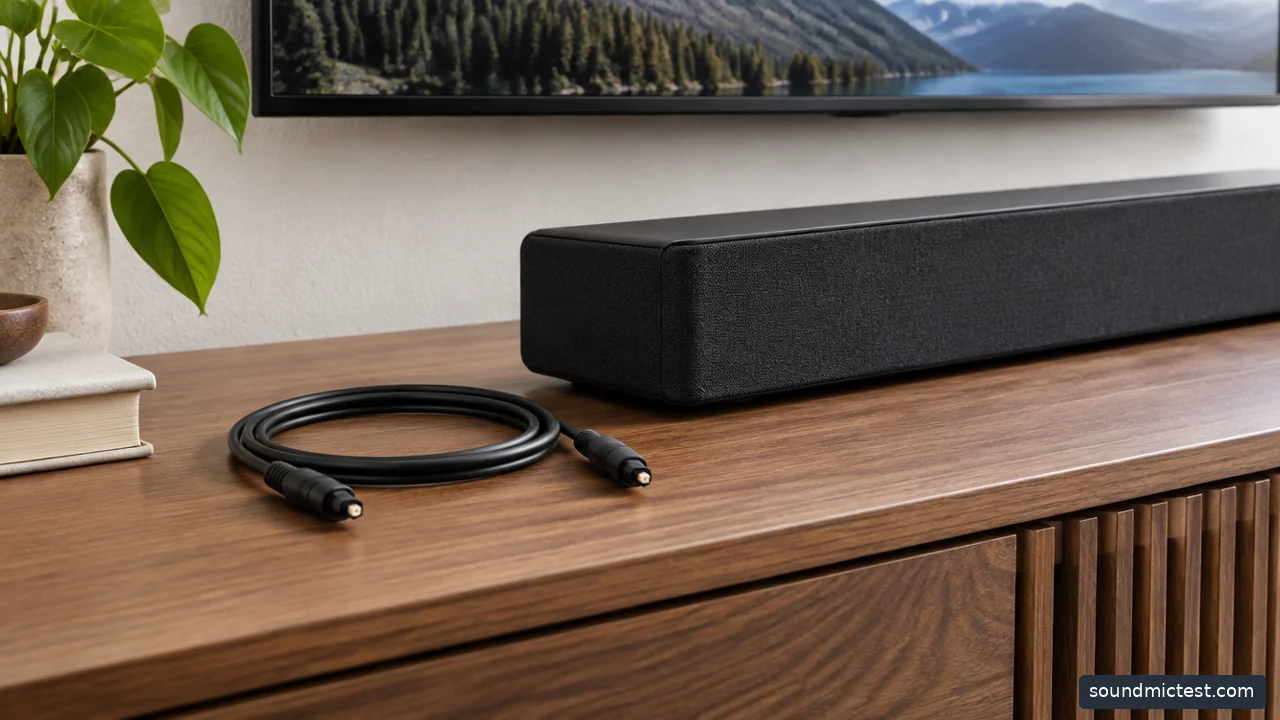
Optical audio cable resting beside a compact soundbar on media console. Editorial illustration.
Try the television's settings before ordering
Check whether the TV has a dialogue, voice or night-listening mode. Also inspect whether a surround effect is making ordinary speech harder to follow. Change one setting at a time and use the same short scene so the comparison remains useful.
Make sure the television speakers are not obstructed by furniture or a wall arrangement that differs from the manufacturer's guidance. If the TV already supports a sensible external speaker connection and the room is small, placement and settings may reduce the need for a more expensive system.
If you still struggle, identify the specific problem. Is speech quiet relative to effects, is the sound generally thin, or is the television simply too far away? Those are different reasons to buy, and a subwoofer is not the obvious answer to all of them.
Keep the budget honest
Compare current local prices for the exact model and include cables, mounting hardware and any required stands. A discounted bar can lose its advantage if the installation needs several extra parts. Check the return policy, particularly for open-box or refurbished offers.
Do not equate a higher advertised wattage with clearer dialogue. Power figures may use different conventions, and the overall system total can combine several drivers. Without comparable measurements, that number should not decide between two compact bars.
Also check whether the product is a current retail model or remaining stock. Older hardware can still be useful, but its value depends on the price, supported connections and ongoing service options. An old premium list price is not evidence of a bargain today.
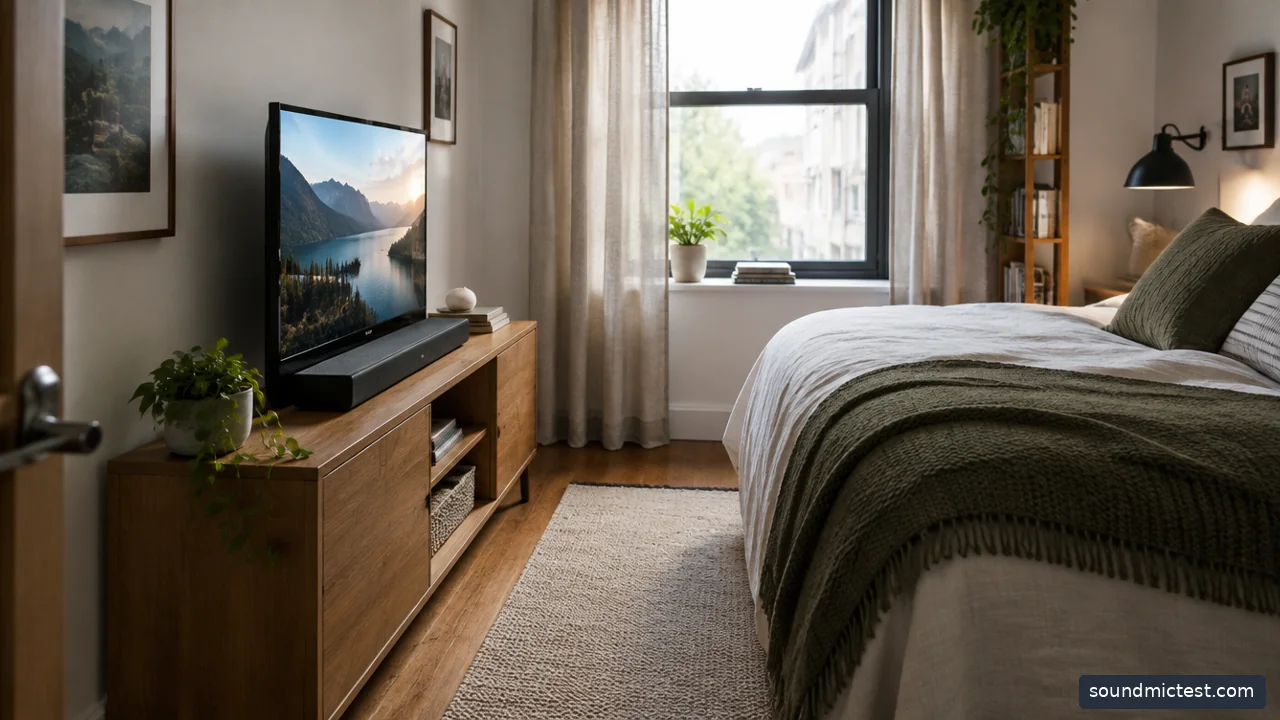
Small television and compact soundbar in a narrow bedroom media setup. Editorial illustration.
Set up the bar for ordinary viewing
Place the bar where its front is unobstructed and its height does not cover the screen or remote receiver. Connect the intended TV output, select external audio and confirm that the remote changes the bar's volume. Avoid leaving both TV speakers and the soundbar active unless the system explicitly supports that arrangement.
The speaker test can confirm that browser audio reaches the selected output. For lip synchronization and dialogue balance, use the television source you normally watch. A successful browser tone does not prove that a separate streaming box has the correct settings.
Choose SR-C20A when its physical inputs match your setup and you want a compact standalone system. Choose Ray when optical and the Sonos workflow fit the household. Spend more only when you can name the additional problem that the larger system will solve.