Headphones and earbuds
Best Translation Earbuds: Languages, Phone Support and Running Costs
Translation earbuds are useful only when they support the conversation you need to have. A large language count is a weak buying shortcut if your particular language pair, phone or offline mode is missing.

Noah Mitchell is an editorial pen name for wireless audio and accessories at Sound Mic Test. Articles explore earbuds, portable audio, cables and the small setup choices that affect everyday listening.
Sound Mic Test editorial pen name.
noah.mitchell@soundmictest.com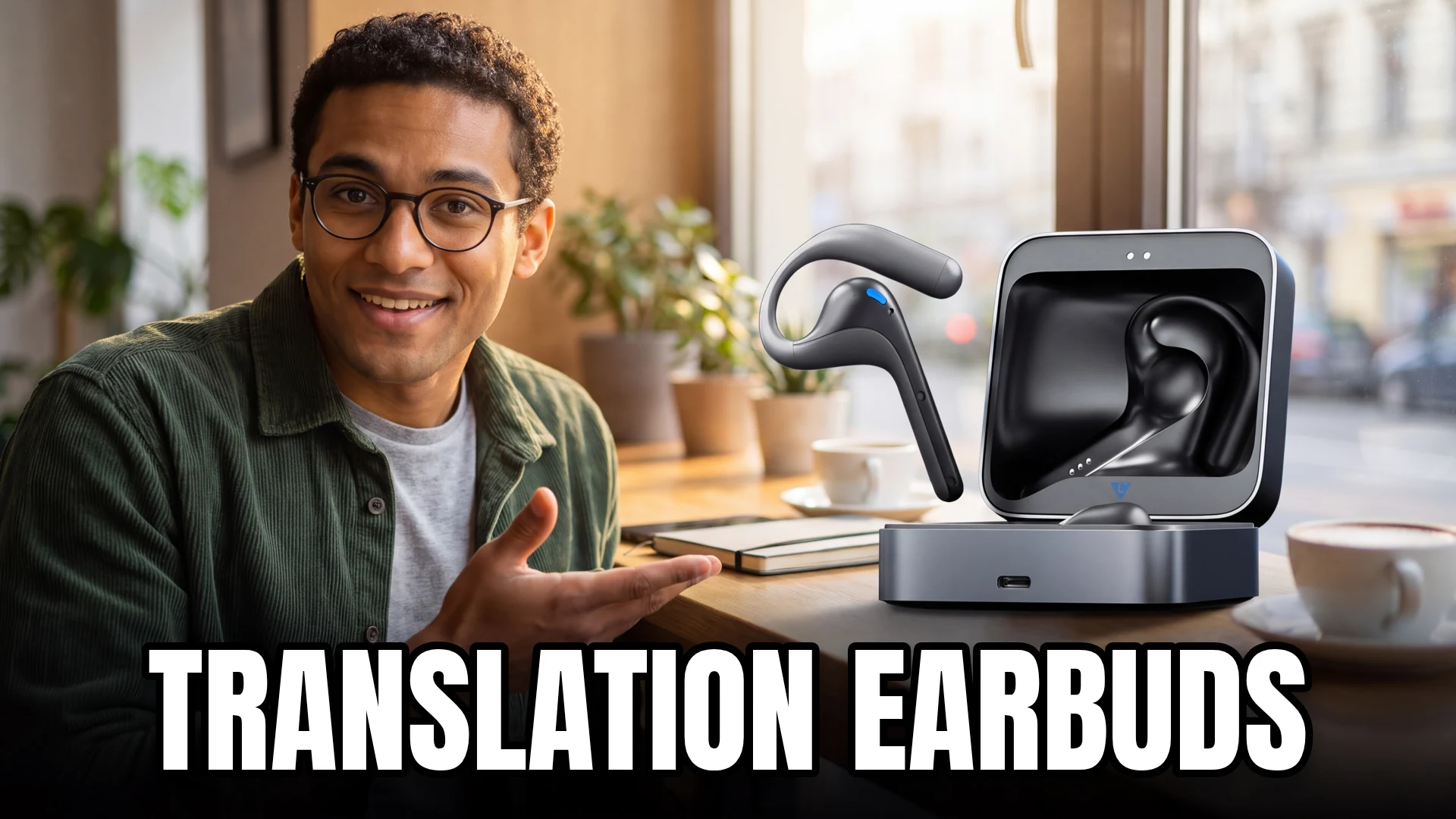
Translation earbuds are useful only when they support the conversation you need to have. A large language count is a weak buying shortcut if your particular language pair, phone or offline mode is missing. Start with the setting: a face-to-face exchange, a lecture, a phone call and a remote meeting are different jobs.
Timekettle W4 Pro is worth investigating for its meeting and media-translation functions. The M3 family is another route for people comparing ordinary earbud use with translation modes. Before buying either, verify the current app requirements and included language packages. This guide evaluates documented functions and purchasing questions, not translation accuracy from an invented multilingual test.
Define the conversation before the hardware
| Situation | What to check | Common misunderstanding |
|---|---|---|
| Face-to-face conversation | Whether both people wear an earbud | Every mode works with one listener only |
| Lecture or presentation | How the phone captures speech | The earbuds hear everything independently |
| Phone or online call | Supported call and media modes | Ordinary Bluetooth calling includes translation |
| Travel without data | Exact downloadable language pair | Online language count equals offline coverage |
| Repeated business use | Export, privacy and running costs | Purchase price covers every future service |
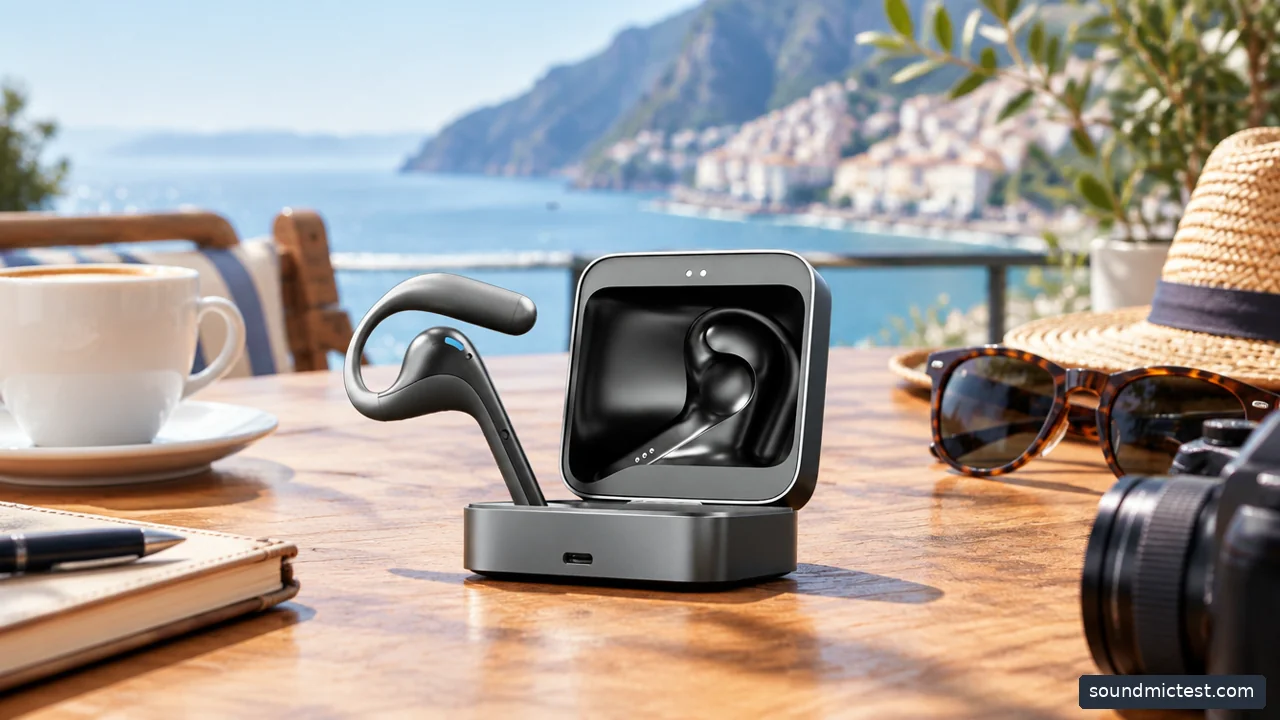
Translation earbuds rely on an app and supported modes; check offline language coverage. Editorial illustration.
W4 Pro for a broader meeting workflow
Timekettle's current W4 Pro listing describes face-to-face, listening and media-related translation functions. The product works with a phone and the Timekettle app, so it should not be treated as a fully independent interpreter hidden inside an earbud.
The reason to shortlist it is the workflow. If you regularly move between meetings and remote conversations, a dedicated translation interface may be more convenient than repeatedly passing a phone around. The limitation is that convenience does not establish accuracy, and the supported modes may have different network requirements.
Check the current documentation for your exact phone, operating system and preferred communication app. Do not assume that a feature described for one type of call applies to every conferencing platform. If a seller cannot explain how your intended conversation works, resolve that before ordering.
M3: check the online and offline package
The official M3 guide distinguishes online and offline versions. Offline use requires downloading supported language packs to the phone, and the language selection is more limited than online translation.
That distinction can determine the entire purchase. A traveler who expects to work without mobile data should check the exact language pair, download process and included entitlement. Do this before departure while a reliable connection is available, then verify the intended mode with network access disabled.
The M3 also supports ordinary Bluetooth music and calling, according to Timekettle's guide. That does not mean every call is translated automatically. Treat standard earbud functions and translation functions as separate items in the comparison rather than combining them into one vague compatibility promise.

Two adults talking across a cafe table with a phone between them, screens not visible. Editorial illustration.
Calculate the running cost you will actually face
Look beyond the hardware price. Check whether offline packs, particular meeting functions, transcription storage or export features require additional purchases or a subscription. Manufacturer pages can change, and different bundles may include different allowances.
Timekettle's older W4 Pro page contains both a no-subscription statement and separate details about paid additional offline packs. That is a good reason to ask a precise question: which features and language pairs are included in the exact offer you are buying? A broad phrase such as no subscription should not be stretched into unlimited use of every service.
Save the relevant order description and current terms. If a feature is central to the purchase, test it within the return period. Do not rely on a screenshot from an unrelated seller or a review of an earlier software version.
Translation quality needs realistic expectations
Clear speech, turn-taking and manageable background noise give a translation system a better chance of understanding the input. Accents, names, technical vocabulary and overlapping speakers can still cause problems. An impressive demonstration in a quiet room does not establish performance in a crowded restaurant.
For an important conversation, confirm key details in writing and ask the other person to repeat ambiguous information. An earbud is a communication aid, not a reason to stop checking whether both people understood the same thing. Avoid using marketing accuracy percentages as a guarantee for your own language pair.
If you already own ordinary earbuds, try a suitable phone translation application first. That can help you identify whether the missing feature is audio convenience, conversation mode or translation quality. It may also show that you do not need dedicated hardware for occasional travel.
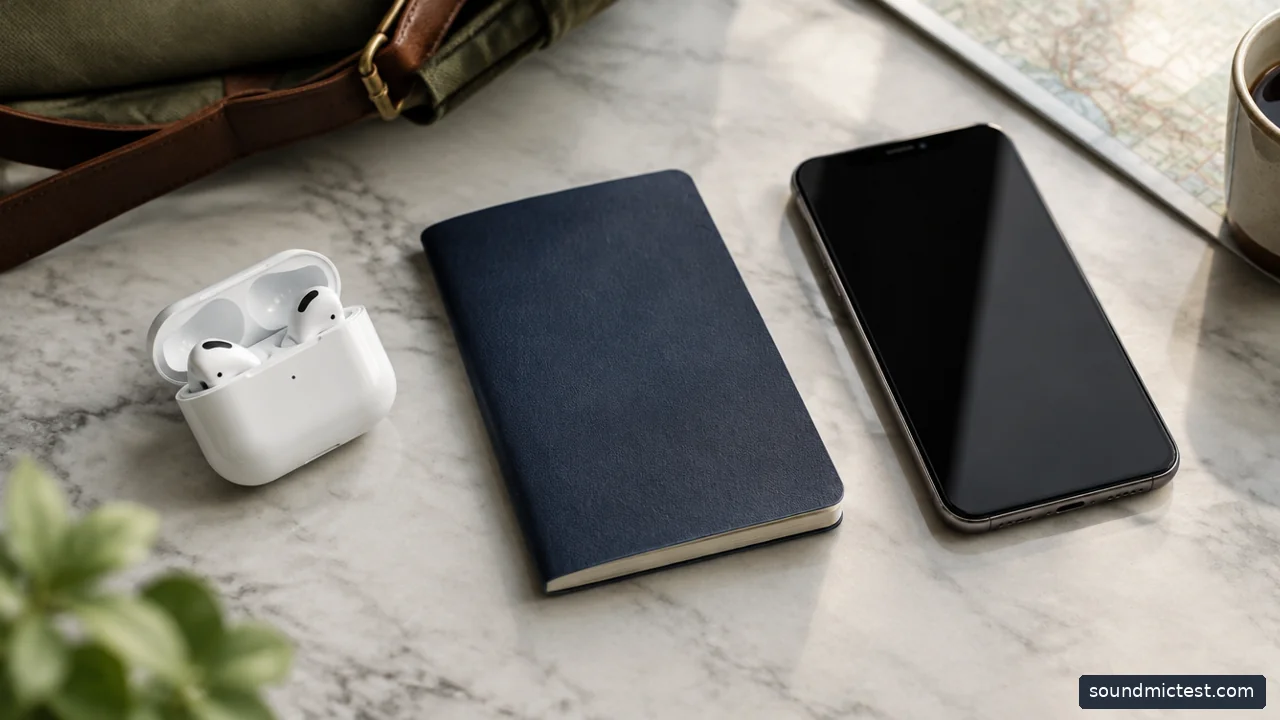
Earbud case beside a passport-shaped unmarked notebook and phone. Editorial illustration.
Privacy and setup deserve a trial run
Check where recordings and transcripts are stored, whether cloud processing is used and how saved material can be removed. Tell other participants when a conversation is being recorded or transcribed, and follow the rules of the meeting or workplace. Do not assume a private listening device automatically means private processing.
Use the microphone test to confirm basic input routing on a computer, but evaluate translation inside the manufacturer's actual app. A clean recording does not validate language accuracy or offline availability.
Choose W4 Pro when its documented meeting workflow matches a recurring need, and compare M3 packages carefully when offline travel is the priority. Buy only after you can describe the complete path from speaker to phone to translated output, including the network connection and any continuing cost.