Gaming Headsets
SteelSeries Arctis 7 2019: Receiver, ChatMix and Microphone Setup
Set up the 2019 Arctis 7, route game and chat audio, pair its receiver and understand charging, line-out and microphone controls.

Amelia Collins is an editorial pen name for gaming and streaming audio at Sound Mic Test. This byline covers headset features, microphone communication, platform compatibility and audio choices for play and live content.
Sound Mic Test editorial pen name.
amelia.collins@soundmictest.com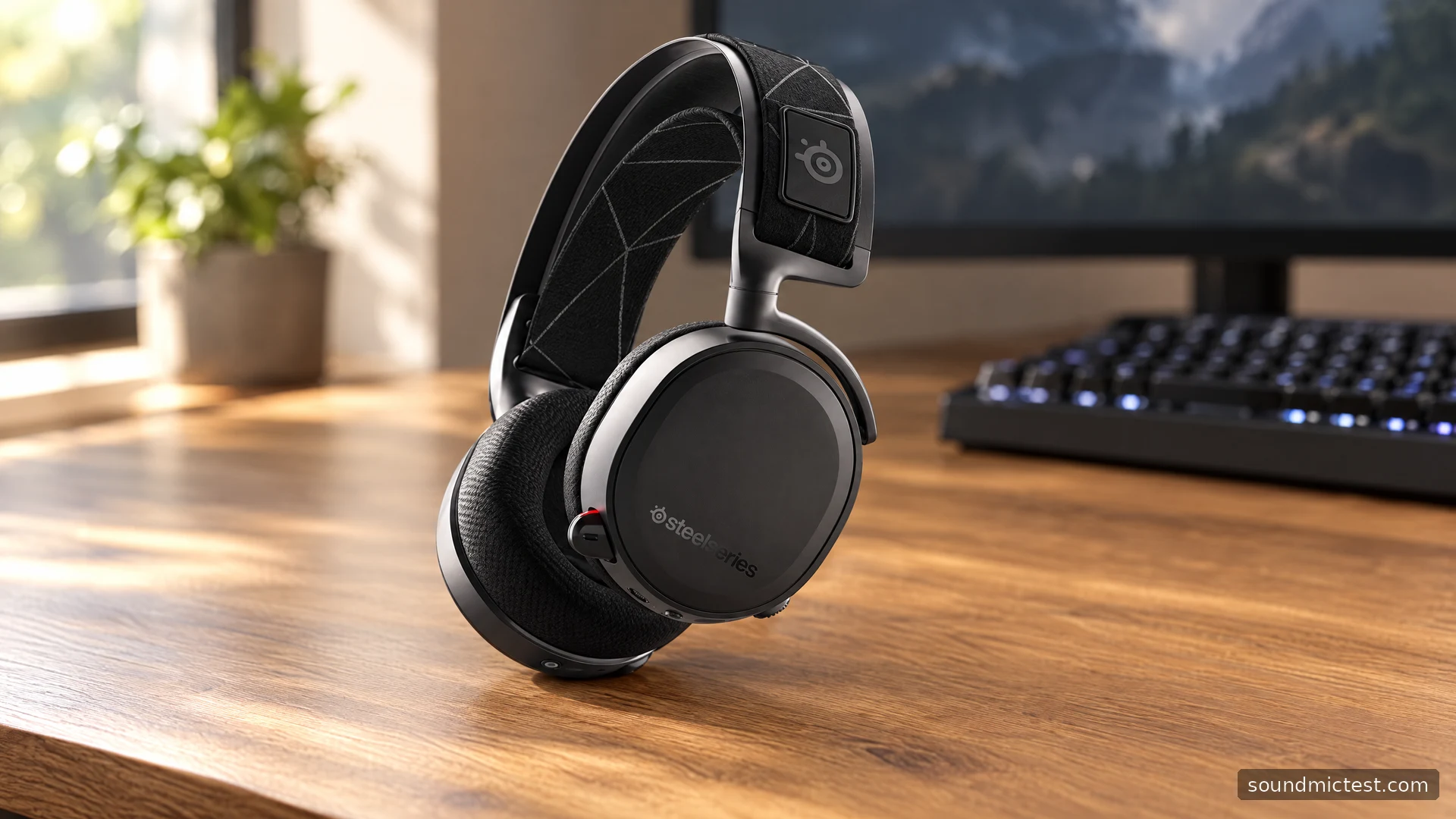
The Arctis 7 from the 2019 generation remains an understandable headset when you treat it as a receiver-based PC audio system. Its separate game and chat routes, retractable microphone and suspension headband define the experience. They also explain many setup problems: a working wireless link can still produce the wrong balance when an application uses the wrong audio endpoint.
This guide concerns the Arctis 7 covered by the refreshed product guide, with micro-USB charging and the older desktop transmitter. It does not apply the USB-C or Bluetooth features of newer Nova models to this headset. The assessment is based on SteelSeries documentation and practical configuration advice.
Identify the headset before buying accessories
The Arctis 7 refresh guide shows a wireless transmitter, micro-USB charging cable and mobile/console cable. It also identifies separate volume and ChatMix controls on the headset.
Those details are particularly useful when buying used. A listing labelled only Arctis 7 can omit its generation or show an accessory from a different product. Ask for the exact model and matching transmitter rather than assuming a newer small USB-C dongle is interchangeable with the older receiver.
The transmitter is not merely packaging. It is central to the intended wireless setup, while the charging lead has a different job. Check that the headset charges, connects to its receiver and captures the microphone before evaluating whether the bundle is good value. Cosmetic condition alone does not answer those questions.
Route game and chat separately
For the original Windows configuration, the guide names Arctis 7 Game Audio as the normal playback device, Arctis 7 Microphone as the recording device and Arctis 7 Chat Audio as the voice application's playback route.
The logic is more important than memorizing a screenshot from an older operating system. Game sound and incoming conversation need different destinations for the headset's balance control to separate them. If both programs use the same route, the dial cannot know which part of a mixed stream is a teammate speaking.
Begin with ChatMix at its centre position and set a comfortable overall level. Play game audio, then start a routine voice call. Turn the balance slightly in each direction and check that the intended stream changes. If it does not, inspect the app's output selection before changing drivers or equalizers.
Current software can introduce additional virtual devices, so avoid layering a new route onto an unresolved old one. Establish direct output first. Then follow the current supported SteelSeries instructions for any software features you choose to add.
Pairing and charging are separate tasks
The guide says the headset and transmitter arrive paired. If re-pairing is necessary, it specifies holding the transmitter's pairing button for five seconds and, with the headset off, holding its power button for six seconds. Ordinary power on or off uses a three-second hold.
Before attempting that procedure, make sure the transmitter is connected and the headset has charge. A selected monitor output can mimic a wireless failure even when pairing is fine. Re-pairing repeatedly will not change an application's output target.
For charging, use the headset's micro-USB port and a suitable USB source. Inspect the connector if a secondhand unit charges intermittently. A worn socket, damaged lead or loose connection should be addressed rather than disguised by holding the cable at a particular angle.
Battery condition on an older headset deserves a realistic check through your normal routine. Do not assume a historical marketing runtime describes a unit that has already seen years of use. A predictable charging habit may matter more than a maximum number on an old box.
Use the transmitter's speaker output intentionally
The manual documents a useful desktop feature: the transmitter can send audio through its line-out when the headset is off, and that output is automatically muted when the headset is on. This can support a desk that alternates between headphones and speakers.
If speakers unexpectedly stop playing when you turn on the headset, that may be the designed behaviour rather than a faulty cable. Check the transmitter path before changing speaker settings. Keep speaker levels modest during initial setup so a switch does not produce a sudden loud output.
A line connection also needs the correct destination. Treat it as an audio signal for appropriate powered equipment, not as a connection that can drive any passive speaker. The presence of two similar sockets on the receiver is a reason to read their labels carefully.
Position the retractable microphone
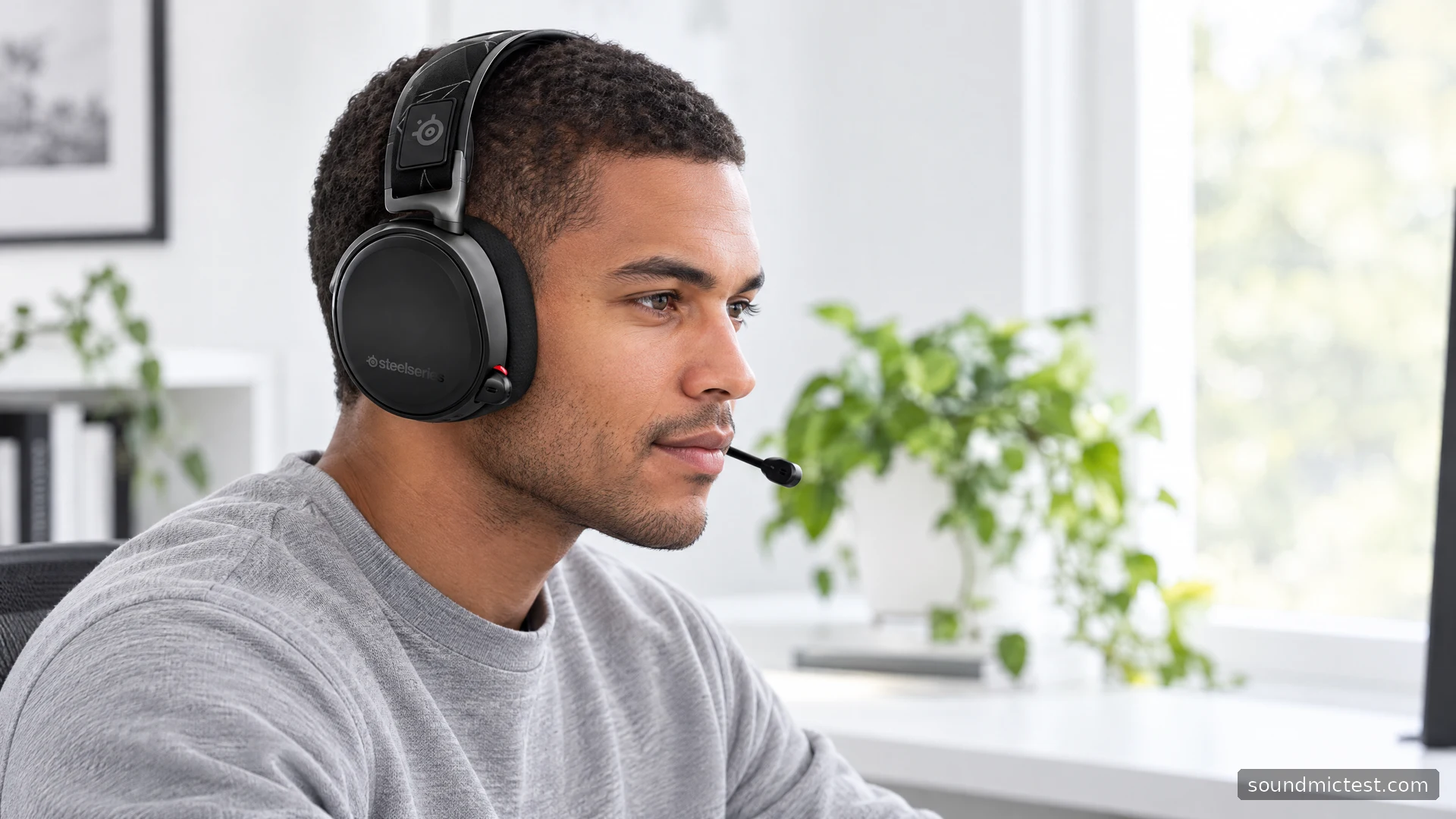
Extend the boom and place its flat pickup surface toward the corner of your mouth. Check hardware mute and select the intended recording device with the microphone test.
Use the voice recorder to hear a short sample before joining a session. Keep the boom clear of direct breath and compare a small position change before raising gain. If the sample is normal but voice chat is not, look at the application's input, gate and suppression settings.
These browser tools verify a local setup; they do not measure the headset's acoustic frequency response or prove a microphone advantage over another product. For playback, a left/right check is similarly useful for finding routing mistakes before experimenting with surround effects.
Who should keep or choose this model?
The older Arctis 7 can fit a straightforward desktop routine when its receiver, battery and controls are in good condition. Separate chat routing and automatic speaker switching are practical reasons to use it. It is less suitable if you need phone Bluetooth or expect modern accessories to work without checking the model.
For an existing owner, solve the signal route and inspect wear before replacing a functioning headset. For a buyer, verify the complete bundle and actual battery condition. The right comparison is the setup you can use reliably, not the newest feature list attached to a similar name.