Headphones
Soundcore Life Q30: Noise Modes, Pairing and the AUX Limitation
Set up Life Q30 pairing, two-device use and noise modes, and understand why AUX disables ANC and why battery claims need a version check.
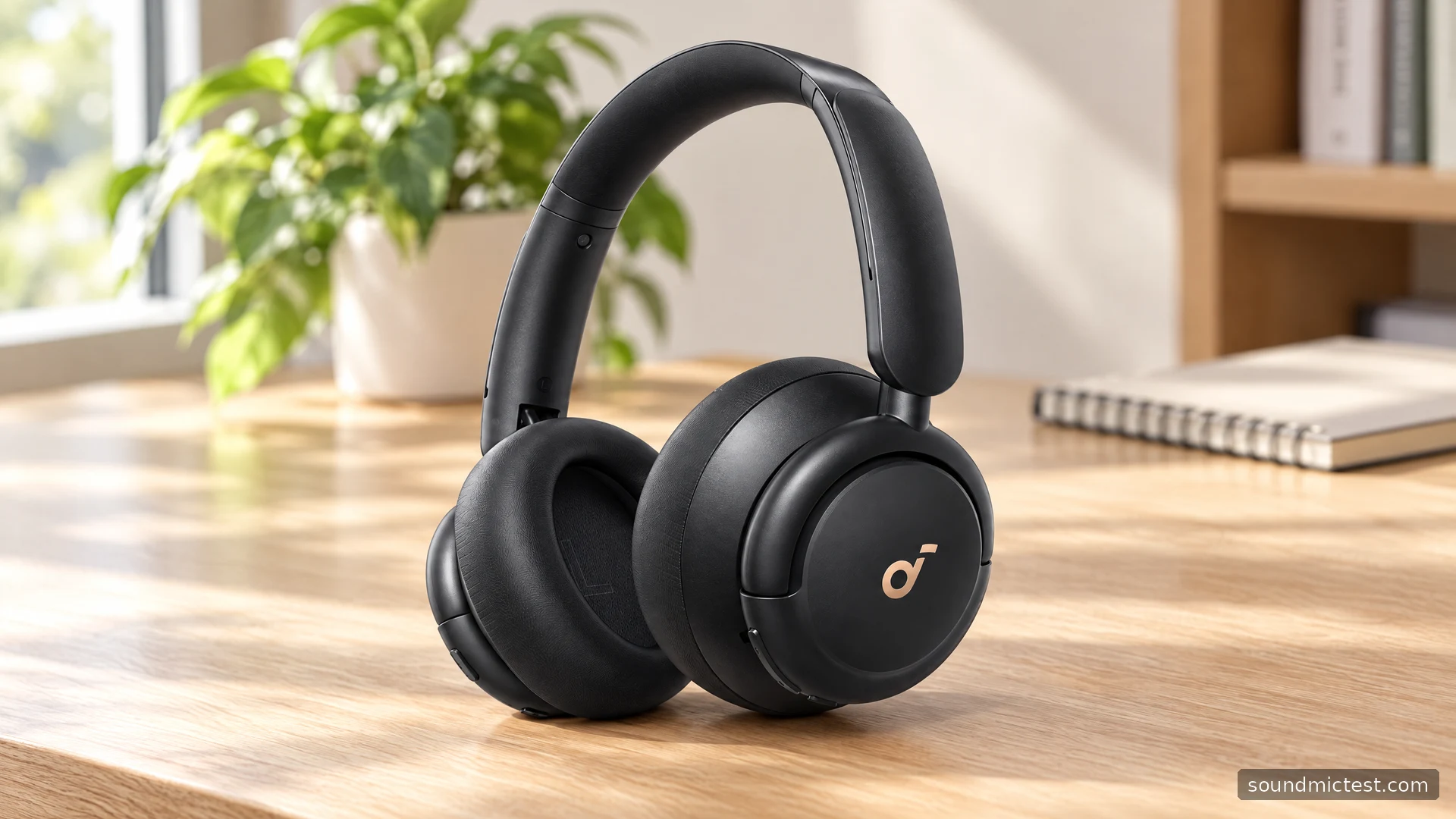
The Soundcore Life Q30 is an adjustable wireless headphone with several noise-control options and an analog fallback. Its appeal is easy to understand for a desk or commute: choose a noise mode, adjust EQ and move between two paired devices. The detail to understand before buying is what changes when you plug in the AUX cable.
The official A3028 manual says that inserting the audio cable turns off Bluetooth and ANC. That makes wired listening a different workflow, not simply the wireless experience with a cable attached. This guide covers that documented behavior and the setup decisions that help you get useful results from the Q30 without confusing manufacturer claims with measured performance.
Establish which battery specification you are reading
The A3028 Life Q30 manual lists 40 hours with ANC enabled and 60 hours with it disabled. It also specifies two hours for charging and 40 mm drivers. These are the manufacturer figures for the manual covered here.
Soundcore's current product page contains mixed battery wording: its specification area retains 60/40 hours while some purchase-page text advertises 70/50 hours. Confirm the claim for the exact stock and version you are buying instead of assuming every Q30 listing describes identical endurance.
That discrepancy is a reason to ask a precise purchasing question, not a basis for choosing whichever number looks best. For an existing pair, track your own pattern over several ordinary sessions. Note the mode, approximate volume and call use so that the result has context.
Soundcore also markets multiple ANC modes and app EQ. Treat the modes as options to compare in your environment, rather than accepting a percentage reduction claim as a complete description of isolation. Different noises and fit conditions can lead to very different impressions.
Pairing and two-device use
With the headphones off, hold the power button for five seconds until the indicator flashes blue, then select Soundcore Life Q30. After the first connection, press power twice to pair another device. The manual specifies one music source at a time: pause the active source before playing the other.
Start with the device you use most often and confirm playback before adding anything else. This avoids a second device reconnecting in the background while you are still trying to establish a baseline. Keep both sources visible when practicing the handover.
If the computer is silent after pairing, inspect its selected output and the application's own audio menu. A saved Bluetooth connection does not guarantee that a meeting app has switched away from the speakers or its previously selected headset.
Resetting should come after simpler checks. First confirm charge, selected output, mute state and whether another source is active. Preserving a working pairing while you isolate the problem is often more informative than starting the entire setup again.
Choose the noise mode for the environment
The manual provides an NC button and a one-second touch on the right panel to activate transparency. The app offers Transport, Outdoor and Indoor ANC profiles. It describes these as targeting different surroundings, including engine noise and indoor activity, and provides EQ adjustment alongside them.
Try those options while staying in the same place. A mode comparison becomes less useful if you move from a quiet corner to a position beside a fan at the same time. Keep playback paused for the first comparison, then repeat at a steady, comfortable listening level.
| Situation | What to evaluate |
|---|---|
| A steady background hum | Which noise mode reduces distraction? |
| Someone speaks nearby | Is transparency sufficient, or should you remove the headphones? |
| A voice recording sounds unclear | Check fit and playback level before changing several EQ bands |
| Two sources are connected | Pause one before starting the other |
Do not feel obliged to use the most aggressive-sounding setting for every activity. The useful result is being able to concentrate or communicate comfortably. A quieter room may need less intervention than a busy journey, and a setting that works for one can be unnecessary in the other.
AUX disables ANC in the documented workflow
The manual states that a 3.5 mm cable activates AUX mode and turns off both Bluetooth and ANC. Soundcore's product page also warns that ANC is not compatible with the AUX connection. The USB port is used for charging, and the manual says not to power on while charging.
This is a material buying consideration if your main use is a wired source in a noisy environment. Do not buy on the assumption that the presence of both ANC and a headphone socket means they operate together. Check the exact connection you intend to use.
For analog playback, lower the source volume before connecting and seat the plugs fully. Use the stereo channel test to check channels. If one side is absent, inspect the cable and adapter before changing software balance or deciding that an earcup has failed.
A practical setup for calls and everyday listening
For Bluetooth calls, open the microphone test, select the headphone input and record a short phrase at your normal speaking level. Repeat in your usual meeting app, because browser and application settings can differ. Keep noise suppression and automatic level controls consistent while comparing.
Then spend time checking physical comfort. Adjust the headband evenly, wear your normal glasses and notice whether the cushions remain comfortable while typing or reading. An impressive feature list does not compensate for a fit that demands constant attention.
The Q30 is a useful candidate when app adjustment, noise modes and wireless source switching are your priorities. The AUX limitation and conflicting battery wording deserve equally clear attention. Choose it after verifying those details against your actual routine, and use your own setup checks to decide whether the flexibility is helpful in practice.

About the author
James CarterHeadphones & Personal Audio
James Carter is an editorial pen name for Sound Mic Test's headphone coverage. Articles under this byline focus on comfort, isolation, connectivity and the everyday trade-offs between different headphone designs.
Sound Mic Test editorial pen name.
james.carter@soundmictest.com