Headphones
Sony WH-CH720N: ANC Features, Pairing and Wired Audio
Understand the WH-CH720N's noise controls, two-device connection and wired-audio limitations, with practical checks for calls and playback.
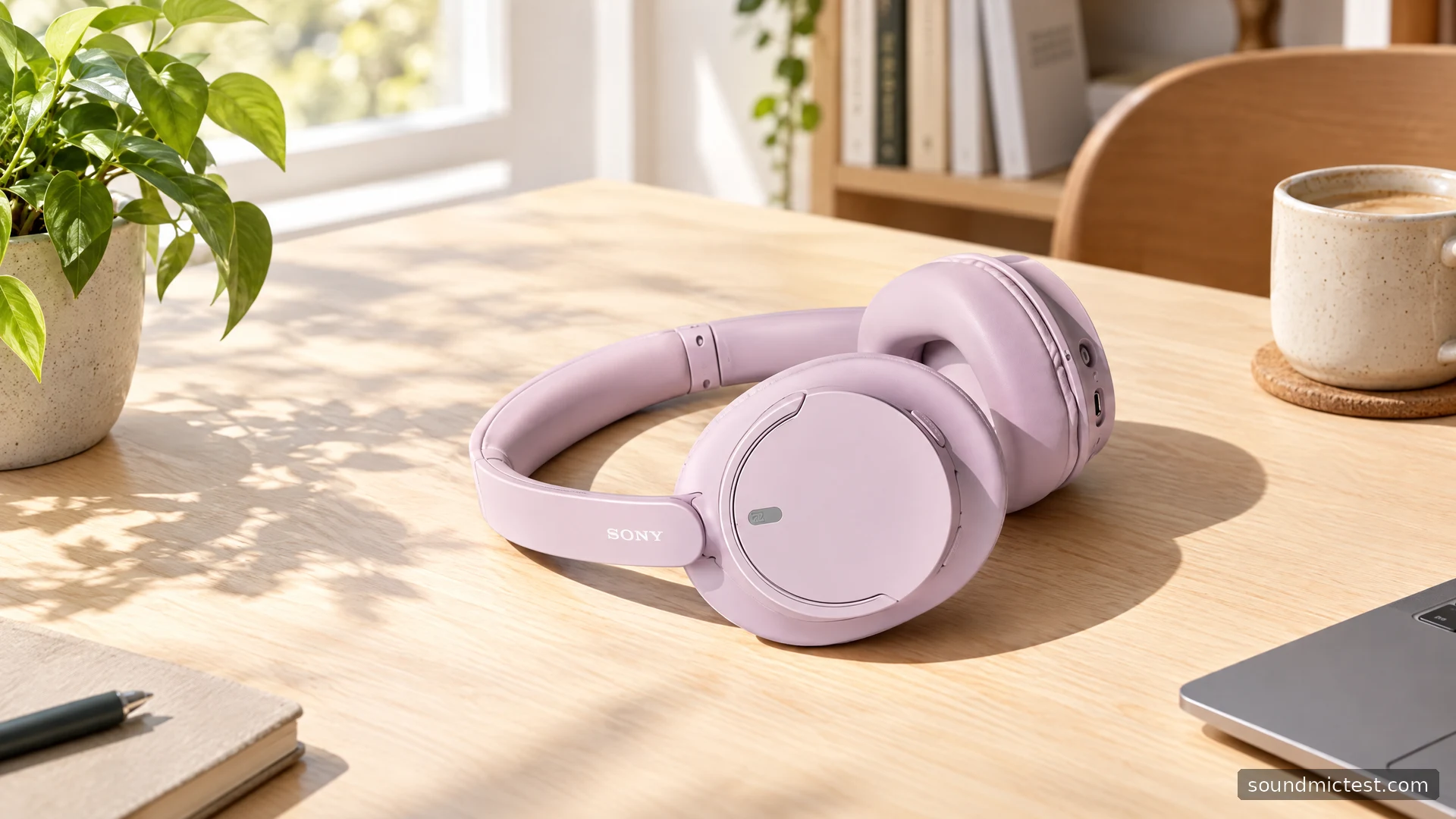
The Sony WH-CH720N has a straightforward attraction: noise-cancelling, over-ear headphones with both wireless listening and an analog cable option. That combination can suit a desk, a commute or a tablet used around the house. The more useful buying question is how much of the feature set you will actually use, and whether its connection limits fit your routine.
This guide brings together Sony's manual, product information and setup instructions. It focuses on practical operation and documented features, rather than assigning a sound-quality score without listening measurements.
A practical feature set
Sony's product information identifies active noise cancellation, Ambient Sound, multipoint connectivity and support for the Sound Connect app. Sony advertises up to 35 hours of music playback under its specified conditions. The actual time between charges depends on settings and use.
The combination matters more than any single headline. ANC is intended to reduce unwanted sound, while ambient mode lets outside sound through the headphones' microphones. Multipoint addresses a different problem: moving between two paired source devices without repeatedly rebuilding the connection.
For someone using a laptop and phone, these are useful everyday tools. They are not evidence that the CH720N has the same acoustic performance as a more expensive Sony model. A shared brand or processor name does not make two headphones interchangeable.
How to pair your WH-CH720N
The official Help Guide specifies automatic pairing for first setup. To add another device manually, hold the power button for about five seconds or longer until the pairing indication appears. Select WH-CH720N in the phone or computer's Bluetooth device list.
Use this short sequence when the headphones are not appearing:
- Confirm that the headset has charge and is close to the source device.
- Enter pairing mode, rather than just switching the headset on.
- Refresh the source device's Bluetooth search and select the correct model.
- Confirm playback before enabling additional app features.
If a previously paired phone reconnects immediately, check that connection while adding the new source. Repeating a factory reset should not be your first response to a simple device-selection problem.
Setting up two devices
Sony's getting-started instructions describe pairing each source individually and enabling the app option to connect two devices simultaneously. Older material calls the app Headphones Connect; the current name is Sound Connect.
After the second connection is established, stop playback on one device before starting the other. This is a cleaner test than leaving a video running on the laptop while trying to diagnose why the phone does not appear to take over.
For calls, choose the input and output explicitly inside the application. A computer can send music to one device and record from another. Our microphone test can help confirm which input the browser is actually receiving before you investigate the meeting application's own settings.
The benefit of multipoint is fewer manual reconnections. It is not the same as an audio mixer, and should not be treated as a way to hear two unrelated music sources simultaneously.
ANC and ambient sound: choose the behavior you want
The CH720N feature overview describes noise cancellation and an ambient listening option, alongside app-controlled features. Begin with a stable manual mode before trying automatic changes.
At a desk, that makes comparisons easier. Listen to the same short passage, keep the volume similar and switch only the noise-control mode. If the change seems inconsistent, check the seal and earcup position rather than immediately adjusting every setting in the app.
Ambient mode is useful when you want more awareness of nearby conversation, but it is still an electronic listening mode. Do not judge it solely by whether it sounds exactly like removing the headphones. Decide whether it serves the situation where you intend to use it.
For EQ, make modest adjustments and keep a way back to the original setting. An extreme bass increase can make the first few seconds exciting while obscuring speech or other details later. A familiar recording is more helpful than continually changing both the music and the preset.
What the wired connection can and cannot do
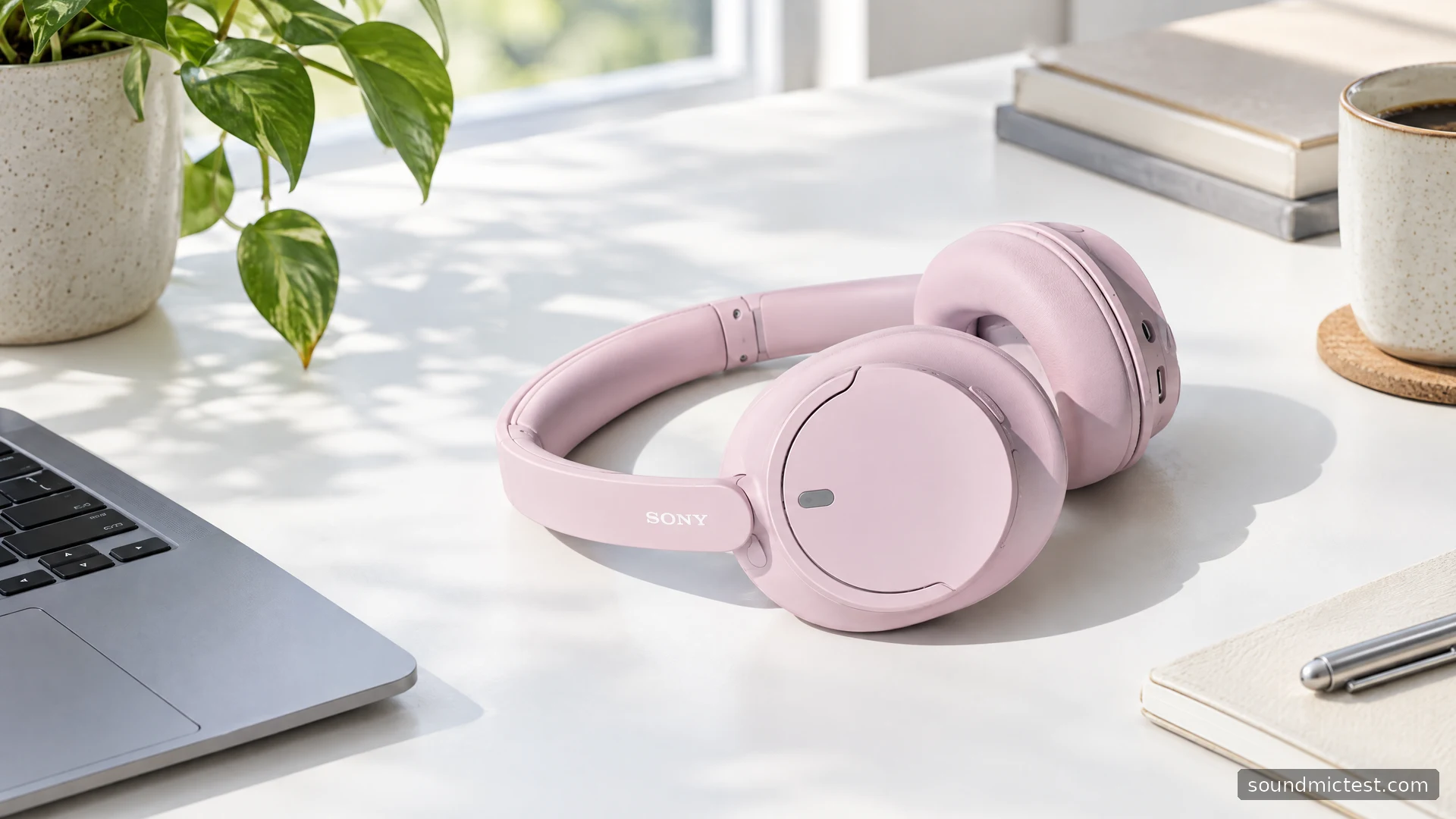
Sony documents passive listening through the supplied headphone cable. Powered noise cancellation needs the headset switched on. Connecting the analog lead disables Bluetooth, and the headset's playback buttons are not available in that mode; use the source device for those controls.
The built-in microphone also does not become an analog headset microphone through the supplied cable. For a wired phone conversation, Sony describes using the phone's microphone. This is a crucial distinction if you are buying the CH720N mainly for a controller, desktop computer or meeting setup.
A simple left/right playback check is useful after changing connections. If a channel is missing, inspect the plugs and source selection before drawing conclusions about a faulty driver. The goal is to verify the signal path first.
Who is the CH720N for?
The CH720N is a sensible candidate for someone who wants wireless over-ear listening, noise-control options and a cable fallback without making a gaming-style boom microphone part of the design. Its real value depends on the price available to you and how closely those functions match your devices.
Before buying, check whether you need wired microphone support, which Bluetooth functions your source supports and what the seller includes. During the return period, prioritize fit, reliable device switching and understandable calls. Those daily requirements are more meaningful than assuming that a specification sheet guarantees comfort or sound quality for everyone.

About the author
James CarterHeadphones & Personal Audio
James Carter is an editorial pen name for Sound Mic Test's headphone coverage. Articles under this byline focus on comfort, isolation, connectivity and the everyday trade-offs between different headphone designs.
Sound Mic Test editorial pen name.
james.carter@soundmictest.com