Headphones
Sony WH-1000XM5: Features, Pairing and Everyday Setup
A practical look at the WH-1000XM5, from touch controls and multipoint to wired listening, microphone selection and the settings worth checking.
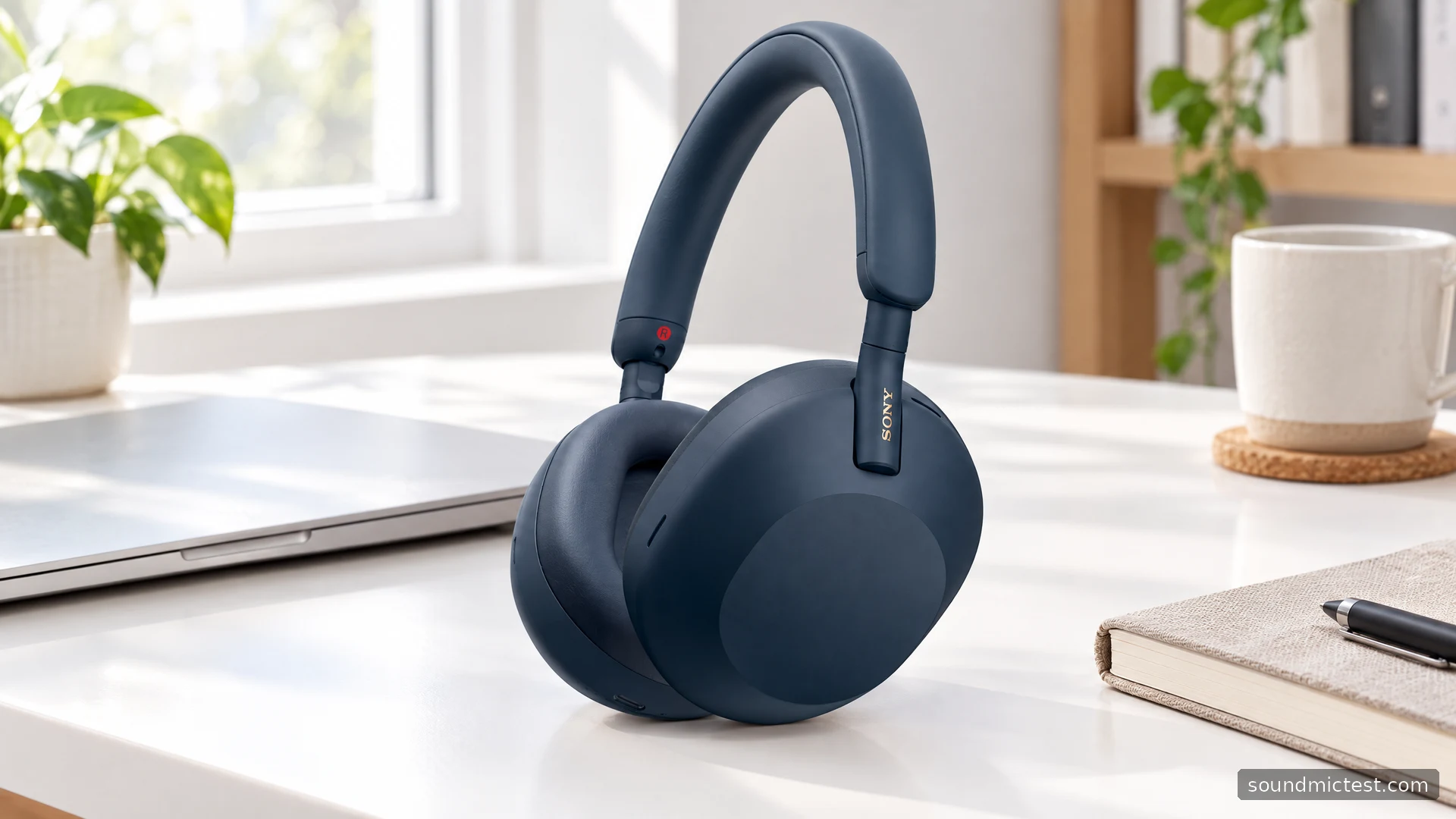
The Sony WH-1000XM5 is built around making a wireless listening setup more adaptable. Noise cancellation, ambient listening, touch controls and an app give you several ways to change its behavior. The advantage is choice; the potential frustration is not knowing which automatic setting caused a pause, a mode change or an unexpected connection.
The best starting point is therefore a simple configuration that works reliably, followed by one feature at a time. This guide reviews the documented capabilities of the WH-1000XM5 and explains how to use them. It does not claim hands-on acoustic measurements or a new battery rundown.
What the specification means in practice
Sony's published specifications list SBC, AAC and LDAC support, a stereo mini-jack input, passive operation and touch volume control. Maximum advertised music playback is 30 hours with noise cancellation on or 40 hours with it off.
Those battery figures are useful for understanding the intended product category, but the difference between them is more informative than an isolated headline. Features and operating modes consume power differently. An older battery, changing call use and your listening settings can all affect the time between charges.
| Feature | Why it matters |
|---|---|
| Bluetooth with supported codecs | The source device must support the codec you want to use |
| Analog listening input | A fallback for compatible headphone outputs |
| Passive operation | Listening can continue without powered noise cancellation |
| Touch controls | Convenient gestures, with a short learning period |
Do not buy solely for the longest list of codec names. Your phone or computer, content and connection settings determine which path is actually available.
Pairing with a new phone or computer
Sony's WH-1000XM5 Help Guide specifies holding the power button for about five seconds for manual pairing. Wait for the pairing indication, then choose WH-1000XM5 in the source device's Bluetooth settings. A new or initialized unit enters pairing mode automatically on its first setup.
Keep the source nearby, and start with one device. Once playback works, add another device and configure multipoint in the companion app. This staged approach makes troubleshooting easier: a problem introduced after adding the laptop can be investigated without changing the already working phone setup.
Sony's current app is Sound Connect, although older instructions refer to Headphones Connect. Install the official app and follow its current prompts. Do not assume that a screenshot from a launch review shows today's exact menu arrangement.

Learning the controls without accidental changes
The quick-start section identifies the right-side touch panel as the playback control surface. A quick double tap handles play/pause, horizontal swipes change tracks and vertical swipes adjust volume.
Try those gestures while seated before relying on them during a call or commute. A deliberate swipe is easier to reproduce than several hurried taps. If a control appears unresponsive, first make sure the headphones are worn correctly and that the active application supports the command.
The control scheme is a preference question rather than an automatic upgrade over physical buttons. Someone who wants a distinct button for every action should consider that before choosing the XM5. Someone comfortable with gestures may appreciate having the controls in one broad surface.
ANC, ambient listening and Speak-to-Chat
Sony describes automatic noise-cancellation optimization and speech-related convenience features in its product overview. Speak-to-Chat can interrupt music to let a conversation through; ambient listening serves a different purpose from trying to reduce surrounding noise.
Start by deciding when you want the headphones to change behavior. For concentrated desk work, predictable manual settings may be preferable. For short conversations, an automatic function can reduce the need to remove the headset, but only if it responds in a way that suits your routine.
If playback pauses unexpectedly, inspect the relevant setting rather than immediately resetting the device. Keeping a note of the feature you just enabled is an effective way to identify cause and effect. Restore the previous setting and repeat the same action before changing anything else.
Wired listening has its own limitations
The analog cable supports playback without power, while noise cancellation requires the headphones to be switched on. Sony also documents that the built-in microphone is not used for a wired phone conversation through the supplied cable. The phone handles voice input, and connecting the cable disables Bluetooth.
This is important for remote work. The presence of a headphone socket does not mean the XM5 becomes a conventional analog headset with microphone input. If your plan involves a desktop microphone, that separation may be perfectly acceptable. If you need one cable to carry everything, verify the complete arrangement before buying.
After connecting to a computer, check playback with our stereo channel test. Then choose your intended input and make a short voice recording. Treat playback and recording as two separate checks, because one can work while the other uses a different device.
A sensible buying decision
The WH-1000XM5 is suited to listeners who want control over wireless listening modes and are willing to spend a few minutes configuring them. Its documentation gives you several useful options, but does not establish how the fit or sound will suit your own preferences.
Compare current seller terms, battery condition where relevant and the exact accessories supplied. Give the connection requirements more weight than broad claims about premium sound. The right purchase is the pair that works with your actual phone, computer and call routine, with automatic features you understand and can turn off when necessary.

About the author
James CarterHeadphones & Personal Audio
James Carter is an editorial pen name for Sound Mic Test's headphone coverage. Articles under this byline focus on comfort, isolation, connectivity and the everyday trade-offs between different headphone designs.
Sound Mic Test editorial pen name.
james.carter@soundmictest.com