Headphones
Sony WH-1000XM4: Features, Pairing and Everyday Setup Guide
Understand the WH-1000XM4's folding design, pairing, two-device connection and wired listening, with useful checks for everyday calls.
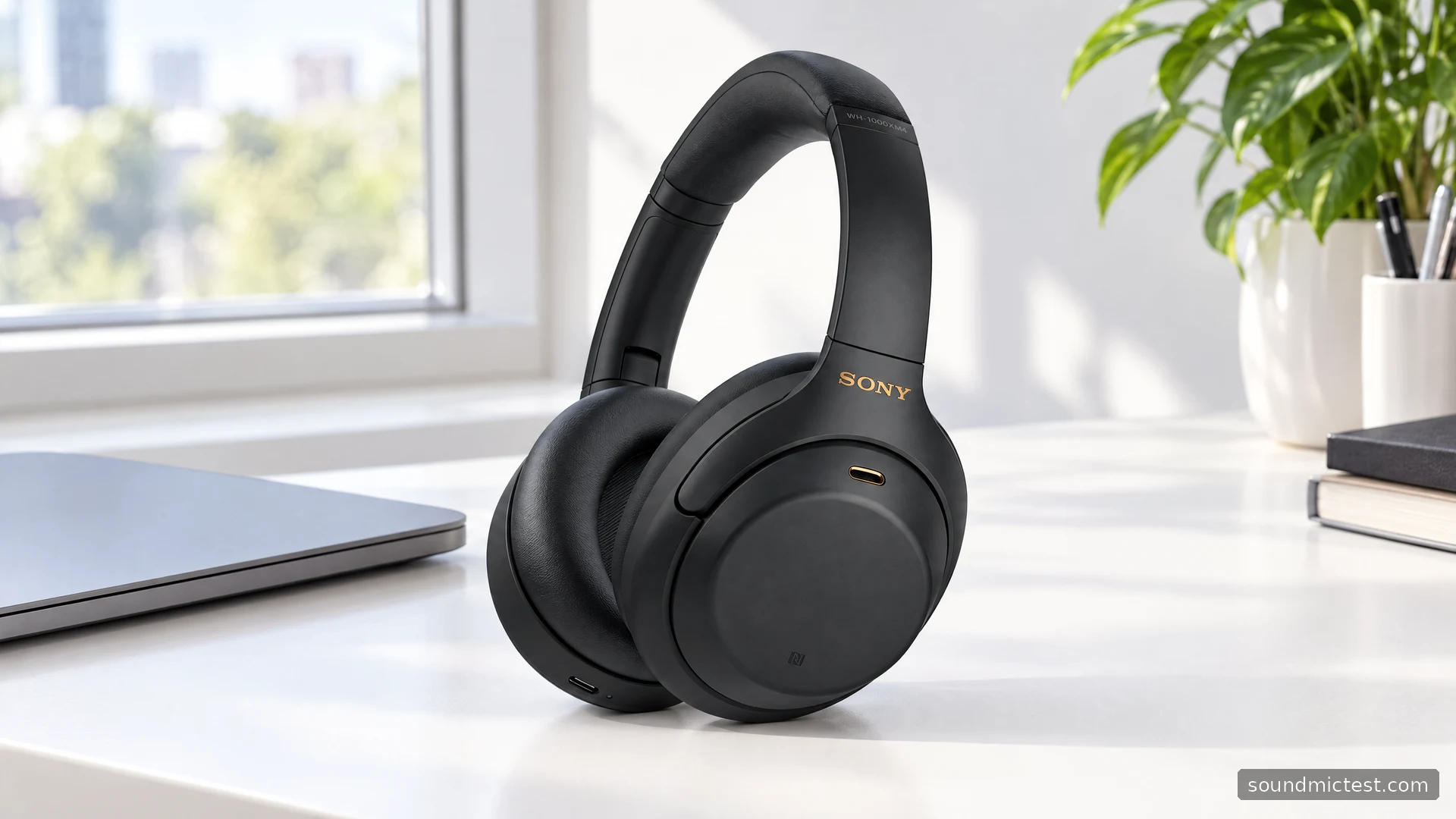
The Sony WH-1000XM4 is a useful example of why the connection details matter as much as the feature list. It combines Bluetooth listening, active noise cancellation, a folding design and a conventional headphone cable. Those options suit different situations, but they do not all behave in the same way. In particular, plugging in the cable changes how calls and controls work.
For someone considering an older or refurbished pair, the central question is whether its practical flexibility outweighs the uncertainty around battery condition and accessories. This assessment uses Sony's documentation to explain the choices and setup steps, rather than claiming a new listening or noise-cancellation test.
The features worth paying attention to
Sony's WH-1000XM4 specifications list SBC, AAC and LDAC Bluetooth codecs, active noise cancellation, Ambient Sound and passive wired playback. Its advertised maximum music playback is 30 hours with noise cancellation enabled and 38 hours with it disabled. These are manufacturer figures for stated conditions, not a prediction for every battery and listening setup.
The folding earcups make the XM4 particularly relevant if storage space matters. However, inspect the hinges and pad condition when buying used. A compact design loses much of its appeal if an older pair has loose joints or damaged cushions.
The cable option is valuable as a fallback for listening. It should not be confused with a universal wired meeting headset. Read the connection section below before assuming that the built-in microphones will reach your laptop through the supplied analog lead.
How to pair the WH-1000XM4
For a previously paired headset, hold the power button for about seven seconds to enter pairing mode, then select WH-1000XM4 in your device's Bluetooth list. A new or initialized pair can enter pairing mode automatically. Keep the headphones charged and close to the device during setup. Sony documents this sequence in its Help Guide.
Do not stop as soon as you hear the normal power-on prompt. Turning the headphones on and making them available to a new device are different actions. That distinction explains many apparently mysterious pairing failures.
On older firmware, a computer may show a low-energy entry before the normal model name. Sony's computer-pairing support article advises waiting for the normal WH-1000XM4 entry. It also notes that a firmware update removed the older low-energy entry, so do not assume every current unit will show both.
Connecting a phone and laptop together
Sony's multipoint instructions explain the useful phone-and-computer arrangement: pair both devices, enable the option to connect two devices simultaneously in the companion app, and confirm that both connections appear.
Older documentation calls the app Headphones Connect; Sony now calls it Sound Connect. Look for the function rather than expecting every screenshot or menu label to match an older guide exactly.
Multipoint is primarily a convenience feature. It reduces the need to disconnect one device before moving to another, but it is not a promise that two independent music streams will be mixed together. When switching playback, pause the first source and start the second. If the laptop stays silent, confirm its selected output before repeating the entire pairing process.
For a meeting, also choose the intended microphone inside the meeting application. Hearing system sounds through the headphones does not prove that the application has selected their microphone. A short microphone recording check helps you separate input problems from playback problems.
Noise cancellation, ambient sound and automatic pauses
The official feature overview describes Speak-to-Chat, ambient-sound adjustment and app-based EQ. Speak-to-Chat can pause music when you start talking, while ambient settings change how much external sound is passed through.
Set up these conveniences deliberately. If your music keeps pausing while you sing along, check the speech-detection setting before concluding that Bluetooth is dropping out. If you prefer predictable behavior throughout the day, begin with a manually selected listening mode and add automatic features one at a time.
Judge fit before chasing an EQ preset. Hair or glasses can affect the seal around the pads. Make small adjustments and compare at a comfortable, similar volume. Raising the level is not a reliable way to decide whether a tonal change is actually helpful.

What changes when you use the cable?
The supplied cable allows listening with the headphones switched off. Powered noise cancellation requires the headset to be on. Sony also explains that wired phone calls use the phone's microphone rather than sending the headset microphone through the supplied lead, and Bluetooth is unavailable while that cable is connected.
That makes the cable a sensible travel or playback fallback, but it changes the buying decision for someone who mainly needs a wired microphone connection. Test your intended laptop or controller arrangement before the return period ends, rather than assuming that every socket delivers the same functionality.
If one side seems silent, use a familiar stereo recording or the left/right channel check, then check that both cable plugs are fully seated. A half-inserted plug can produce confusing results that have nothing to do with the headphones' tuning.
Is it the right model for you?
Choose the WH-1000XM4 for its combination of compact storage, Bluetooth convenience and a listening fallback that does not require a charged battery. Compare an actual seller's condition, included case and cable, and return terms, not just a headline discount against its original launch price.
Look elsewhere if your main requirement is a simple wired boom-microphone headset or a product whose battery history you can verify only poorly. The XM4's strongest argument is flexibility, provided you understand which functions belong to each connection mode.

About the author
James CarterHeadphones & Personal Audio
James Carter is an editorial pen name for Sound Mic Test's headphone coverage. Articles under this byline focus on comfort, isolation, connectivity and the everyday trade-offs between different headphone designs.
Sound Mic Test editorial pen name.
james.carter@soundmictest.com