Wireless audio
Sony WF-1000XM5: Pairing, Fit and Features That Matter
Explore Sony WF-1000XM5 fit, case-button pairing, multipoint and noise controls, with practical microphone checks and battery expectations.
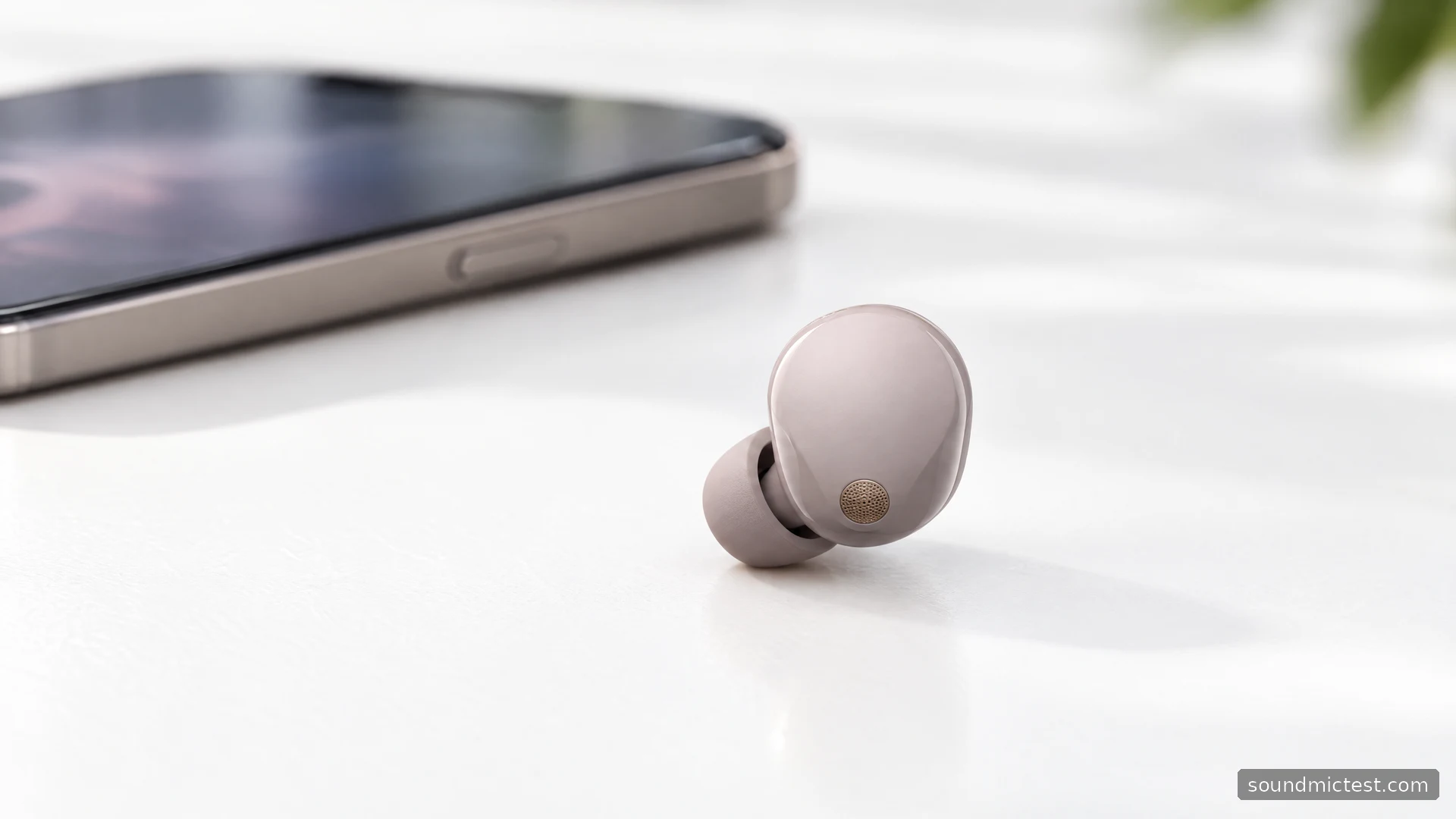
The Sony WF-1000XM5 is built for listeners who want noise cancellation, phone calls and app control in a small pair of earbuds. The buying question is less about how many features fit on the box and more about whether the fit, controls and device switching work for your day. A smaller shell is useful only if the tips make a comfortable seal in your ears.
This guide assesses the documented features and explains how to set them up. Battery numbers are Sony's claims, and the advice below does not pretend to come from a hands-on listening test. The aim is to make the product's practical strengths and limitations clear before you buy or start changing settings.
The useful changes and their limits
On its WF-1000XM5 product page, Sony describes the earbuds as approximately 25 percent smaller and 20 percent lighter than the WF-1000XM4. That is a design comparison, not a promise that every ear will find them more comfortable. The glossy outer finish is also a reason to handle the buds carefully when taking them out over a hard floor.
The feature set includes active noise cancellation, ambient listening and a companion-app equalizer. Sony also supports switching between two connected devices. For someone alternating between a laptop and a phone, that can matter more than a headline about driver technology: it reduces the need to visit Bluetooth settings throughout the day.
| Buying question | Documented answer |
|---|---|
| Can it reduce external noise? | Active noise cancellation is included |
| Can it connect to a phone and laptop? | Multipoint connection is supported |
| Can it use LDAC? | Yes, with compatible equipment and settings |
| Does every device support the same features? | No; source, software and connection mode matter |
| Can the case tolerate water like the earbuds? | No; Sony excludes the case from the water-resistance claim |
Avoid choosing earbuds solely from a codec list. The source device, streaming material, fit and listening environment all affect what you hear. A reliable ordinary connection is a better starting point than an unstable higher-bitrate setting.
Pairing a second device uses the case button
The WF-1000XM5 manual specifies a different pairing method from the WF-1000XM4. Put both earbuds in the case, leave its lid open, then hold the pairing button on the back for at least about five seconds. The blue indicator flashes twice repeatedly. Select WF-1000XM5 on the new device.
The open lid matters. Holding the button with the lid shut does not initiate the procedure described in the manual. If you have moved from an older Sony pair, use the XM5 instructions rather than repeating the old touch-sensor shortcut.
Once connected, play something quietly and confirm the selected output. A successful pairing notification does not prove that your meeting app or music player has changed devices. The stereo playback check is a quick way to confirm left and right routing before getting into sound settings.
Set up multipoint deliberately
Sony's getting-started guide describes enabling the option to connect to two devices simultaneously in Sound Connect, then connecting the second source. Check the app's connected-device list so you know which two devices are involved.
Think of multipoint as a way to manage sources, not a tiny audio mixing desk. Finish or pause playback on one device before starting the other. If a laptop keeps claiming the connection, look for a browser tab, media player or conferencing app that is still using audio. Re-pairing is rarely the best first response to a source-selection problem.
Test the exact sequence you expect to use: music on the computer, an incoming phone call, then a return to the computer. That small rehearsal can reveal an app setting you would otherwise discover during a real meeting. Keep the earbuds and companion software updated when investigating compatibility issues.
Fit, ambient sound and useful restraint
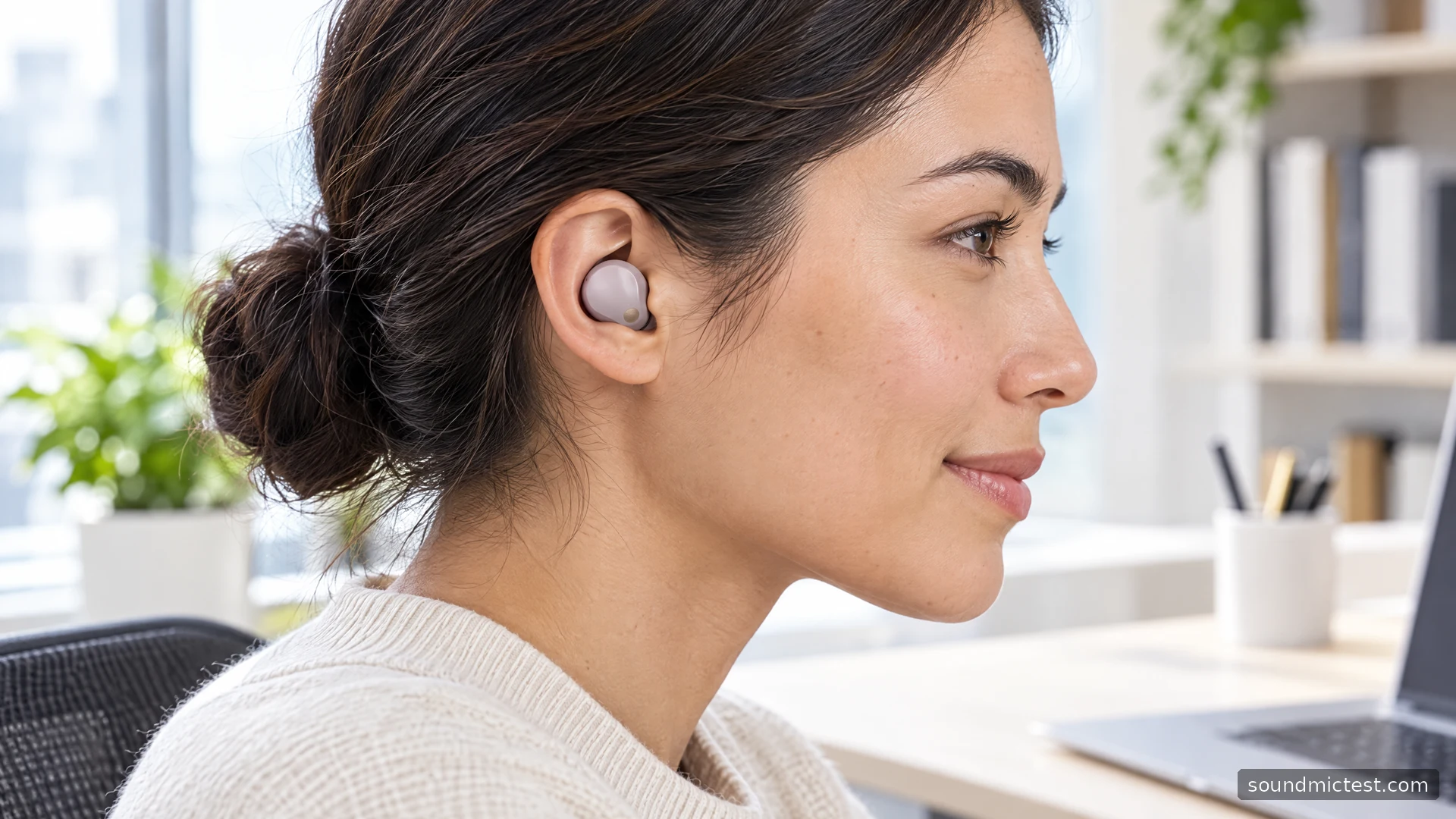
Choose the tip size for each ear independently. With the buds seated comfortably, check the app's fit guidance and try a familiar spoken recording. If one side seems thin or quieter, reseat it before applying different equalization to compensate. A fit issue can follow you between apps, whereas an app-specific setting usually will not.
The app offers several ways to alter listening behavior, including adaptive sound control and equalization. Add them one at a time. If you prefer a predictable noise-canceling setting while working, automatic changes may be less useful than a simple manual choice. If you frequently need to speak to colleagues, a convenient ambient mode may deserve priority over maximum isolation.
For calls, select the intended microphone explicitly in the conferencing app. Use the microphone test to check that speech reaches the browser, then make a short recording in your normal environment. This checks your connection and captured voice; it does not establish a laboratory noise-rejection score.
Battery expectations and the buying decision
The official specifications list up to eight hours of music playback with noise cancellation on and twelve with it off. Calls have different maximum figures. Treat these as planning estimates under the manufacturer's conditions rather than a guarantee for mixed workday use.
Sony's product footnotes also separate splash resistance from waterproofing and exclude the charging case. Keep moisture away from the case and charging contacts. A claimed total that includes case recharges is not the same as continuous playback without returning the buds to their case.
The WF-1000XM5 is a sensible candidate when compactness, noise controls and two-device use are your priorities. Try the fit before committing if possible. If you want to avoid sealed ear tips, require a wired connection, or mainly need a microphone that stays close to your mouth for desk calls, compare a different headphone or boom-headset design instead of assuming more earbud features will solve those needs.

About the author
Noah MitchellWireless Audio & Accessories
Noah Mitchell is an editorial pen name for wireless audio and accessories at Sound Mic Test. Articles explore earbuds, portable audio, cables and the small setup choices that affect everyday listening.
Sound Mic Test editorial pen name.
noah.mitchell@soundmictest.com