Wireless audio
Sony WF-1000XM4: Features, Fit and Pairing Explained
A practical guide to Sony WF-1000XM4 fit, Bluetooth pairing, listening modes and charging, including what to check when buying an older pair.
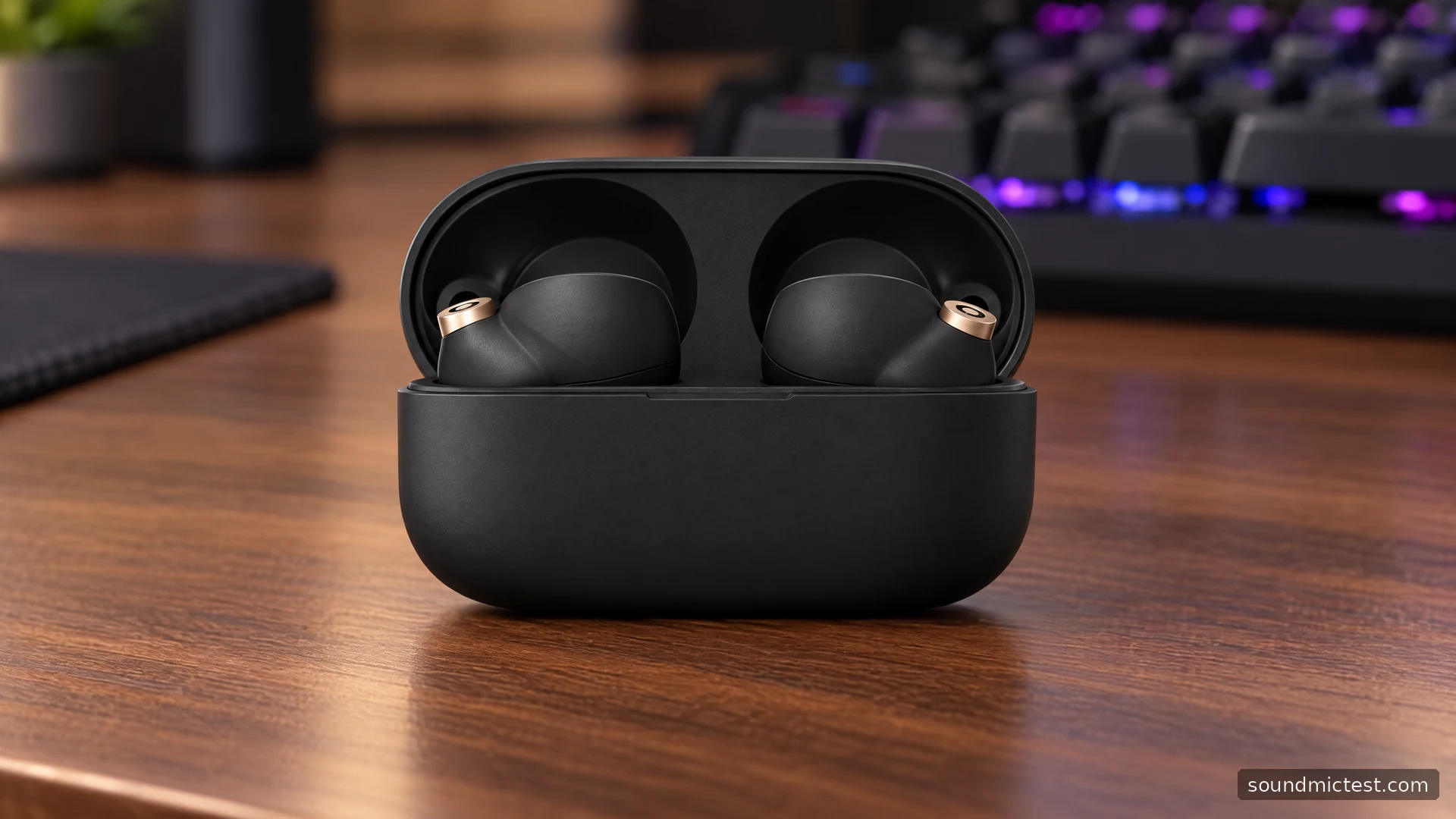
The Sony WF-1000XM4 makes the most sense for someone who wants noise-canceling earbuds with adjustable sound and is willing to spend a little time getting the fit right. Its foam tips are central to the experience. If the seal is poor, changing codecs or switching every sound enhancement on will not solve the underlying problem.
This assessment uses Sony's documentation to explain the features, setup and limitations. It does not assign a listening score or treat the manufacturer's battery figures as results from an independent test. For anyone considering an older pair, the condition of the batteries and ear tips deserves as much attention as the feature list.
What the WF-1000XM4 offers
Sony lists active noise cancellation, ambient listening, touch controls and support for SBC, AAC and LDAC. The earbuds use 6 mm drivers. The official specifications quote up to eight hours of music playback with noise cancellation enabled, or twelve with it disabled. Those are maximum manufacturer figures, with settings and use affecting the result.
| Feature | Why it matters |
|---|---|
| Noise cancellation and ambient mode | Choose between reducing distractions and hearing more of your surroundings |
| LDAC support | Available with a compatible source, rather than on every Bluetooth connection |
| App-based equalizer | Adjust the balance without changing the source player's settings |
| Charging case | Provides additional charges between visits to a power outlet |
| Touch sensors | Useful for playback and listening-mode changes, with assignments worth checking |
Driver diameter alone does not establish how detailed, bass-heavy or accurate an earbud sounds. Likewise, a supported codec is one part of a playback chain, not a guarantee that every song arrives with better audible quality. Start with the connection that works reliably on your phone before chasing a particular codec badge.
Get the fit right before adjusting the sound
The WF-1000XM4 help guide recommends placing each earbud in the correct ear, rotating it into a comfortable position and waiting about ten seconds for the tip shape to settle. Different tip sizes can be appropriate for the left and right ears. There is no benefit to forcing matching sizes if one side leaks or feels uncomfortable.
Use the app's ear-tip fit check, then listen to familiar speech and music at a moderate level. A tip that seems secure while sitting still may move when you talk or walk. Check that practical behavior before deciding the job is finished. If pressure or discomfort develops, change the fit instead of pushing the earbud farther in.
Sony's setup walkthrough explains the fit-check function alongside ambient sound and control customization. Older instructions call the companion software Headphones Connect; Sony now uses the Sound Connect name. Look for the function rather than assuming every menu label will match an older screenshot.
How to pair the WF-1000XM4
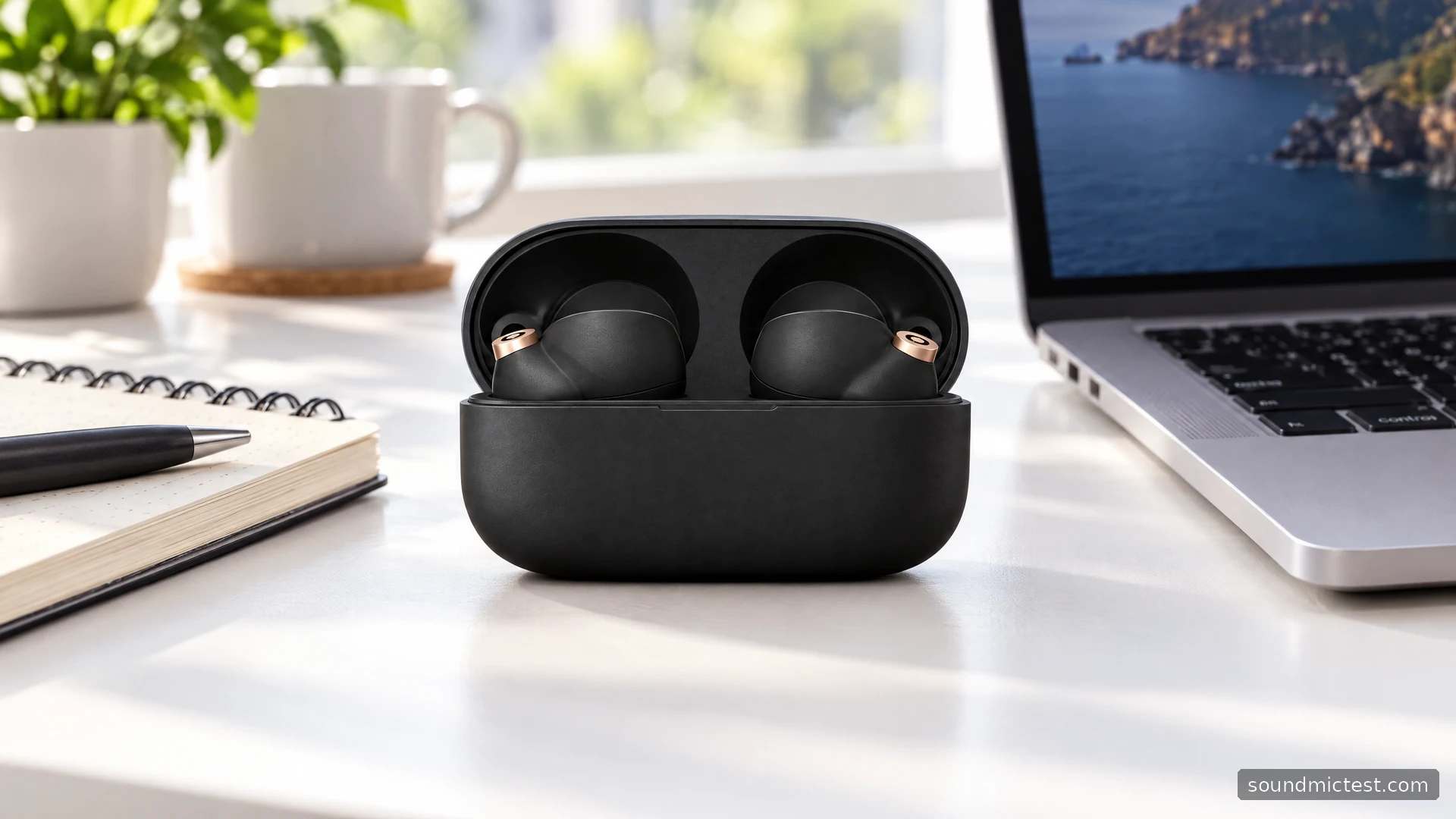
For a new pair with no saved pairing information, removing both earbuds from the case starts pairing automatically. To add another device, put both earbuds in your ears and hold both touch sensors for about five seconds. Then choose WF-1000XM4 in the phone or computer's Bluetooth list.
Keep the source nearby during this step. If an already paired phone reconnects before the laptop does, temporarily disconnect that phone and try again. Repeatedly adding the same device without checking the existing connection can turn a straightforward setup into a collection of stale Bluetooth entries.
After pairing, check the output selection. A computer can report a successful Bluetooth connection while a browser continues using the laptop speakers. Open the left and right channel check at a comfortable volume to confirm where playback is going. This is a routing check, not a measurement of stereo imaging or driver matching.
Make the automatic features work for you
Sony's launch description describes Speak-to-Chat, which pauses music when you speak, and Quick Attention, which temporarily lowers playback and brings in external sound while you hold the left sensor. These solve slightly different problems: one reacts automatically, while the other gives you a deliberate moment of awareness.
If you sing along or speak to yourself while working, automatic pausing may become irritating. Try Speak-to-Chat separately before enabling every adaptive feature. When sound changes unexpectedly, knowing which feature you switched on makes troubleshooting much easier.
The same principle applies to equalization. Choose one familiar track and make a small change. Keep the volume consistent when comparing settings, since a louder version can seem more exciting without actually being a better balance. Save a useful preset rather than changing several controls after every song.
Calls, charging and buying an older pair
Music playback does not confirm that a meeting app has selected the earbud microphones. Choose the intended input in the app, make a short voice recording, and listen for intelligibility and unwanted room noise. Repeat in the room where you normally take calls. That tells you more about your own setup than assuming the microphone follows the output device automatically.
Sony's product notes distinguish the earbuds' splash resistance from the charging case, which is not water resistant. Dry the earbuds before putting them away. Those notes also describe Qi charging for the case and a combined battery figure that includes recharging breaks, not one uninterrupted listening session.
For a used or refurbished purchase, ask about battery behavior, replacement tips, case condition and the return policy. The WF-1000XM4's attractions remain its configurable listening features and compact format. The sensible reason to pass is equally clear: if you dislike sealed tips, need a wired fallback, or cannot verify the condition of an older battery-powered pair, a different design may suit you better.

About the author
Noah MitchellWireless Audio & Accessories
Noah Mitchell is an editorial pen name for wireless audio and accessories at Sound Mic Test. Articles explore earbuds, portable audio, cables and the small setup choices that affect everyday listening.
Sound Mic Test editorial pen name.
noah.mitchell@soundmictest.com