Gaming Headsets
Sony INZONE H9: PC, PS5, Bluetooth and Noise-Canceling Setup
Set up the original INZONE H9, route GAME and CHAT audio, pair Bluetooth and understand noise cancellation and battery conditions.

Amelia Collins is an editorial pen name for gaming and streaming audio at Sound Mic Test. This byline covers headset features, microphone communication, platform compatibility and audio choices for play and live content.
Sound Mic Test editorial pen name.
amelia.collins@soundmictest.com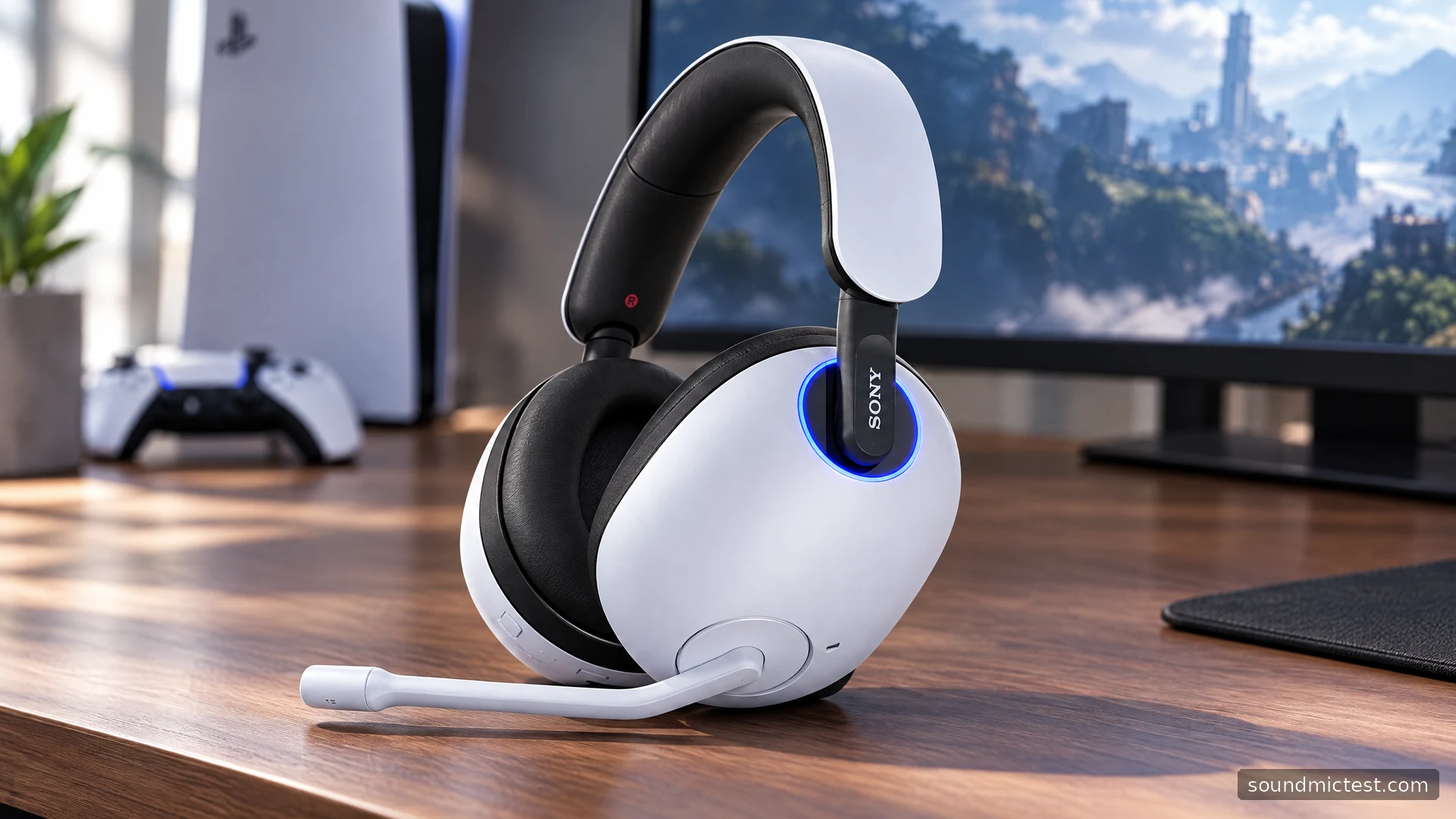
The original Sony INZONE H9 is built around two different jobs: carrying game audio from its USB transceiver and keeping a Bluetooth device available alongside it. Add active noise cancellation and a flip-up microphone, and it becomes a more complicated proposition than a basic wireless gaming headset. The important buying question is whether you need those extra paths, not whether every feature can be enabled at once.
This guide covers the original WH-G900N, using Sony's documentation to explain setup and limitations. It does not transfer specifications from the newer H9 II or claim a measured noise-canceling result. The original H9 and H7 also share a help guide, so it is important to read the H9 entries rather than borrowing the H7's battery numbers.
Start with the switch on the USB transceiver
Before connecting anything, set the transceiver's physical switch to PC or PS5 to match the machine. Plug it directly into that device and turn on the charged headset. This small switch is a better first troubleshooting target than the computer's entire driver stack.
On PC, Sony exposes separate GAME and CHAT audio destinations. Route game playback to GAME and your voice-chat application's input and output to CHAT. The headset's game/chat buttons then have separate streams to balance. If everything goes to a single destination, pressing a balance control cannot create a division that the applications never supplied.
On PS5, verify the headset is selected in the console's sound settings and check the microphone level before joining a party. Do not assume the last-used television or controller microphone will automatically disappear from every setting just because the receiver is connected.
Sony's H9/H7 Help Guide documents the transceiver switch, the separate PC endpoints and the Bluetooth controls. Those details explain many apparently inconsistent behaviors without requiring a defective headset.
Add Bluetooth without confusing it with game/chat balance
With the headset on, enable Bluetooth using its Bluetooth button. For a new pairing after the initial setup, hold that button for roughly five seconds until pairing mode begins, then select INZONE H9 / INZONE H7 on your phone. Keep the phone nearby during registration.
The H9 can handle its USB wireless connection alongside Bluetooth, but the GAME/CHAT buttons are not a universal mixer between a phone and a computer. They adjust the applicable streams arriving through the USB transceiver. Control the phone's level separately when evaluating a combined setup.
That distinction matters if your intended routine is a game on PC with a call on your phone. Set up each path independently first. Once both work, add them together and check what happens to voice routing when a call begins. Avoid using an important conversation as the first experiment with a new audio configuration.
A Bluetooth pairing list is also not the same thing as simultaneous playback. Remembering several devices does not mean the headset will mix music from all of them. Disconnect a nearby device that keeps reclaiming the connection while you are trying to use another.
Noise cancellation, ambient sound and battery life
The NC/AMB control switches the H9's listening modes. Noise cancellation is intended to reduce outside noise, while ambient sound lets more of the surroundings through electronically. Neither label tells you exactly how your own fan, keyboard or conversation will sound through the headset.
Sony's original H9 product page rates battery life at up to 32 hours with noise cancellation off. That condition belongs next to the number. It should not become a promise of 32 hours with every wireless path and listening feature active.
The manual supplies different estimates for different combinations of Bluetooth and noise-control modes. For planning, track your actual sessions with the settings you expect to keep. A simple note of start charge, elapsed time and active features is more useful than comparing unrelated headline battery figures across brands.
Fit also matters. Place both cups fully around your ears and check whether glasses or hair interrupt the cushion seal. If the sound changes when you reposition a cup, resolve that fit issue before drawing conclusions about an EQ setting or noise-control mode.
Make the microphone useful before processing it
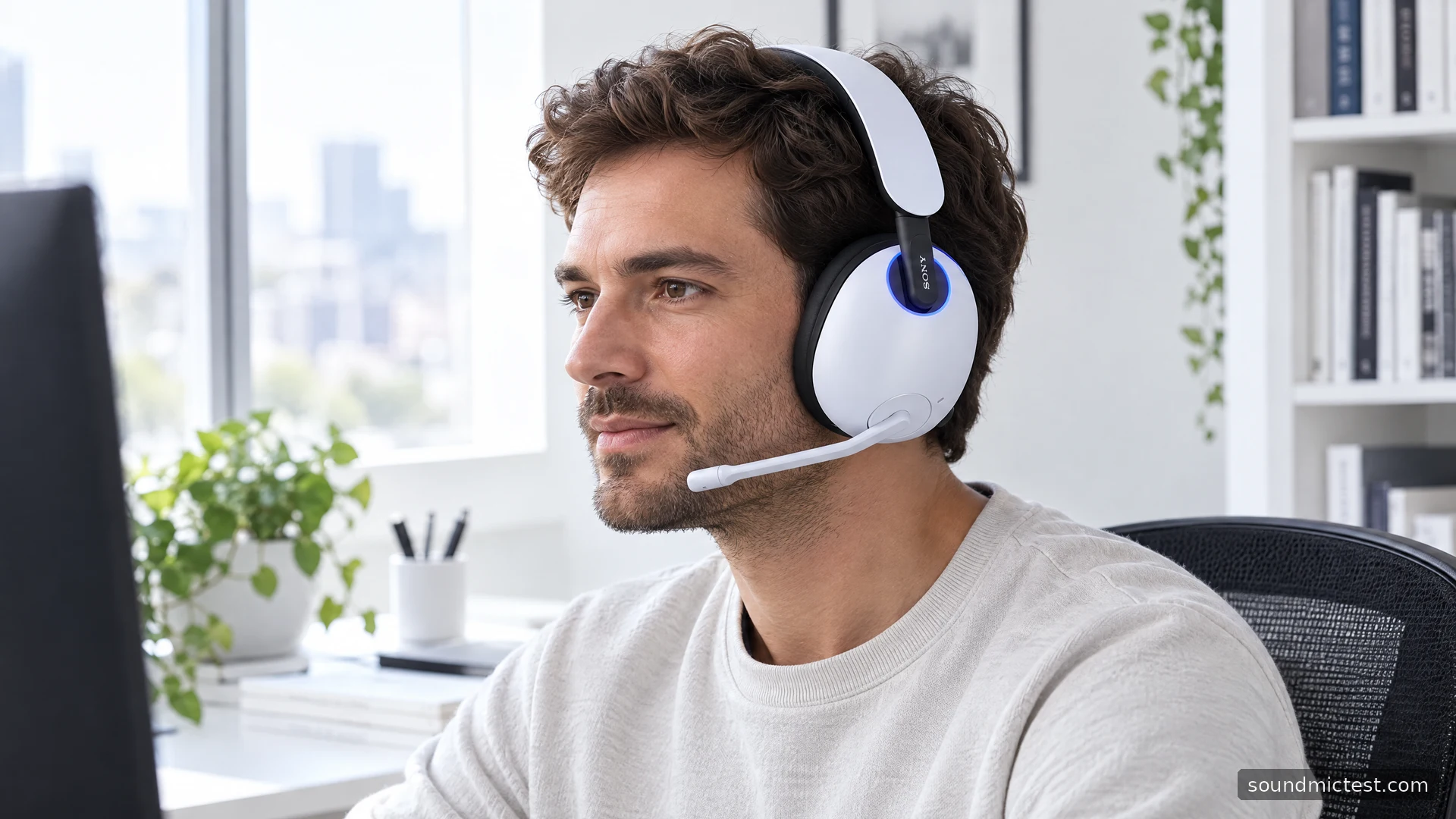
Lower the left-side boom to enable the microphone and raise it to mute. Position the tip near the corner of your mouth. Keep it out of the direct airflow from your lips, especially if short words produce sharp pops in recordings.
Use the microphone test with the intended CHAT input selected. Then make a sample through the voice recorder test at an ordinary speaking level. Include a quiet pause and a few keyboard presses so that background pickup is easy to identify.
INZONE Hub offers microphone and sidetone adjustments. Sidetone is the amount of your own microphone you hear locally; increasing it does not necessarily make your transmitted voice louder. Adjust one control, make another recording and compare. A setting that sounds impressive in headphones may remove soft syllables from the outgoing voice.
Diagnose quiet games and missing software effects
When a game seems unexpectedly quiet, check the game/chat balance and the selected playback endpoint before increasing every volume slider. Sony notes that its PC sound settings depend on using the GAME output. Choosing CHAT for general playback can therefore create confusion about which software settings are effective.
For a basic routing check, run the stereo test. Confirm that left and right arrive on the correct sides, then move on to a familiar game scene. The browser check verifies channels, not the accuracy of Sony's spatial processing.
If the receiver connection fails, confirm its PC/PS5 switch and try a direct USB port. If only Bluetooth fails, troubleshoot that pairing separately. Resetting a working USB configuration because a phone remembered an old connection usually adds unnecessary work.
The right reason to shortlist the H9
The original H9 suits a player who wants PC or PS5 wireless audio, access to a phone and active noise cancellation in one headset. Those features have value only if they match the room and devices you actually use. Someone who wants a single uncomplicated connection may be equally well served by a simpler model.
Check the exact model, receiver and included accessories when buying remaining stock or a used unit. A good deal becomes less attractive if the essential transceiver is missing. Judge the H9 as a complete system with clear connection roles, rather than as a collection of feature badges.