Headphones
Sennheiser Momentum 4: USB Audio, Pairing and Everyday Setup
Set up Momentum 4 Bluetooth, USB audio and analog listening, understand touch controls and check your microphone and playback connections.
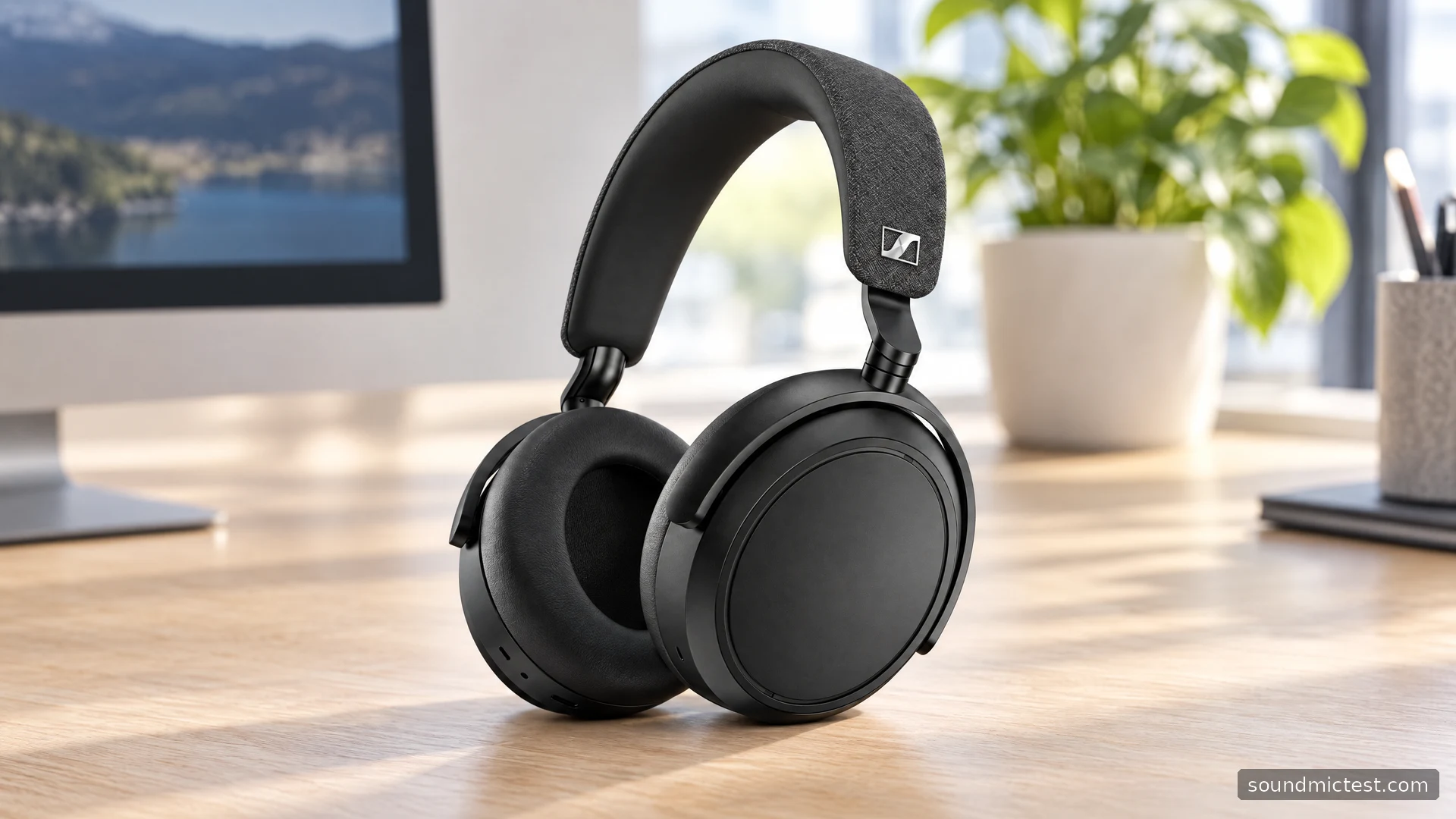
The Sennheiser Momentum 4 Wireless makes the most sense when you need one pair of headphones to move between a phone, a work computer and a wired source. Bluetooth is only part of the story. USB audio and an analog input give it alternatives that are easy to miss when shopping by noise cancellation and battery life alone.
That flexibility is the strongest reason to investigate this model. It also creates a few setup choices worth understanding before a meeting or a flight. This guide uses Sennheiser's documentation to explain those choices and their practical consequences. It does not assign a listening score to a product we have not measured.
What the specifications actually tell you
Sennheiser's official specifications list 42 mm drivers, adaptive noise cancellation and SBC, AAC, aptX and aptX Adaptive support. The company claims up to 60 hours of Bluetooth playback with ANC, using an iPhone at a medium volume level. A full charge is listed at approximately two hours.
The battery claim gives you a planning reference, rather than a promise about your particular week. Call time, volume and battery age can change the outcome. For someone who repeatedly forgets to charge accessories, the useful question is whether the headphones get through their actual working pattern with a comfortable reserve.
Codec names need similar context. Both ends of a Bluetooth connection must support the relevant option. Buying an aptX Adaptive headphone does not add aptX Adaptive to an incompatible phone or computer. Check your source first, and avoid choosing solely on a badge that your equipment cannot use.
Pairing without confusing the Bluetooth entries
The Momentum 4 instruction manual specifies holding the multifunction button for five seconds with the headphones off, then selecting MOMENTUM 4 in Bluetooth settings. Choose the regular audio entry rather than a separate LE entry. The headphones support two active Bluetooth connections.
For a clean first setup, pair one source and confirm playback before introducing another. This makes a surprisingly large difference when troubleshooting: you know which device is supposed to be making sound, rather than trying to identify whether a phone notification or a paused laptop application has taken priority.
Keep the initial test simple. Play a familiar spoken clip at a moderate volume, pause it, then resume it using the headphone control. Next, open your calling application and check its own audio settings. The output selected by a meeting application can differ from the computer's general output.
Touch controls reward a short practice session
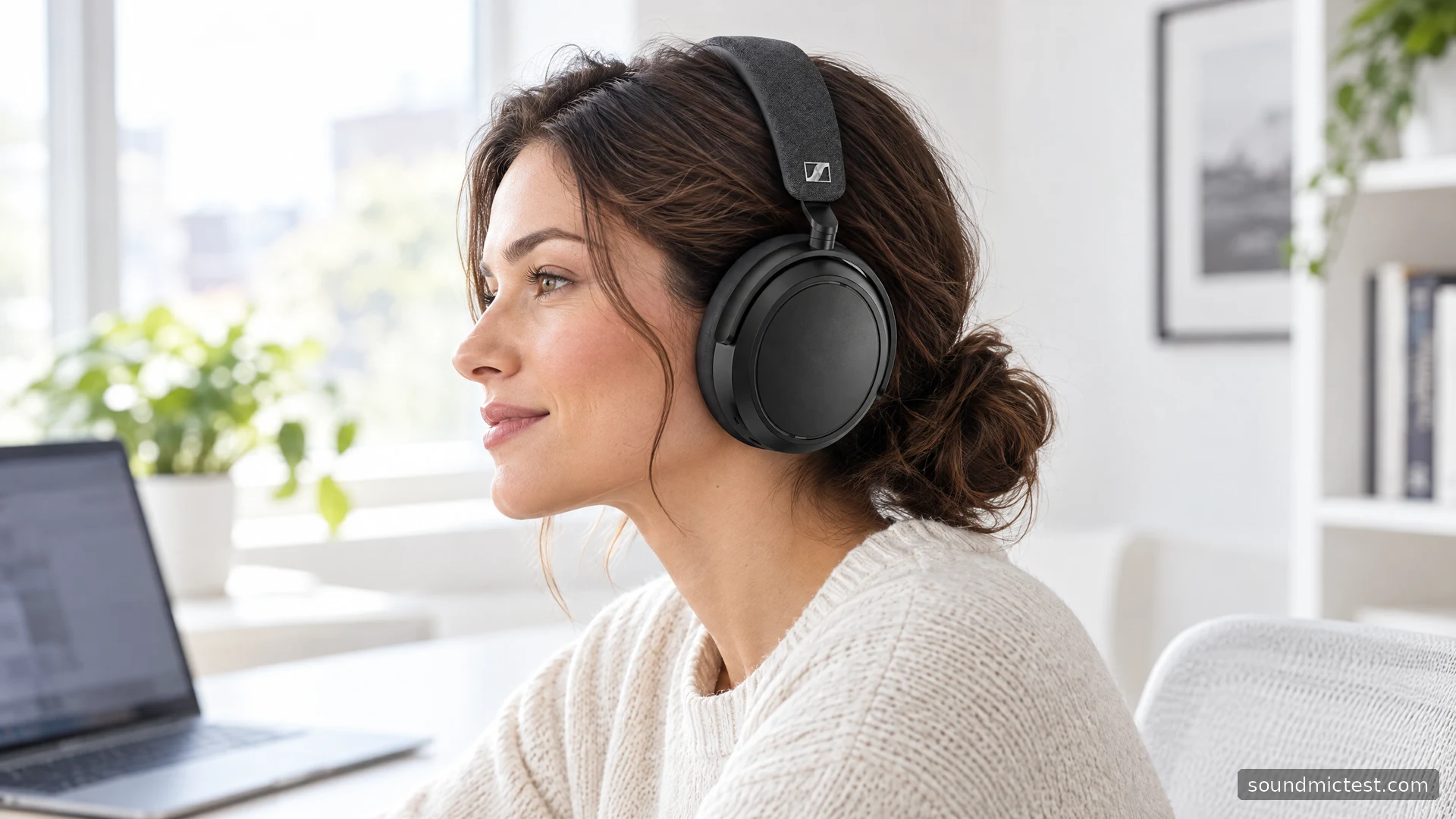
The right earcup handles touch commands. A single tap controls playback, horizontal swipes change tracks and vertical swipes change volume. A double tap changes the transparency behavior when you are not on a call. The companion app provides additional settings, including wind-noise handling.
Practice these gestures while seated before relying on them outside. Moving a headphone on your head and issuing a deliberate swipe are different actions, but they happen on the same physical surface. A short familiarization session is more useful than discovering the controls while carrying a bag and trying to answer someone.
Compare noise cancellation and transparency at the same listening level. Louder playback can make an option seem more impressive without actually making it more suitable. For conversation, the practical standard is straightforward: can you understand the other person without repeatedly asking them to repeat themselves? If not, pause and remove the headphones.
USB and analog are two different workflows
Sennheiser documents USB playback and microphone use. Disconnect Bluetooth, connect the USB cable and select MOMENTUM 4 as the computer's input and output. The headphones can charge over that connection. With the analog cable, Bluetooth is disabled and headphone media or call controls are unavailable; passive listening remains possible when the battery is empty.
| Connection | Useful situation | Setup habit |
|---|---|---|
| Bluetooth | Moving around with a phone | Verify which paired source is playing |
| USB audio | A fixed computer workspace | Choose both input and output explicitly |
| Analog cable | A source with a headphone socket | Control playback at the source |
USB is particularly worth trying if your laptop's Bluetooth setup is inconsistent. That does not establish a universal quality ranking between the connections. It gives you another route to test, with fewer questions about which wireless profile an application has selected.
For analog listening, start with the source volume low. A level that was comfortable on one connection may not feel identical after switching. Keep the supplied cable with the travel kit rather than assuming every headphone cable has the same connector arrangement.
Check the complete chain before changing EQ
Use the stereo channel test to check left and right playback after pairing or changing a connection. Then try the microphone test with the intended input selected. A browser recording checks the path available to that browser; it does not certify performance in every conferencing application.
If a call sounds wrong, inspect the application first. Confirm its selected microphone, output, mute state and any voice-processing options. Change one setting at a time and keep the same short spoken phrase for comparisons. That makes differences easier to interpret than alternating between unrelated recordings.
EQ belongs later in the process. Choose a small set of familiar tracks and compare at similar loudness. Save a setting because it makes voices or instruments easier to follow, not because every slider looks more exciting away from zero.
The Momentum 4 is a strong candidate for a mixed phone-and-computer routine because its documented connection options address different jobs. Before buying, check fit, touch-control preference and compatibility with your sources. Those decisions will affect everyday satisfaction more directly than treating the headline battery figure as a complete review.

About the author
James CarterHeadphones & Personal Audio
James Carter is an editorial pen name for Sound Mic Test's headphone coverage. Articles under this byline focus on comfort, isolation, connectivity and the everyday trade-offs between different headphone designs.
Sound Mic Test editorial pen name.
james.carter@soundmictest.com