Headphones
Sennheiser HD 450BT: Pairing, ANC and the Locking Audio Cable
Learn HD 450BT pairing, noise cancellation and locking cable setup, plus the practical differences between wireless and passive wired listening.
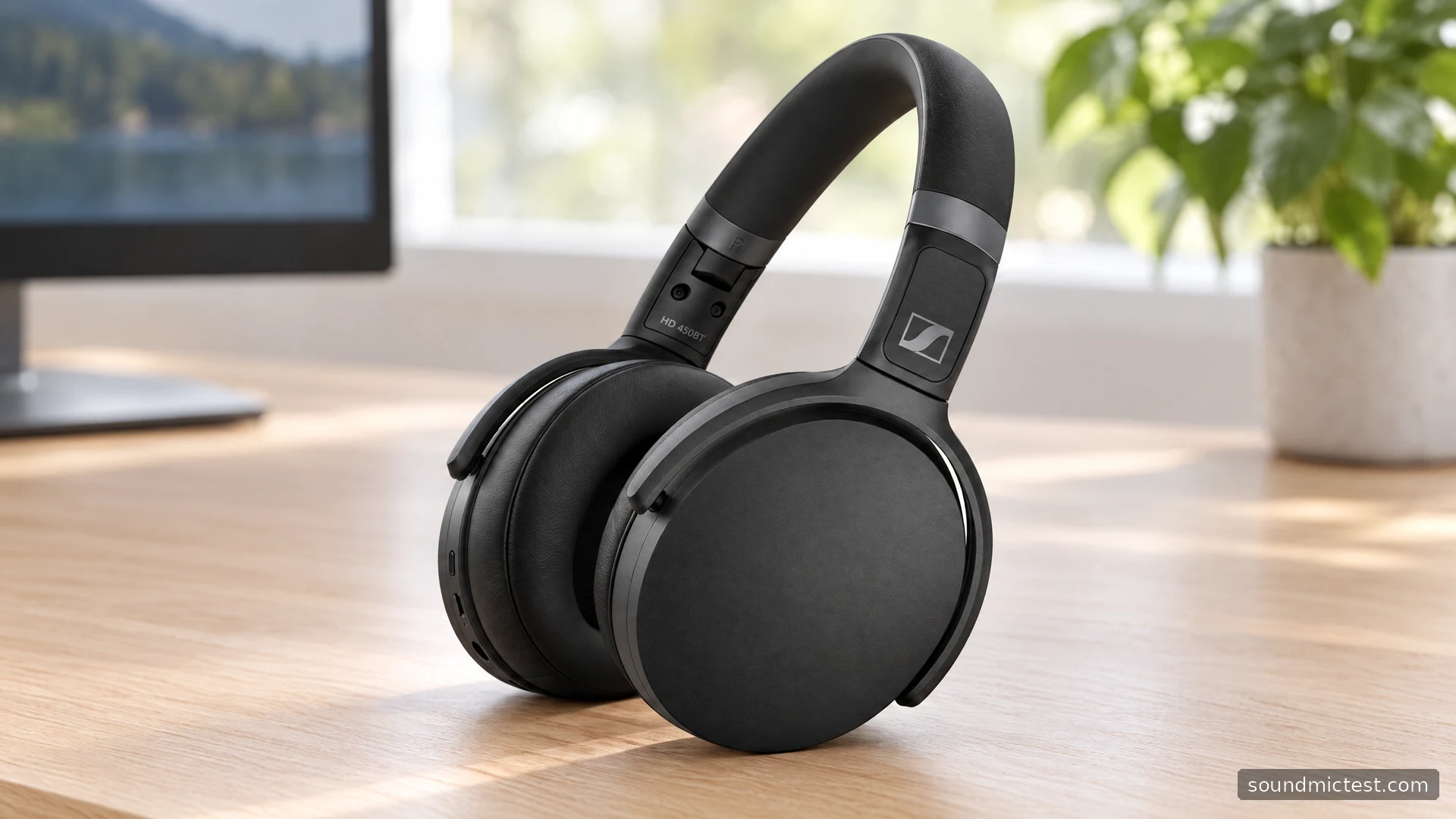
The Sennheiser HD 450BT combines Bluetooth listening, active noise cancellation and a detachable analog cable. That last feature matters if you want a headphone that can move between a phone and equipment with a traditional headphone output. It also introduces one of the easiest setup details to overlook: the headphone end of the cable locks into place.
This guide focuses on the original HD 450BT, using Sennheiser's product information and operating instructions. It explains the controls and connection tradeoffs without inventing sound measurements or a personal travel test. If you are comparing it with the similar-looking HD 350BT, pay attention to the functions rather than the family resemblance.
The features to weigh before buying
Sennheiser's HD 450BT product page lists Bluetooth 5.0, active noise cancellation, AAC and aptX Low Latency support, app-based adjustment and a 30-hour battery claim. These give it several potential roles, from wireless listening around the home to a wired connection on a journey.
The codec list deserves a compatibility check. An aptX Low Latency connection requires suitable support at the other end. A laptop or television having Bluetooth does not, by itself, establish that it can use that codec. If lip synchronization is your main concern, verify the source or transmitter before purchasing the headphones.
Do not treat a battery claim as an assessment of an older used pair. Charging history and battery condition matter. When evaluating second-hand headphones, make room for a meaningful playback check rather than accepting a full-charge indicator as proof of all-day endurance.
How to pair the HD 450BT
The official instruction manual specifies holding the power button for four seconds with the headphones off. When the LED alternates red and blue, select HD 450BT in your device's Bluetooth menu. The headphones can maintain two active Bluetooth connections.
Pair the source you use most often first. Play a short clip and confirm that the sound is coming from the headphones, then add the second source. On a shared desk, temporarily pause or disconnect the unused device if you are unsure where playback has gone.
A successful pairing message is only the first checkpoint. Open the application you actually intend to use and inspect its audio output. A meeting app may keep a previous selection even after the operating system has moved to the new headphones.
If you encounter silence, follow the signal path in order: application playback, application volume, system output, headphone volume and finally the connection. This is usually more informative than repeatedly removing and re-adding the device while several unrelated settings remain uncertain.
Switching ANC without overreading the indicator
A short press of the power button toggles noise cancellation. The manual notes the same three purple flashes for the relevant Bluetooth-mode indication on either transition, so the light alone is not a useful description of how the room should sound. Compare the change with playback paused and then at a steady listening level.
Choose a consistent environment for that comparison. A fan or ventilation system provides a more repeatable everyday reference than people walking past and speaking at different distances. This is a personal setup check, not a standardized isolation benchmark.
Before altering EQ, make sure both earcups are sitting evenly and that the pads are not caught on clothing. A physical fit issue should be resolved physically. Increasing several frequency bands to compensate for an uneven fit can make the headphone less satisfying once it is positioned correctly.
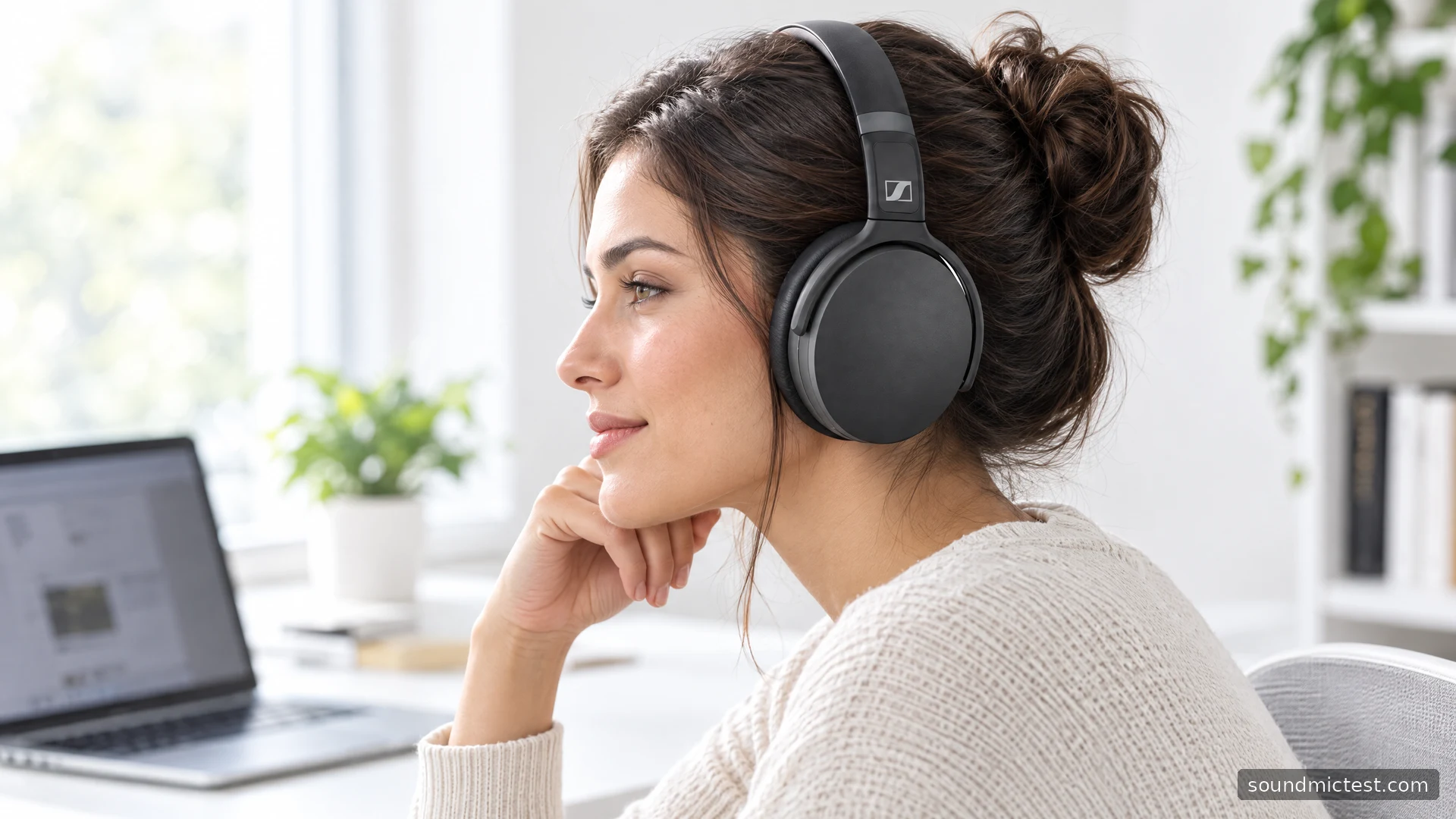
Connect the analog cable correctly
Insert the 2.5 mm plug straight into the headphone socket, then turn it right to lock. Connect the 3.5 mm end to the source. To remove the headphone end, turn left before pulling straight out. Connecting this cable disables Bluetooth; media and call controls are unavailable. ANC remains usable with battery power, while passive audio works with an empty battery.
| Situation | Practical consequence |
|---|---|
| Analog cable connected | Operate playback at the source |
| Battery empty | Passive wired listening remains an option |
| ANC wanted while wired | Keep the battery charged |
| Removing the headphone plug | Unlock it before pulling |
The locking action is worth learning before packing the headphones. A partially seated connector can lead you to troubleshoot the wrong part of the system. Do not force an unfamiliar cable into the socket or assume that every plug with a similar diameter has the correct fit.
After connecting, reduce source volume before starting playback. Then use the stereo channel test to confirm left and right channels. If a channel is missing, check the plug seating and source adapter before changing balance settings to hide the symptom.
A sensible call and listening check
For Bluetooth calls, select the intended microphone in your application and make a short recording with the microphone test. Speak at your normal level from your usual seated position. Listen for whether the recording is intelligible and whether the selected input is actually the headset rather than a laptop microphone across the desk.
Keep microphone and music judgments separate. A call application may choose a different Bluetooth operating mode from a music player. If playback changes when the microphone becomes active, investigate that connection behavior before concluding that the music file or the headphone driver is defective.
The HD 450BT is most interesting when ANC and analog fallback both solve a real problem in your routine. Its cable arrangement is useful once understood, but it is less convenient if you expect every headphone control to behave identically across wired and wireless modes. Check those transitions with your own equipment and decide on that experience, not the specification list alone.

About the author
James CarterHeadphones & Personal Audio
James Carter is an editorial pen name for Sound Mic Test's headphone coverage. Articles under this byline focus on comfort, isolation, connectivity and the everyday trade-offs between different headphone designs.
Sound Mic Test editorial pen name.
james.carter@soundmictest.com