Headphones
Sennheiser Accentum Wireless: Features, USB Audio and Setup
A practical guide to original Accentum Wireless pairing, ANC, transparency and USB audio, with useful fit and computer microphone checks.
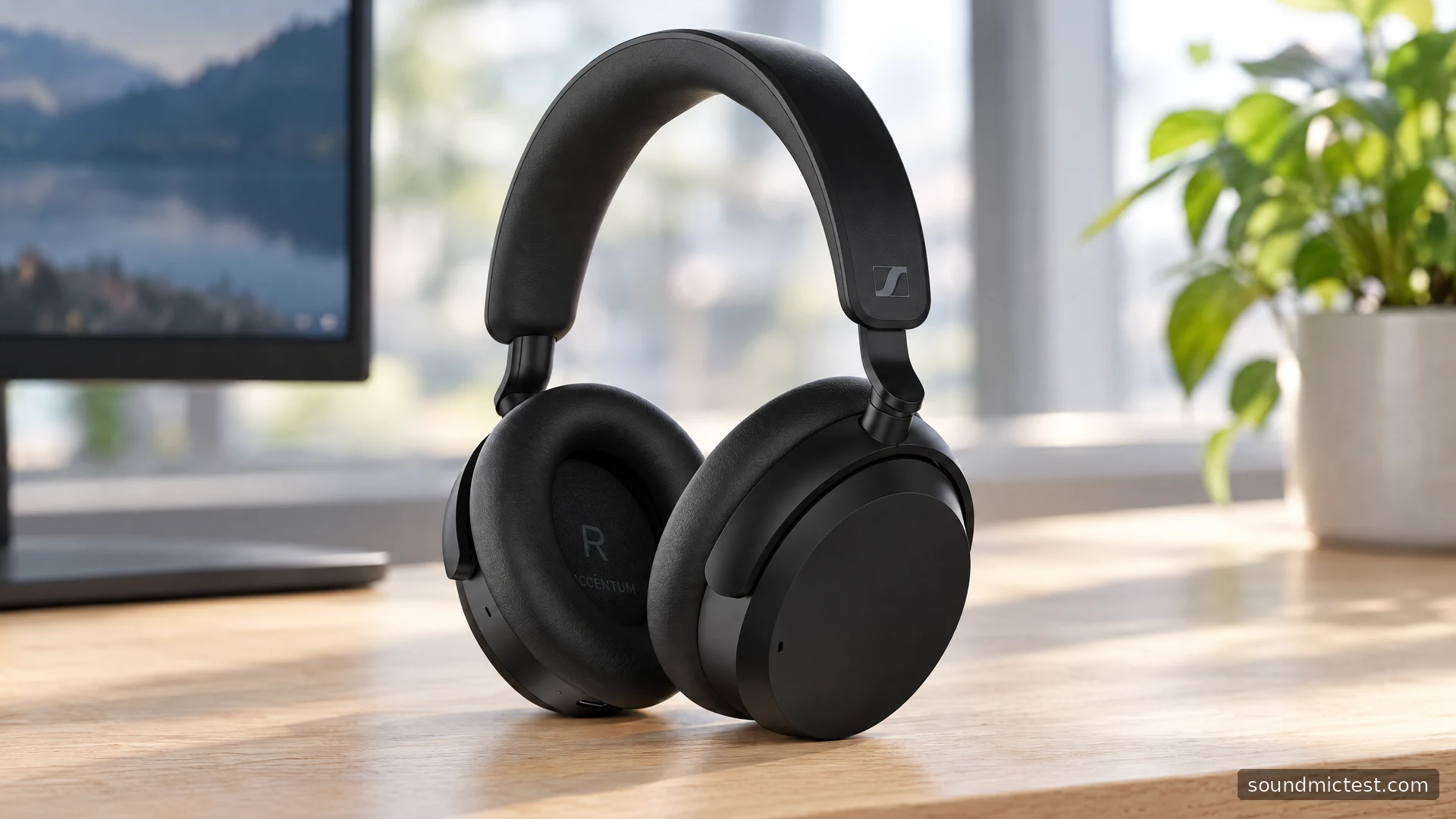
The original Sennheiser Accentum Wireless is worth considering when you want noise-cancelling headphones with physical controls and a straightforward phone-and-laptop routine. Its useful surprise is USB audio support. The charging connector can also provide a computer audio connection, which gives this model another role beyond wireless music listening.
Be careful with the name when shopping. Accentum Wireless and Accentum Plus are separate products, and instructions or accessories advertised for one should not automatically be applied to the other. This guide concerns the original Accentum Wireless and uses its official specifications and instructions to explain what to check, how to connect it and where its features fit into everyday use.
A compact feature set with a useful battery claim
The official specification sheet lists 37 mm drivers, hybrid ANC, a weight of 222 g and support for AAC, SBC, aptX and aptX HD. Sennheiser quotes up to 50 hours of Bluetooth playback with ANC, tested using an iPhone at a medium volume level. Full charging is approximately three hours.
Those numbers answer different questions. Weight helps you decide what to compare during a fit check. Battery life helps you plan a charging routine. Neither tells you how the pads will feel around your ears after an afternoon or how well a particular voice recording will cut through background noise.
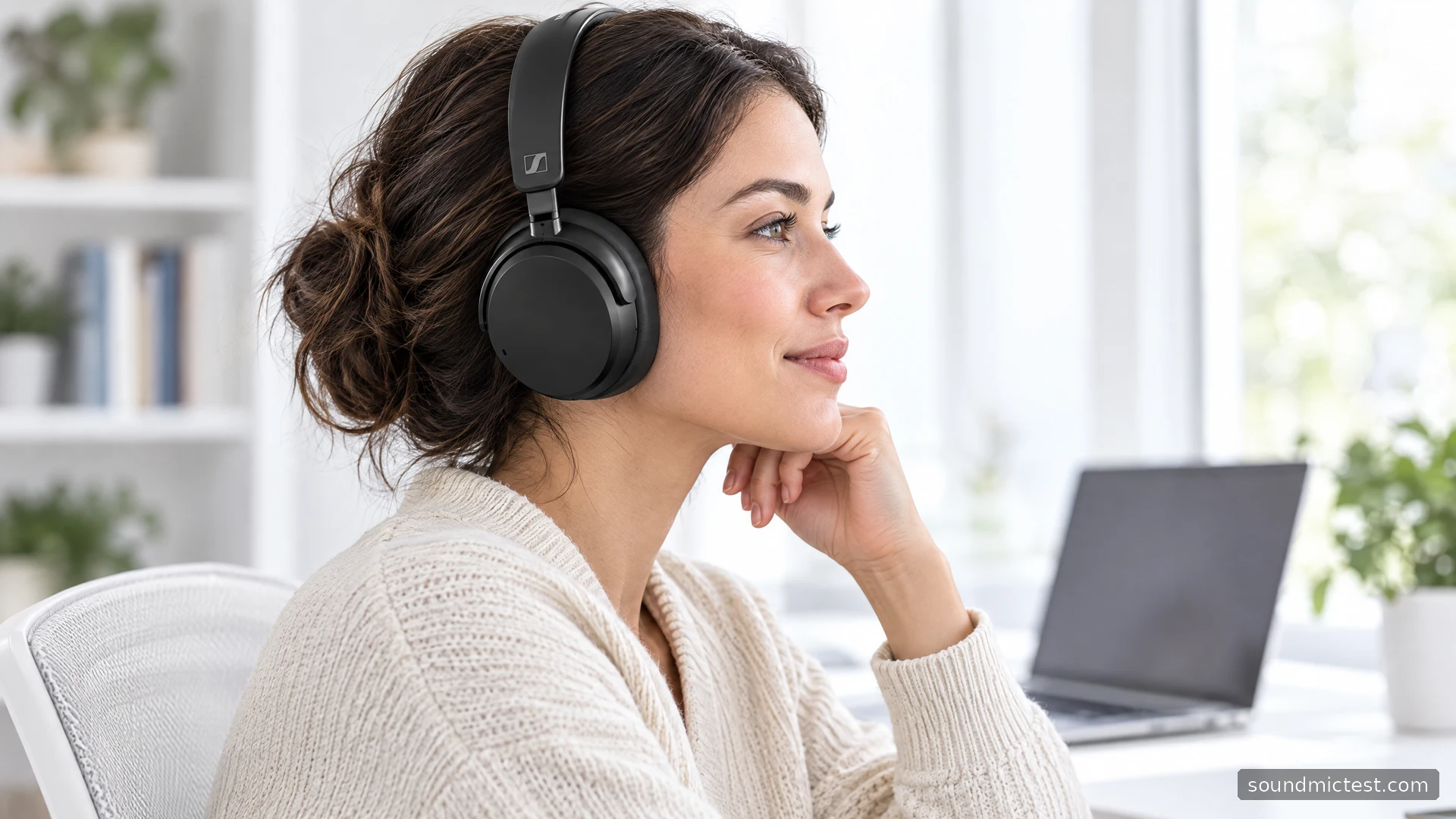
Try the fit with the glasses, hairstyle and desk posture you normally use. A headphone that seems comfortable while standing in a shop can put pressure in a different place once you lean toward a screen. Make the return policy part of the purchase decision if you cannot try the exact model first.
Pair the first device before adding the second
Sennheiser's Accentum Wireless manual describes automatic pairing on first use. For later pairing, switch the headphones on and hold the main button for five seconds until the indicator alternates white and red, then choose ACCENTUM in the source's Bluetooth menu. Two devices can be connected simultaneously.
Start with your main listening device. Confirm that music plays and pauses correctly, then add the laptop or second phone. Introducing both at once creates avoidable ambiguity if one reconnects automatically while you are trying to test the other.
Two connections are helpful for a desk routine, but they are not a reason to leave every nearby source playing. Pause the first source before starting the second. If audio is missing, look for a forgotten browser tab or an application that is still holding an active connection before deleting the pairing.
ANC, transparency and the main button
Outside a call, pressing the main button twice switches between ANC and Transparency Mode. Transparency can pause playback by default; the app lets you change that behavior. Equalizer settings are stored in the headphones, so they can remain active when listening from another Bluetooth source.
This is useful when a headphone moves between a phone with the companion app and a work computer without it. Make your adjustment deliberately and remember that the preference can follow the headphones. If the laptop suddenly seems to have a different tonal balance, inspect the saved headphone setting before changing several computer controls as well.
Transparency is best assessed as a communication feature. Try it with playback paused, then with quiet playback if you have enabled that behavior. Choose the option that lets you follow the room comfortably. A feature does not need to stay enabled all day to be useful.
For ANC comparisons, use the same seat and source level. Changing position in a room can change the noise reaching your ears. If you move from a quiet corner to a desk beside a fan between comparisons, you are no longer evaluating just the headphone setting.
How to use Accentum over USB
The manual supports USB audio and microphone use: disconnect Bluetooth, connect the USB cable and choose ACCENTUM for audio input and output. The battery charges during this connection. This provides a documented wired computer workflow without relying on a headphone socket.
| Task | First setting to inspect |
|---|---|
| Music plays through the laptop speakers | System output device |
| Other people cannot hear you | Calling application's input and mute settings |
| Browser test uses the wrong microphone | Browser permission and selected input |
| Playback changes after switching devices | Saved EQ and application processing |
Use a cable that supports data when testing USB audio. If the headphones charge but no audio device appears, charging alone does not establish that the entire data path is working. Try a known working connection directly to the computer before introducing a hub or adapter.
Once the device appears, make a short call recording or use the microphone test. Listen to the result at a normal level and check for clipping, silence or an unintended laptop microphone. Follow with the stereo channel test to confirm the output channels.
Decide whether its priorities match yours
For a study desk or shared home office, the Accentum's documented combination of ANC, two-device Bluetooth and USB audio is useful. The decision is less clear if your main requirement is a specific cable interface, a particular console or a specialist low-latency setup. Check those exact sources instead of assuming that a USB connector guarantees universal compatibility.
A sensible ownership check takes ten minutes: pair your phone, connect the computer, test the microphone and wear the headphones while typing. Then spend longer checking comfort during normal work. The first exercise catches setup problems; the second tells you whether you actually enjoy using the product.
The original Accentum Wireless deserves attention for covering several everyday connection needs without a complicated control surface. Choose it for those needs and a fit that works for you. Its published battery figure and codec list provide useful context, but they cannot replace testing the routine you plan to use.

About the author
James CarterHeadphones & Personal Audio
James Carter is an editorial pen name for Sound Mic Test's headphone coverage. Articles under this byline focus on comfort, isolation, connectivity and the everyday trade-offs between different headphone designs.
Sound Mic Test editorial pen name.
james.carter@soundmictest.com