Office Headsets
Jabra Evolve 40: USB Controller, Microphone and Call Setup
Connect the Evolve 40 USB controller, position the microphone, check mute and understand what changes through the analog connection.

Emma Bennett is an editorial pen name for microphone and voice-recording coverage at Sound Mic Test. This byline covers microphone features, recording setups and practical considerations for calls, streaming and spoken-word audio.
Sound Mic Test editorial pen name.
emma.bennett@soundmictest.com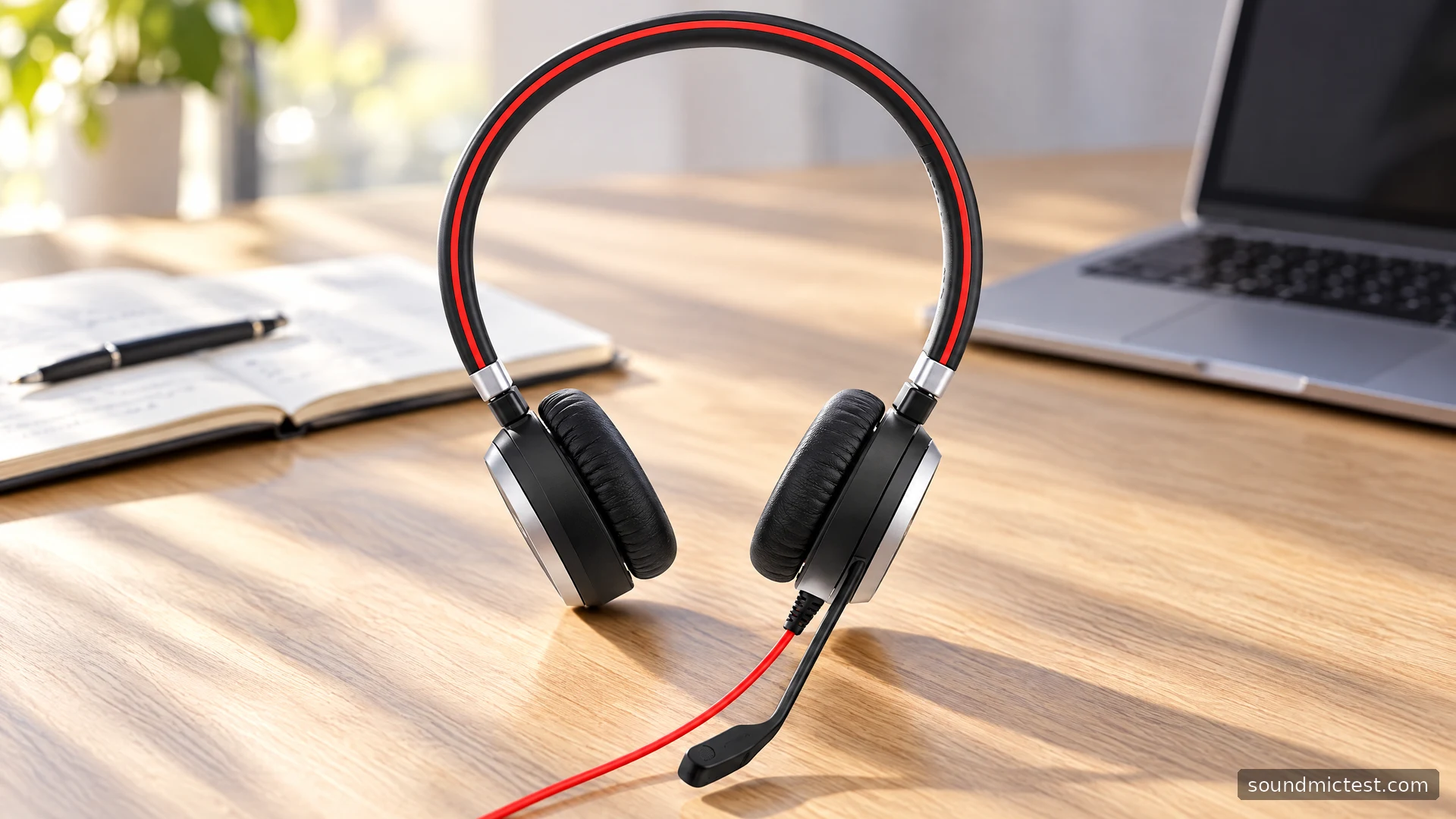
The Jabra Evolve 40 is a wired office headset with a useful split personality. At a computer, its USB controller puts call, volume and mute controls on the desk. Away from that controller, the headset can use its 3.5mm connection with compatible equipment. The appeal is a clear physical connection and no wireless battery routine, provided you understand which features depend on the controller.
This guide covers the original Evolve 40, not the Evolve2 40 or later Evolve2 variants. Mono and stereo versions serve different working preferences, so confirm the exact SKU. The assessment is based on Jabra's documentation and the implications of its design, without claiming hands-on microphone or comfort measurements.
Why the controller belongs in the buying decision
Jabra's Evolve 40 product information lists USB and 3.5mm connectivity, a busylight and an on-ear design. There is no battery or Bluetooth connection to configure. The USB controller is therefore a central part of the desktop experience, rather than a wireless receiver or charging accessory.
If you are buying used, inspect the listing for that controller as carefully as the headset itself. A headset-only sale may still provide an analog listening path, but it is not the same package as the complete USB setup. Also check the controller's connector type against your computer's ports.
Choose stereo when you want both ears covered for calls and listening. Mono leaves one ear open to the room. That can be helpful at a reception desk, but it is a workflow choice rather than an automatic improvement in microphone quality.
Seat the headset plug fully
The Evolve 40 user manual places unusual emphasis on inserting the headset plug completely into the controller. Make that your first check if recognition or sound is inconsistent. Then connect the controller to the computer and select its audio device in the system and calling application.
Establish the output before changing microphone processing. Play a short clip at low volume and verify that it reaches the intended headset. For the stereo model, the left/right test can expose an incorrect channel route or a partially seated connection. A mono headset should not be judged against a stereo separation expectation.
Keep the controller somewhere you can reach without pulling the headset cable. A control puck hidden behind a monitor defeats much of the reason to have physical buttons, and a cable stretched across the edge of the desk is easier to snag.
Position the microphone without forcing its rotation
Jabra allows left- or right-side wearing by rotating the boom within its specified 270-degree range. It does not rotate endlessly. Adjust the headband first, then bring the flexible microphone close to the corner of your mouth. The manual suggests roughly half an inch as a starting distance.
That placement is more useful than immediately maximizing input gain. A distant microphone encourages you to amplify the room along with your voice. A tip directly in front of your lips can pick up breath bursts. Make small positional changes while speaking normally rather than testing only with loud, exaggerated words.
The boom can be stored along the headband when it is out of the way. Do not confuse that storage position with a documented automatic mute action. Use the controller's mute button or the application's mute control, and verify the state before relying on it.

Check the actual microphone your meeting app uses
Open the microphone test and choose the Jabra input. A laptop may otherwise continue listening through its internal microphone, even while audio plays through the headset. Toggle the controller's mute button and confirm the expected response.
Next, make a sample with the voice recorder test. Read a sentence, pause and type briefly. Listen for distortion on louder syllables, excessive keyboard pickup and a voice that fades when you turn your head. Reposition the boom and repeat before adding software noise suppression.
The recording is a practical check of your setup, not a standardized comparison with another headset. Browser permissions, operating-system settings and application processing all affect the route. If the sample works but a meeting does not, focus on that meeting app's input and mute settings.
Use the busylight as a signal, not a mute indicator
The Evolve 40's busylight is intended to tell people nearby that you are occupied. The controller provides a button to toggle it manually, including outside a call. It is useful during concentrated work if the people sharing your room understand the signal.
Its meaning is separate from microphone mute. A busy light does not tell a remote participant that you cannot hear them, and it does not by itself stop your voice being transmitted. Keep those concepts separate when learning the buttons.
Physical call-answer controls also depend on the supported application and configuration. If a button fails to answer a browser-based call, check compatibility and use the on-screen control while troubleshooting. Working audio and working remote call control are related but distinct tests.
Moving to the analog connection
For compatible devices, unplug the headset from its USB controller and connect its 3.5mm plug to the appropriate headset socket. The controller's buttons are no longer in the signal path. A modern phone without a headset socket needs a suitable adapter that supports a microphone, not just headphone playback.
Avoid changing connections in the middle of an important call unless you have tested the application's behavior. The manual notes that disconnecting the headset from the controller can place an active call on hold, with manual resumption needed after reconnection. A quiet gap is therefore not always a broken cable.
Is a wired Evolve 40 still a useful choice?
The Evolve 40 suits a fixed desk where easy-to-reach controls and a predictable wired connection matter more than walking around. Its analog option is convenient, but the complete USB controller package is the stronger reason to choose it for computer calls.
It is less suitable if you need wireless movement or active noise cancellation at your ears. For an older unit, check cushion condition, cable strain and controller function. A complete, working setup with the right connector is worth more than a vague compatibility claim in a listing.