Headphones
Bose QuietComfort 45: Pairing, Noise Modes and Wired Use
A practical Bose QC45 guide to Bluetooth pairing, Quiet and Aware modes, multipoint and wired listening, with useful checks for an older pair.
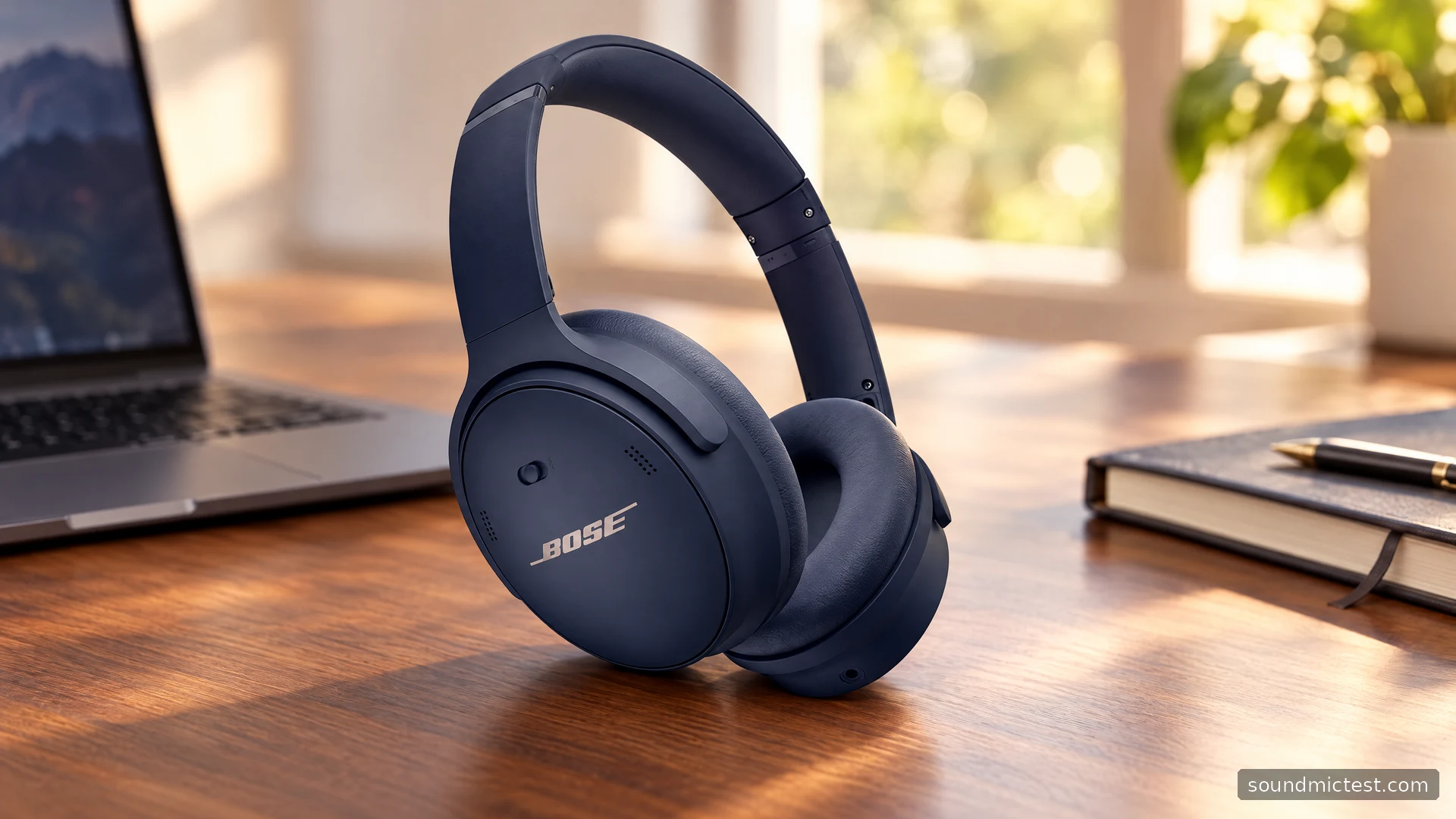
The Bose QuietComfort 45 is easiest to understand as a travel and everyday-listening headphone with straightforward physical controls. Its appeal is a familiar arrangement: wireless listening, noise cancellation, an awareness mode and an analog cable when Bluetooth is not the right connection. The buying decision depends on which of those functions you actually need, especially when comparing an older pair with newer QuietComfort models.
This review uses Bose's specifications and owner instructions. It explains operation and practical tradeoffs without inventing listening sessions or treating the manufacturer's battery claim as a measured result. The QC45 is a specific model, so instructions for QuietComfort Ultra or the later QuietComfort Headphones should not be assumed to apply.
The features that define the QC45
The official QC45 product page lists a carry case, USB-C charging cable and 3.5 mm to 2.5 mm audio cable. Bose quotes up to 24 hours of battery life. That is useful context for planning, but the condition of an older battery and your listening habits still matter.
Two listening modes keep the basic choice manageable. Quiet provides noise cancellation, while Aware brings in surrounding sound. The point is to select behavior appropriate to the room or journey, not to leave one mode on simply because it sounds like the premium option.
| Practical question | QC45 answer |
|---|---|
| How do you change volume? | Dedicated physical buttons |
| How do you change noise behavior? | Action button or supported app settings |
| Is analog listening available? | Yes, using the supplied type of audio cable |
| Can it remember different sources? | Yes, with two active Bluetooth connections supported |
| Is USB-C the analog audio connection? | No; the supplied audio lead uses the separate 2.5 mm socket |
A button-based layout is useful if you prefer finding controls by touch. It does not establish comfort or sound quality by itself. Check how naturally your fingers reach the controls and whether the fit stays comfortable with your usual glasses or hairstyle.
Pair the QC45 without clearing everything
The owner's guide specifies sliding the Power/Bluetooth switch to the Bluetooth position and holding for three seconds, until the readiness prompt and blue flashing light. Then select the QC45 in the source device's Bluetooth list.
Use that pairing action to add a device. A much longer hold clears the saved device list, so holding the switch indefinitely is not a helpful shortcut. If a nearby phone reconnects while you are setting up a computer, disconnect it temporarily and finish the computer connection first.
After pairing, check the actual output selection. A browser may keep using the laptop speakers even when the headphones appear in the Bluetooth panel. Run the stereo playback check quietly and confirm that the left and right signals reach the intended sides. That checks routing rather than acoustic performance.
Make two-device use predictable
Multipoint is most useful when you deliberately choose the two sources you want to keep available. A phone and a work laptop is a common arrangement. A tablet left playing in another room can be an unwanted complication. Start with the smallest setup that matches your routine.
Pause audio on the first source before playing from the second. If the wrong device seems to retain control, close its player or meeting app and test again. The relevant question is often which app still has an active audio session, rather than whether pairing has failed.
Try a normal sequence before relying on it during work: computer playback, a phone call, then computer playback again. If the problem appears only after that transition, you have a much more useful description for troubleshooting than simply saying that Bluetooth is unreliable.
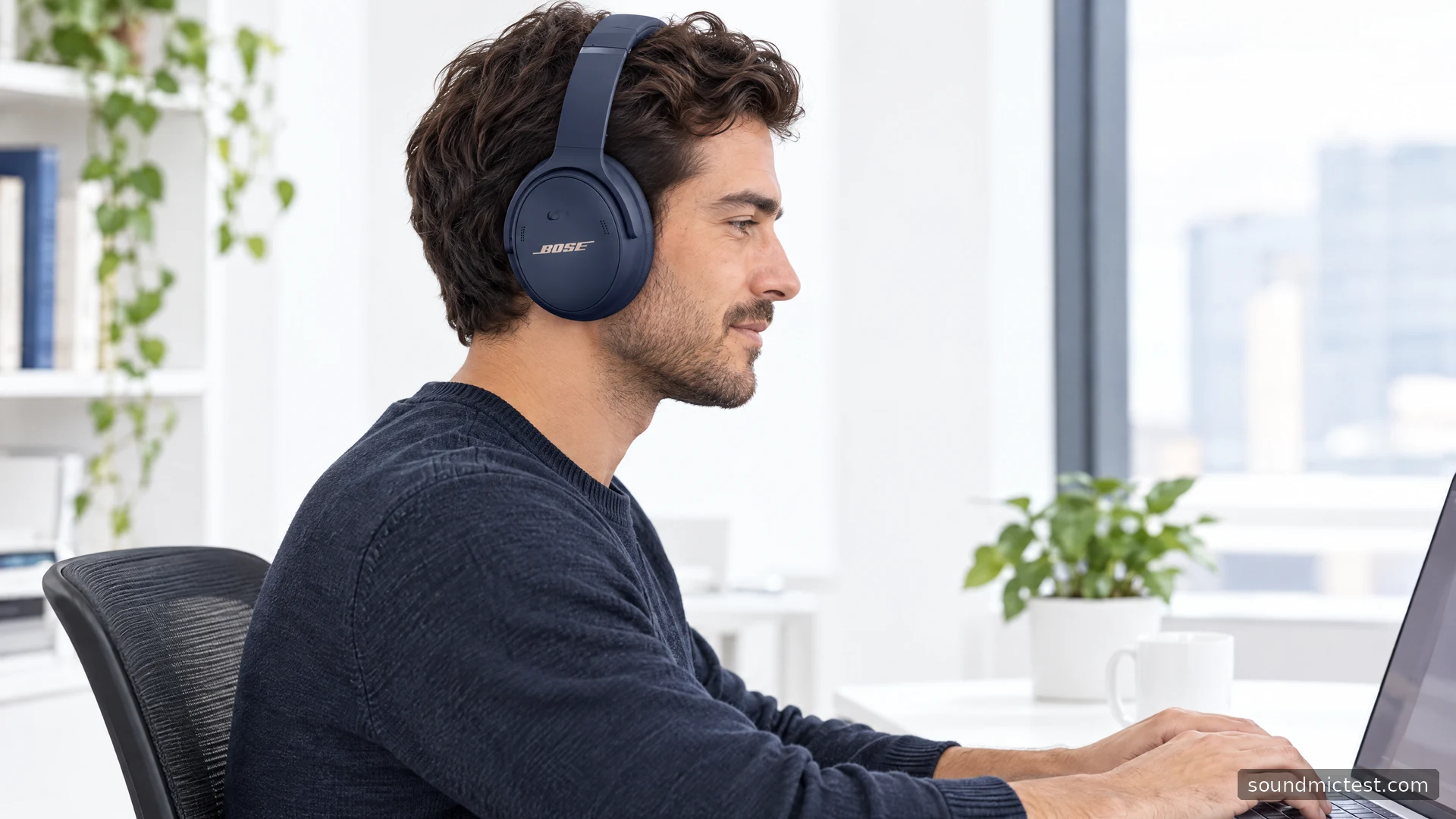
Wired listening and charging are different jobs
The QC45's analog cable can be used with the headphones powered on or off. Bose's guide also says the headphones do not play while charging. These details matter if your plan is to plug into a laptop and continue through a long session with a depleted battery.
Treat the two cables according to their purpose. Connect the audio lead to the source's headphone output; do not assume that the presence of a USB-C socket makes every USB cable an audio solution. Check the connector sizes before buying a replacement, since the earcup end is smaller than a standard 3.5 mm headphone plug.
For conferencing, verify the microphone separately from playback. Open a microphone check, choose the intended input and record a short phrase. If you change from Bluetooth to analog listening, repeat that check instead of assuming the input path stayed the same.
How to assess a pair before keeping it
Use familiar speech and music at a comfortable volume, with the fit settled and the noise mode held constant. If something sounds wrong, change one variable: source, connection or setting. Simultaneously changing all three makes it harder to tell whether you have fixed the cause or merely hidden it.
For a used purchase, inspect cushions, hinges, charging behavior and the supplied cable. Ask about battery duration during ordinary use and the return policy. A full charge indicator is only a starting point; it does not establish how much usable capacity remains.
The QC45 is a sensible candidate for someone who values physical controls and a straightforward wireless-to-analog workflow. It is less suitable if your requirement is specifically USB digital audio or uninterrupted playback while charging. Those are connection requirements to resolve before purchase, rather than shortcomings that a sound preset can fix.

About the author
James CarterHeadphones & Personal Audio
James Carter is an editorial pen name for Sound Mic Test's headphone coverage. Articles under this byline focus on comfort, isolation, connectivity and the everyday trade-offs between different headphone designs.
Sound Mic Test editorial pen name.
james.carter@soundmictest.com