Headphones
Audio-Technica ATH-M50x: Cables, Monitoring and Setup Guide
A practical guide to wired ATH-M50x features, detachable cables, headphone outputs and recording workflows, with fit and connection checks.
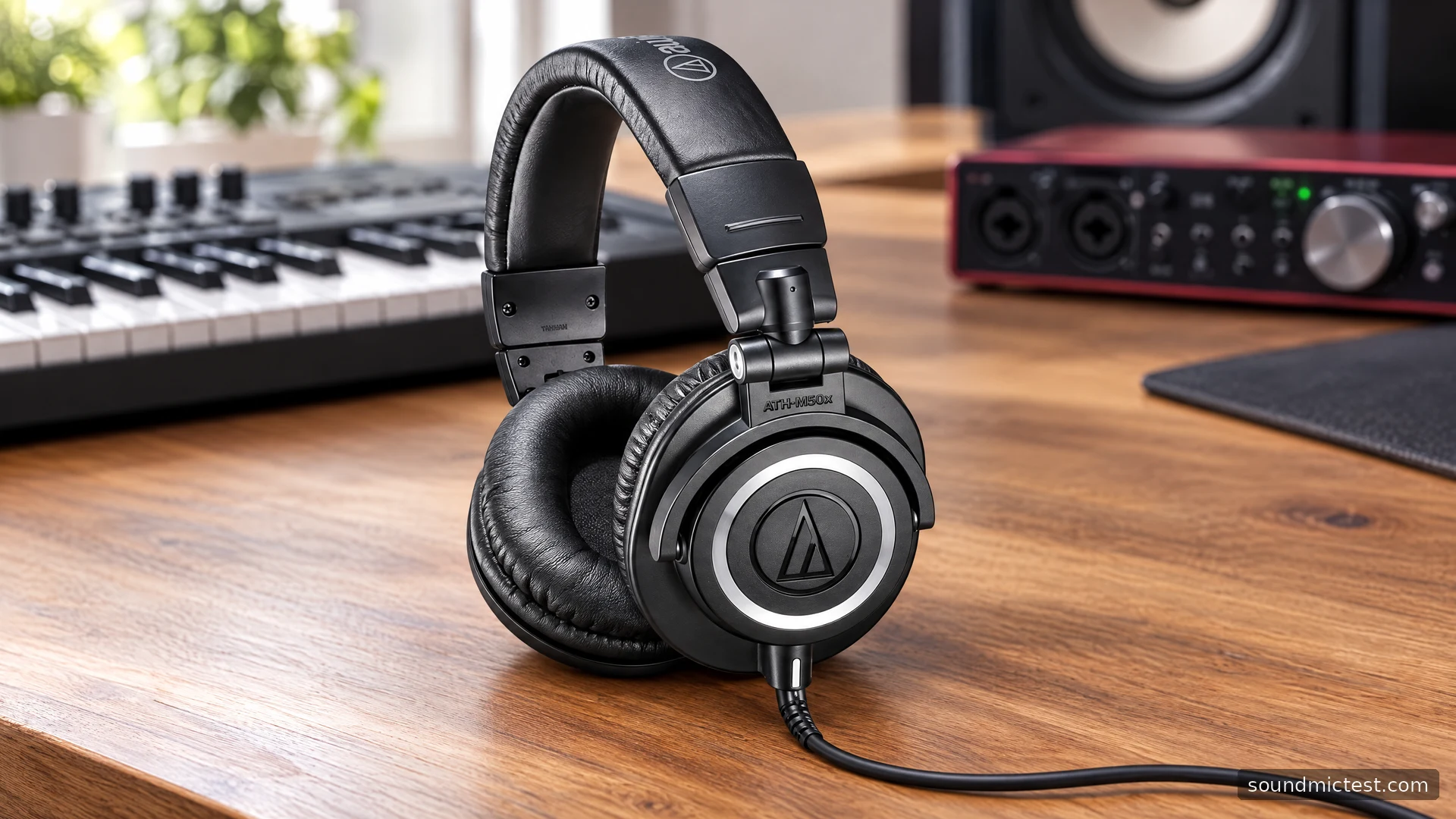
The wired Audio-Technica ATH-M50x is a different proposition from a travel headphone with an app and a battery. Its everyday strengths are physical: detachable cables, folding construction and earcups that swivel for monitoring. You connect it to a headphone output and make the source responsible for playback, level and processing.
That is a useful arrangement for a music desk, an instrument or editing work, provided you understand the limits. The standard M50x is not the Bluetooth M50xBT2 or the USB-equipped M50xSTS headset. This guide covers the original analog model and uses Audio-Technica's documentation to explain its features, cable choices and practical setup.
What the M50x specification does and does not establish
The official M50x page lists a closed-back dynamic design, 45 mm drivers, 38-ohm impedance and 285 g weight without the cable and connector. It specifies 90-degree swiveling earcups and three detachable cables: a short straight cable, a long straight cable and a coiled cable. A carrying pouch and quarter-inch adapter are included.
Those are useful decision facts, but they do not prove that the headphone will sound neutral to you or that it will make a mix translate automatically. A driver diameter and a published frequency range cannot replace a response measurement, and a studio label cannot replace learning the headphone with familiar recordings.
For editing, the relevant question is whether the complete setup lets you identify what you need to hear without distraction. For recording, it also matters whether your monitoring arrangement lets the performer work comfortably. Keep those tasks separate when deciding what the headphone needs to do.
Pick the cable for the desk, not just the connector
The short straight cable is a practical starting point when the headphone socket is close by. A longer cable is useful when the interface or instrument is farther away. A coiled cable can accommodate movement, but its pull and resting position should suit your workstation.
Do not let excess cable collect under a chair or pull against the headphone socket. Route it where you can stand up or turn without suddenly reaching its limit. This small physical detail can matter more during a recording session than an elaborate software setting.
| Work area | Cable question to answer |
|---|---|
| Laptop beside you | Can a short cable reach without tension? |
| Interface at the back of a desk | Is there enough length for normal movement? |
| Instrument or standing position | Will the cable clear your hands and feet? |
| Shared editing station | Can the cable be stored without bending the plugs? |
Use a cable intended for the M50x's headphone connector. Similar-looking plugs are not proof of the correct fit or locking arrangement. If a replacement does not seat properly, verify compatibility before applying force.
Connect to the headphone output
Audio-Technica's M-Series instructions illustrate connection to a portable player or a headphone amplifier/mixer, with the adapter used for the larger socket. Lower the source volume before plugging in. Hold the plug when disconnecting rather than pulling on the cable.
On an audio interface, choose the headphone socket and its level control. A connector fitting a hole does not make every output on the interface interchangeable. Consult the interface's own instructions if the output routing is unclear.
With a phone or computer that lacks a headphone socket, use an appropriate audio adapter or interface. The headphone itself remains an analog device. Check that the adapter is recognized and selected as the system output, then inspect any application-specific output choice.
Start with a familiar spoken recording at low volume. Confirm both channels using the stereo channel test, then increase only to a comfortable level. If one side is missing, check plug seating, adapters and software balance before deciding that a driver has failed.
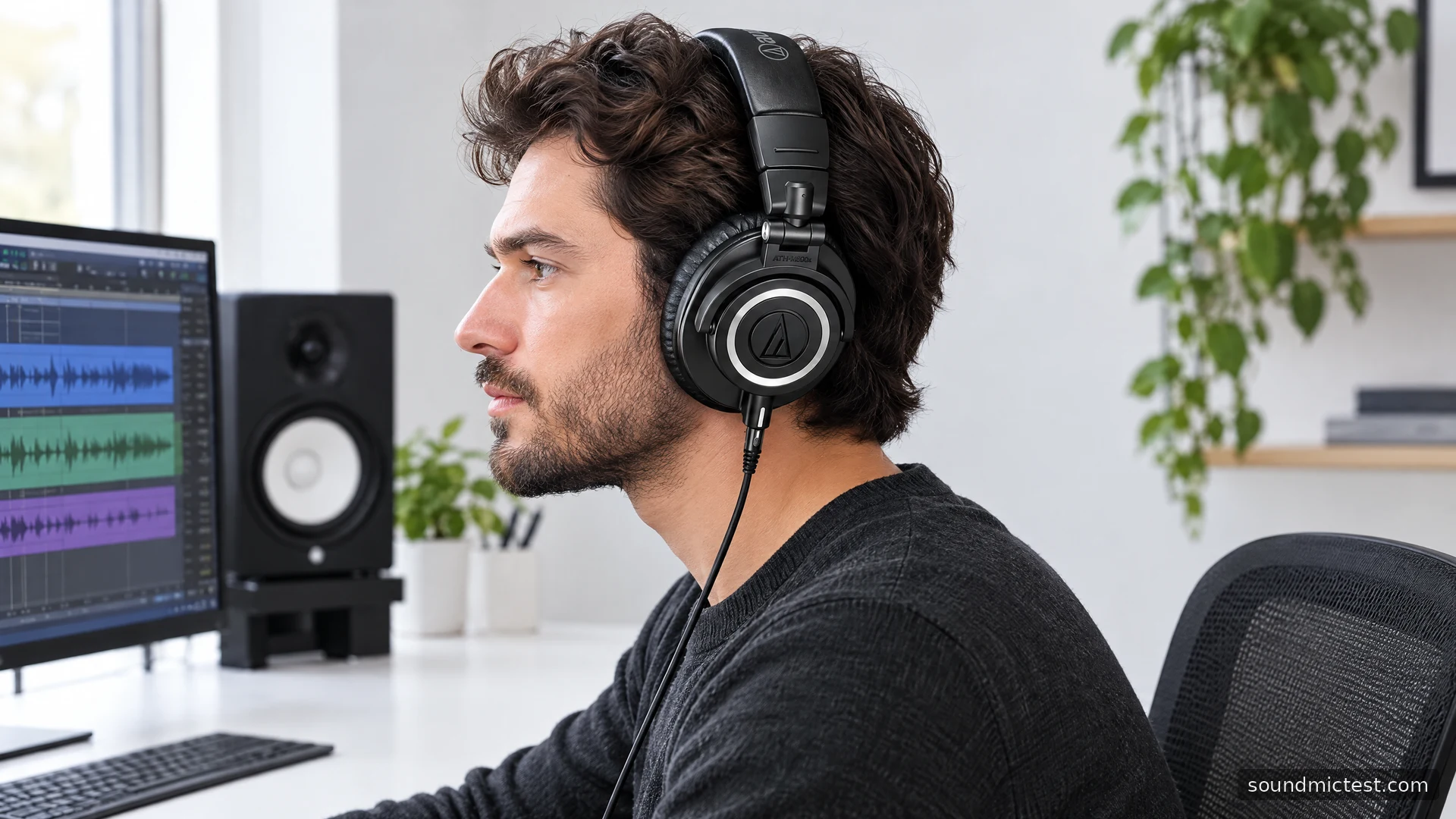
Using the M50x while recording
The standard M50x is a listening device, so a voice-recording setup needs a separate microphone. Select that microphone as the input and the interface or adapter feeding the headphones as the output. The microphone test can help confirm input selection while you listen through the M50x.
If your interface offers direct monitoring, compare that path with software monitoring and understand which one you have enabled. Hearing both paths at once can create an unwanted doubled or delayed impression. Change one monitoring route at a time so the result remains easy to interpret.
For editing or mixing, keep a small set of reference recordings that you know well. Compare at similar playback levels and check finished work on another familiar system. The point is to learn what decisions transfer reliably, not to assume that one headphone supplies a universal answer.
Fit, storage and long-term ownership
The shared manual recommends dry-cloth cleaning and avoiding solvents. It notes that pads and the headband age with use or storage and directs owners to service channels for replacement information. It also shows the folding arrangement, which is useful when packing the headphone away.
Inspect the pads before evaluating a used pair. Their condition affects how the headphone sits, and uneven wear can complicate a fit comparison. Test with your normal glasses and move your head as you would while reading a screen or playing an instrument.
The M50x is worth considering when a wired connection and adaptable cable kit match your workspace. Its appeal is the straightforward monitoring workflow and physical flexibility. Choose it after checking the output you will use, the cable route and sustained comfort, while treating sound-quality conclusions as something to evaluate with real listening or properly sourced measurements.

About the author
James CarterHeadphones & Personal Audio
James Carter is an editorial pen name for Sound Mic Test's headphone coverage. Articles under this byline focus on comfort, isolation, connectivity and the everyday trade-offs between different headphone designs.
Sound Mic Test editorial pen name.
james.carter@soundmictest.com