Wireless audio
Apple AirPods 3: Fit, Controls and Setup Without Confusion
Explore AirPods 3 fit, force-sensor controls, case options and Bluetooth setup, including practical checks for calls and stereo playback.
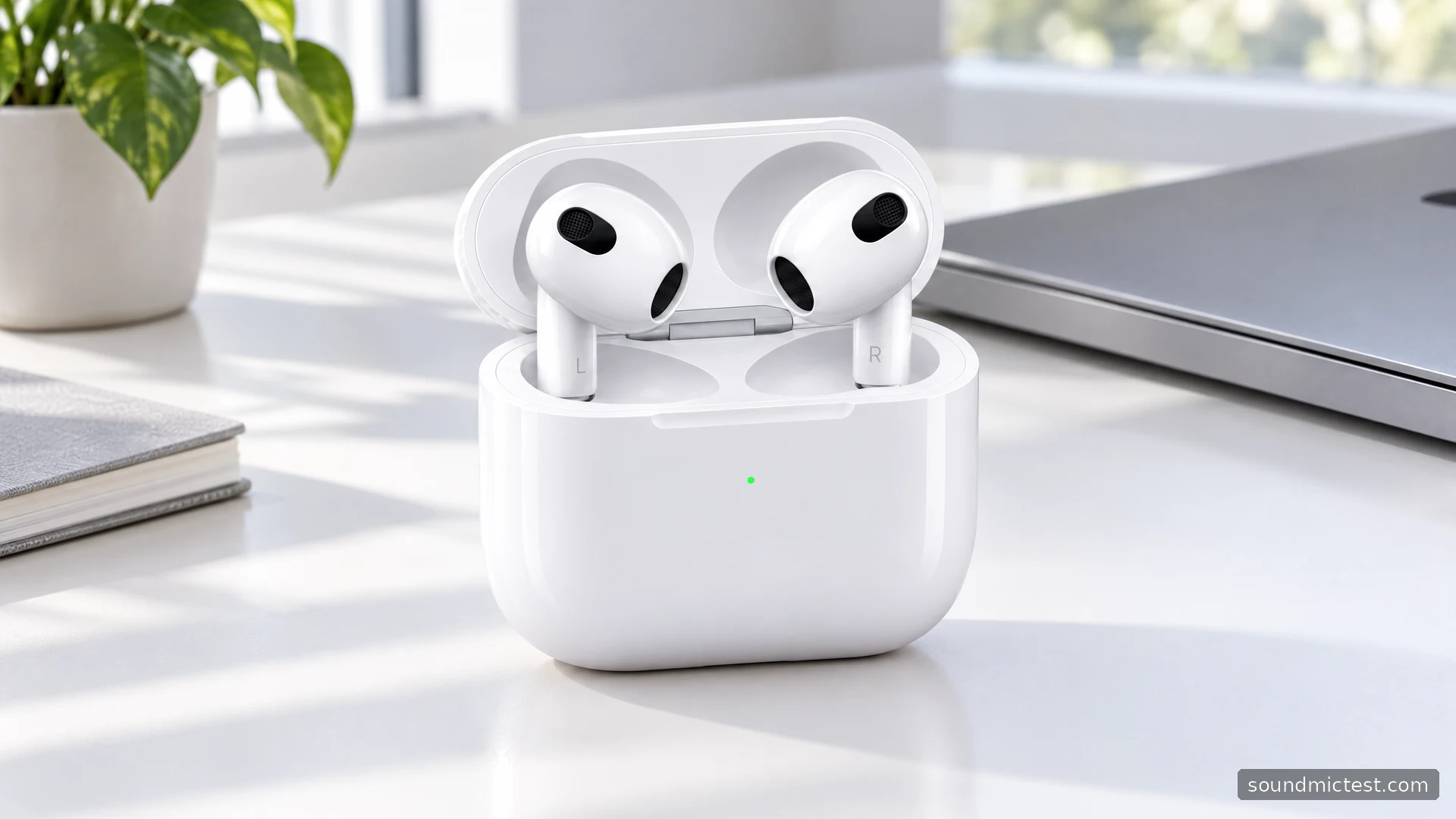
AirPods 3 occupy a particular middle ground: they offer the shorter-stem shape and squeeze controls associated with newer AirPods, while retaining a fit without silicone tips. That makes them worth considering if you dislike the sealed sensation of in-ear tips. It also makes fit the first buying question, because the shape itself has to suit your ears.
This review draws on Apple's specifications and operating instructions. It separates supported features from practical buying advice rather than assigning an unsupported sound score. In particular, AirPods 3 should not be confused with AirPods Pro: the similar outline does not give them the Pro model's active noise cancellation.
Features that change everyday use
Apple's AirPods 3 specification sheet lists Adaptive EQ, personalized Spatial Audio with dynamic head tracking, an H1 chip and a force sensor. It quotes up to six hours of listening, reduced to five with personalized Spatial Audio enabled, and up to 30 hours including case recharges. These are manufacturer figures under stated conditions.
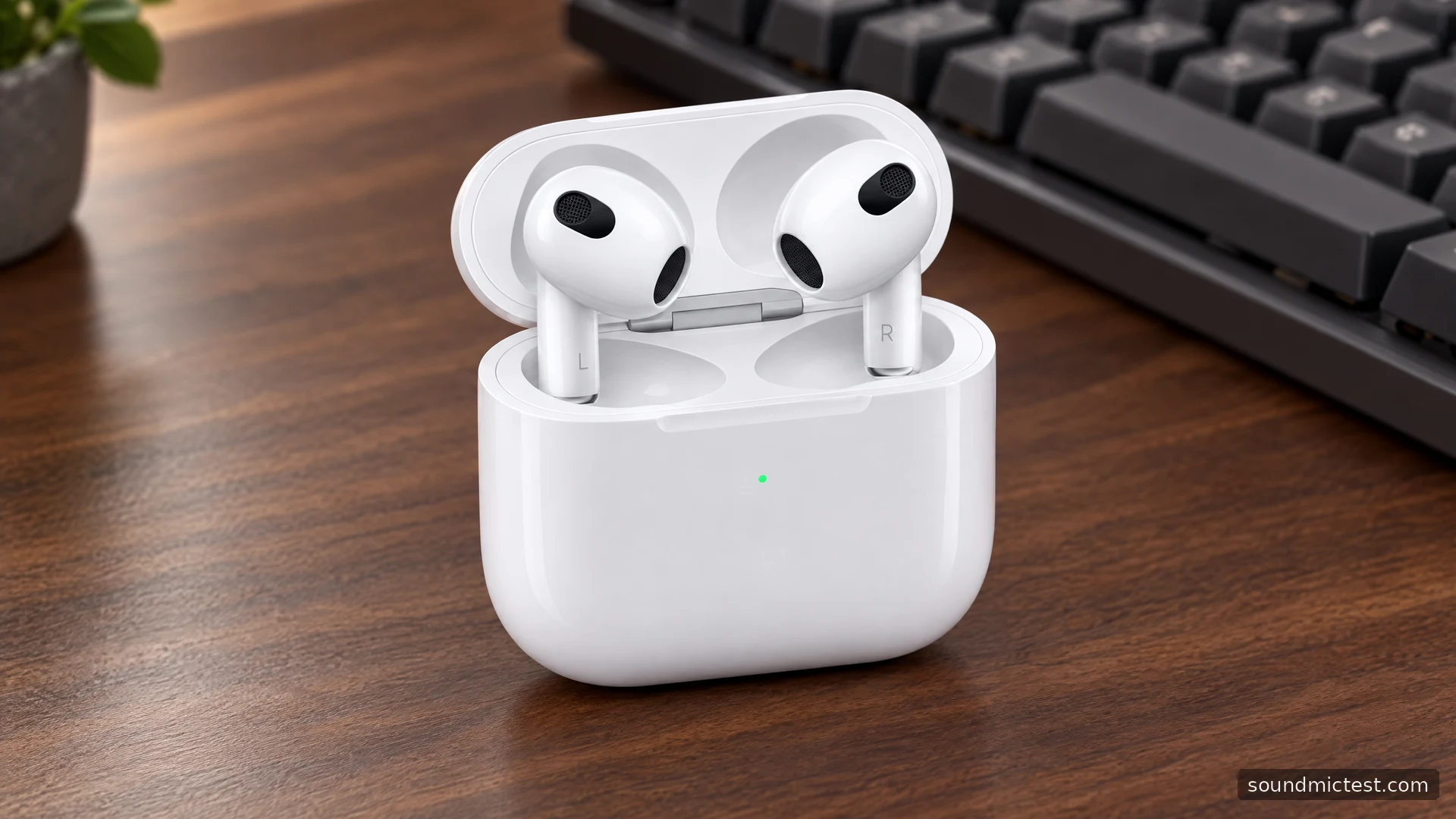
The case is another detail worth checking. A Lightning Charging Case and a MagSafe Charging Case were offered; the latter supports compatible wireless charging as well as Lightning. Do not infer the case type from the shape of the earbuds in a seller's photograph.
| AirPods 3 characteristic | Practical consequence |
|---|---|
| Fixed fit without silicone tips | Try the shape before committing if possible |
| Force-sensor stem | Squeeze to operate playback rather than tapping the shell |
| Spatial Audio support | Requires suitable content, device and software |
| Different case options | Check charging compatibility on the exact bundle |
| No active noise cancellation | Not the obvious choice when isolation is the priority |
Features such as Spatial Audio are options, not an obligation to process every recording. Compare ordinary stereo with the supported spatial mode using familiar material. Decide which you prefer for that content, rather than assuming the mode with the longer name must always be better.
How to wear AirPods 3
Apple's fit instructions recommend gently inserting the earbuds and rotating them toward the face. They should feel secure without force. If one side repeatedly moves when you speak, pay attention to that before experimenting with equalizer settings in a music app.
Try ordinary movements: looking down at a phone, turning toward a second monitor and walking around the room. A fit that works only when you sit very still is unlikely to become more convenient during travel. There is no tip-size menu here, so a poor physical match is a reason to compare another shape.
If the left and right sides seem uneven, start with placement and source balance settings. The left/right playback check helps confirm routing, but it cannot tell you whether an earbud is making an ideal acoustic fit. Keep the distinction clear when investigating a problem.
Pairing and control basics
On an iPhone, opening the case nearby starts Apple's guided setup. On other devices, use the rear case button until the indicator flashes white and select AirPods in Bluetooth settings. The AirPods manual covers the non-Apple connection, which provides Bluetooth listening and calling with fewer ecosystem features.
The force sensor is operated by pressing the stem. Apple lists one press for playback pause or resume, two for the next track and three for the previous track. Practice with the player visible so you can confirm the gesture before relying on it while the phone is in a pocket. Repeatedly tapping the round housing is not the intended playback action.
Call controls can vary with supported software and customized settings. Check the current control page on your device rather than assuming a gesture remembered from a different AirPods generation has the same effect. This is particularly useful when you want to mute without ending a conversation.
Sorting out calls and automatic playback
Apple's settings reference covers microphone selection and automatic ear detection. If you frequently switch between using one earbud and both, inspect any fixed left or right microphone choice. Settings that made sense for a previous routine may be the source of unexpected behavior now.
For a laptop call, check the microphone inside the calling app as well as the system output. A short voice recording can establish whether the browser receives intelligible speech. Play it back, then repeat the same phrase with the computer's built-in microphone selected. The useful comparison is which setup works better in your room, not which device has the more impressive marketing name.
If playback pauses when you adjust an earbud, distinguish that from a wireless interruption. Watch whether the player actually pauses. When it does, an automatic playback feature may explain the behavior; when it continues silently, investigate output routing and the connection instead.
Charging habits and the buying decision
Plan around the duration of one listening session, not only the total including case recharges. A case that restores charge during breaks is helpful, but it does not turn a six-hour specification into continuous all-day listening. Older batteries add another reason to ask about real charging behavior when shopping second-hand.
Apple lists IPX4 resistance for AirPods 3 and the charging case. Treat that as a limited resistance claim, not permission to immerse them or charge them wet. Keep the case dry and inspect the exact product's care instructions before using cleaning products.
AirPods 3 are most convincing for someone who wants Apple's everyday conveniences without silicone tips. The compromises are the fixed fit and lack of active noise cancellation. If either is central to your use, choose around that requirement first. A comfortable, predictable pair will matter more over time than leaving every optional sound feature enabled.

About the author
Noah MitchellWireless Audio & Accessories
Noah Mitchell is an editorial pen name for wireless audio and accessories at Sound Mic Test. Articles explore earbuds, portable audio, cables and the small setup choices that affect everyday listening.
Sound Mic Test editorial pen name.
noah.mitchell@soundmictest.com