Wireless audio
Apple AirPods 2: Features, Pairing and Everyday Limitations
Understand AirPods 2 pairing, double-tap controls and charging-case options, with microphone checks and advice for buying an older pair.
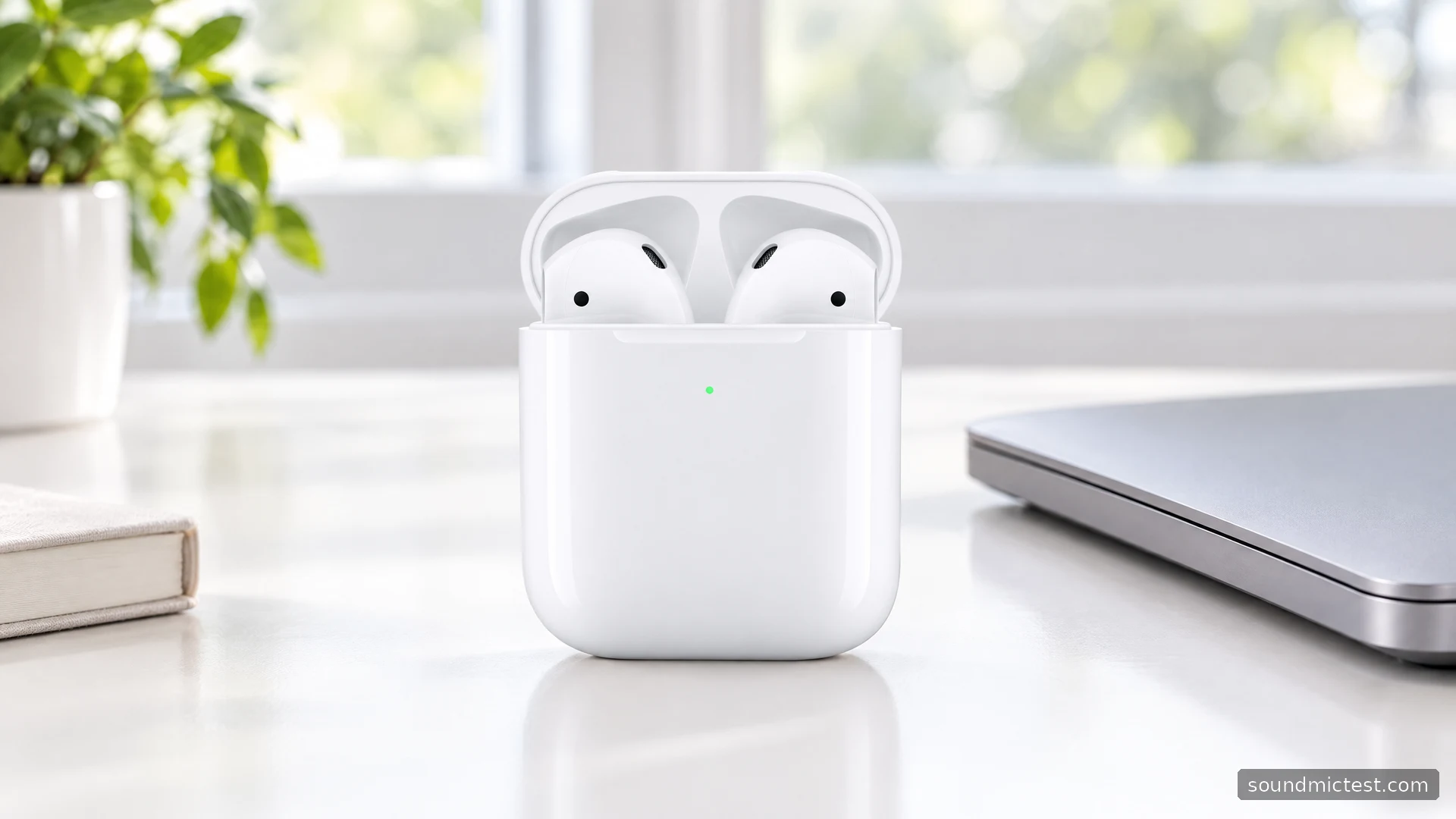
AirPods 2 are for someone who values a straightforward, open-fitting earbud more than noise cancellation or an extensive settings menu. Their long-stem design is easy to recognize, but familiarity should not replace a fit check. Unlike a model with interchangeable silicone tips, there is no selection of tip sizes to rescue an unsuitable fit.
Apple's specifications and user guide provide the basis for this review and setup advice. The second-generation model dates from 2019, so anyone considering an older or refurbished pair should pay particular attention to battery condition. A low purchase price becomes less appealing if either earbud needs charging halfway through a routine call.
Understand which features you are buying
The AirPods 2 specifications list the H1 chip, double-tap controls, hands-free Hey Siri and a manufacturer claim of up to five hours of listening on one charge. Apple lists more than 24 hours when case recharges are included. That larger figure does not describe one continuous session.
There are two relevant case types. The standard Lightning case charges through its connector; the Wireless Charging Case adds Qi charging. If a listing simply says "AirPods 2 with case," ask which one. A wireless earbud is not automatically supplied with a wirelessly chargeable case.
| Check before buying | Why it changes the decision |
|---|---|
| Fit in both ears | The fixed shape offers no replaceable tip-size adjustment |
| Case type | Qi charging depends on the case supplied |
| Battery condition | Age and previous use matter for a second-hand pair |
| Main phone platform | Some conveniences rely on Apple software |
| Need for isolation | This is not the noise-canceling AirPods Pro design |
For quiet-room podcasts, the uncomplicated fit may be the attraction. For a commute where isolation is the main priority, it is a compromise. Turning music louder to compete with the environment is not a substitute for choosing headphones suited to that environment.
Set up AirPods 2 with your phone
For an iPhone, open the case beside the phone and follow the setup card. Apple's pairing guide explains the account-based connection with other supported Apple devices. Check that you are using the intended account before troubleshooting synchronization between a personal phone and a work computer.
On Android or another Bluetooth device, keep the earbuds in the open case, hold the rear button until the light flashes white, then select AirPods in Bluetooth settings. Apple's non-Apple device guide confirms listening and calling support, but not Siri on those devices.
After setup, make a short playback check before putting the case away. If sound still comes from a laptop's speakers, select AirPods as the output rather than immediately repeating pairing. The stereo test can confirm that both sides are receiving their intended channels at a comfortable listening level.
Double taps and ear detection
AirPods 2 use double taps rather than the squeeze controls found on later designs. Apple's settings guide describes changing the left and right actions, choosing the microphone side, and adjusting automatic ear detection. Start by deciding which action you use most often. A consistent play/pause action can be more useful than remembering different shortcuts on each ear.
If audio pauses unexpectedly, inspect ear detection and fit before assuming the wireless connection is dropping. There is an important difference between playback stopping in the player and sound cutting out while the progress bar keeps moving. Noting which happens narrows the problem and avoids changing unrelated Bluetooth settings.
A fixed microphone-side setting also deserves attention if you often wear only one earbud. Check that the side selected in settings is the one you are actually using. A settings choice made for one call can otherwise carry over into a different routine.
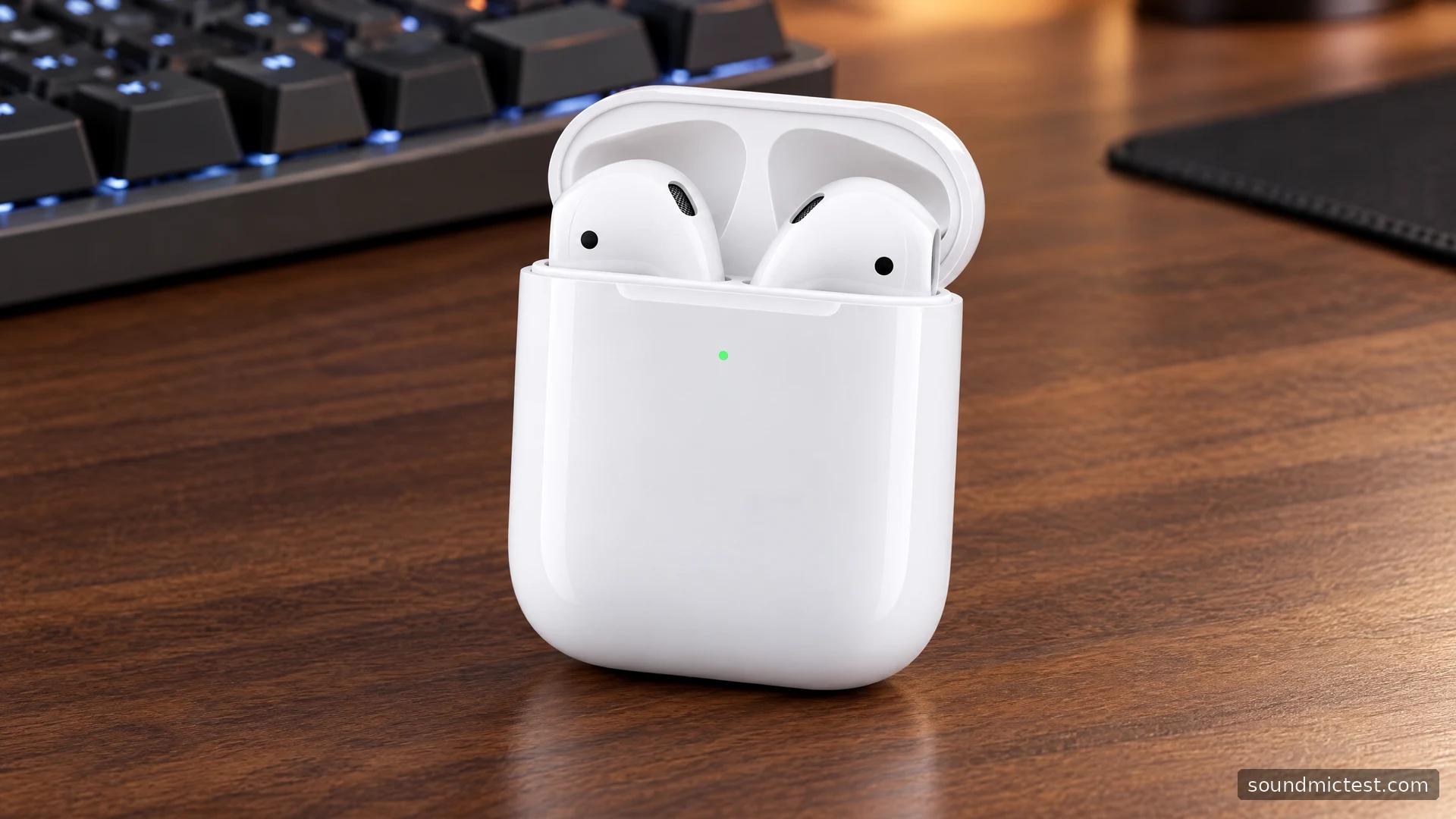
A useful microphone check
Treat listening and recording as separate jobs when setting up a computer. Select AirPods for playback, then inspect the input used by your calling app. Open the microphone test, allow browser access and speak a short sentence. If a signal appears, record and replay it to check intelligibility.
Next, repeat in the room where you normally work. Keep the same sentence and speaking level, and listen for keyboard noise or distant room sound. This is a practical comparison of your setup, not a calibrated microphone benchmark. A quiet-room result alone does not establish what a colleague will hear beside an open window or in a busy cafe.
If the browser works but the conferencing app does not, investigate that app's input and mute controls. If neither works, start with operating-system permissions and device selection. Separating those cases is faster than treating every silent microphone as a defective earbud.
Troubleshooting and the ownership decision
Apple's restart and reset instructions distinguish a brief restart in the closed case from a factory reset. Use the simpler step first. Resetting pairing information is a more disruptive response and will not repair a worn battery or a poor physical fit.
For an older pair, assess both earbuds individually during normal use. Ask the seller about the case, charging behavior and return options rather than relying on a screenshot showing a full charge. Percentage at the start of a session says little about how long that charge lasts.
AirPods 2 remain a clearly defined choice: simple controls and familiar Apple integration in an unsealed shape. They make less sense if your priorities are strong isolation, adjustable ear tips or a full feature set on a non-Apple phone. Choose them for the routine they support, with realistic expectations about the condition of the pair in front of you.

About the author
Noah MitchellWireless Audio & Accessories
Noah Mitchell is an editorial pen name for wireless audio and accessories at Sound Mic Test. Articles explore earbuds, portable audio, cables and the small setup choices that affect everyday listening.
Sound Mic Test editorial pen name.
noah.mitchell@soundmictest.com