Wireless audio
AirPods Pro 2: Fit, Noise Controls and USB-C vs Lightning
Compare AirPods Pro 2 USB-C and Lightning details, learn the ear-tip fit test and set up noise modes, controls and microphone checks.
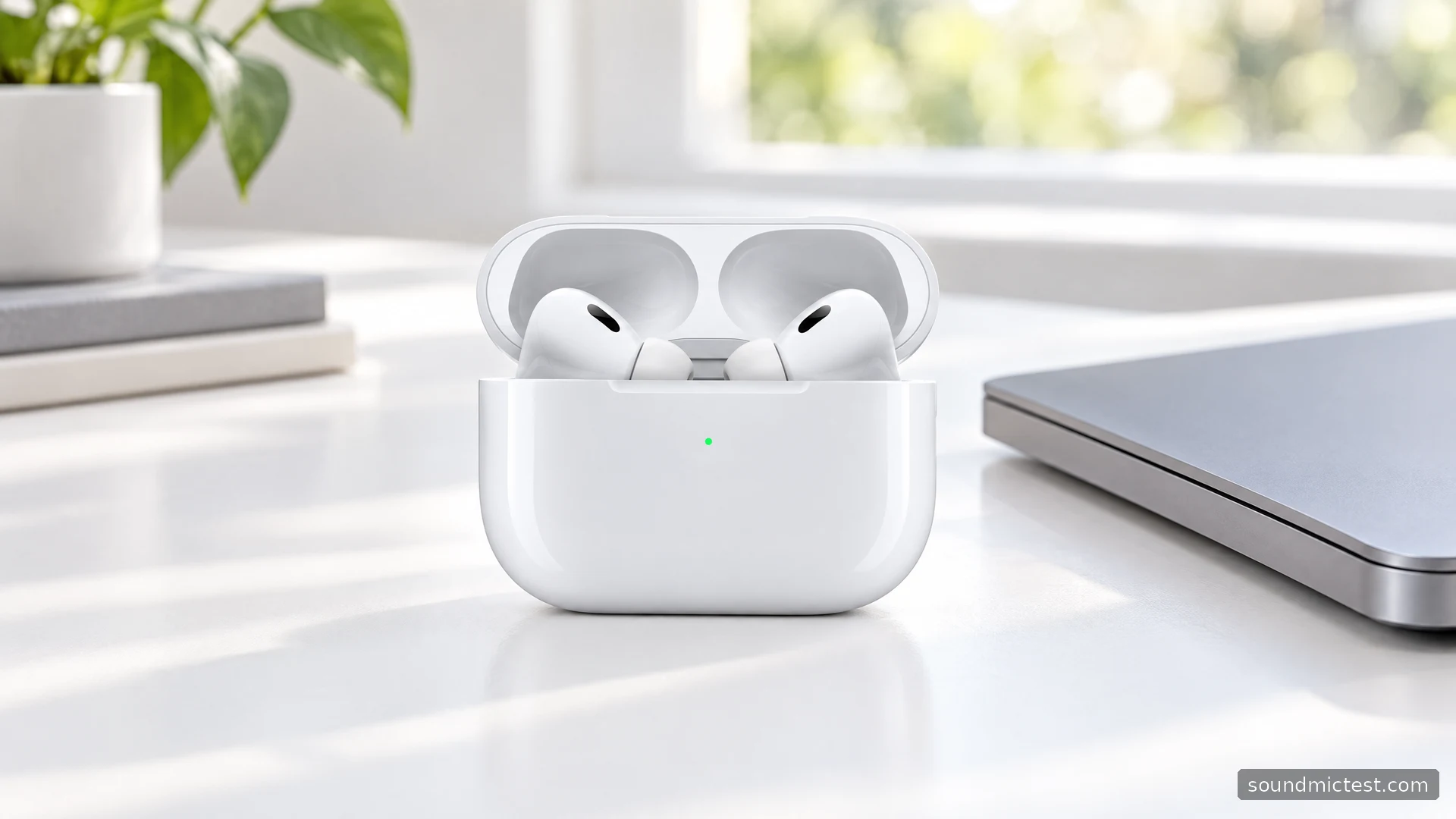
AirPods Pro 2 are a more flexible choice than regular AirPods if you want adjustable ear tips and control over how much of the outside world you hear. Their useful combination is not simply noise cancellation. It is being able to move between isolation, awareness and ordinary phone calls without changing headphones.
Before comparing offers, identify the exact version. AirPods Pro 2 were sold with Lightning and USB-C charging cases, and the differences extend beyond the shape of the socket. This guide uses Apple's specifications and manual to explain those differences and the setup steps that matter. It does not present manufacturer claims as independent test results.
USB-C and Lightning versions are not identical
Apple's USB-C specification page lists the H2 headphone chip, active noise cancellation, Transparency mode, touch controls and four sizes of silicone tips. It gives the earbuds and case an IP54 resistance rating. The case supports USB-C charging alongside compatible MagSafe, Apple Watch and Qi chargers.
The earlier Lightning version's specifications list IPX4 resistance and a Lightning connector. Both versions offer stem-swiping volume control and a manufacturer claim of up to six hours of listening per charge, with shorter figures under some feature combinations. Case-assisted totals include interruptions for recharging.
| Detail | What to check |
|---|---|
| Charging connector | USB-C or Lightning on the exact case |
| Resistance rating | IP54 for the USB-C version, IPX4 for the earlier version |
| Ear tips | Correct sizes and replacements for AirPods Pro 2 |
| Software-dependent functions | Compatibility with your device, software and region |
| Used condition | Both earbuds, case charging and account removal |
Apple also documents a specific lossless-audio connection between the USB-C version and compatible Apple Vision Pro hardware. Do not generalize that into a claim that AirPods Pro 2 provide lossless Bluetooth from every phone. A feature tied to one source and protocol is not a universal property of the earbuds.
Start with the Ear Tip Fit Test
Noise cancellation should not be your first adjustment. Fit the tips comfortably, then use the Ear Tip Fit Test or acoustic-seal option in the connected AirPods settings. Apple's fit guide allows different tip sizes in each ear and recommends reseating the earbuds before changing sizes when the test suggests an improvement.
The test is a useful starting point, not the entire comfort decision. Wear the earbuds while doing something ordinary, such as talking or walking around the room. If a tip slowly works loose or starts to press uncomfortably, revisit the fit. A result obtained while sitting perfectly still may not represent your commute or working day.
Make one change at a time. Changing the tip, noise mode and music settings together makes it difficult to know what helped. Start with a familiar voice recording at a moderate volume. Once the fit is stable, move on to your preferred music and sound options.
Learn the controls before a real call
The stem controls support playback presses, a press-and-hold action for listening modes and a vertical swipe for volume. A small, deliberate swipe is worth practicing while the phone's volume display is visible. There is no reason to make a large adjustment just to find out whether the gesture registered.
For manual Bluetooth pairing, leave the buds in the open case and hold its rear button until the light flashes white, then select AirPods. The Apple user guide covers this method for non-Apple devices. An iPhone can instead guide setup through its nearby-device card.
Before a meeting, confirm both the speaker and microphone selections in the conferencing app. Run a short microphone check, then listen to a recording. Hearing music through the earbuds does not by itself confirm that the app is recording from them.
Choose noise behavior around the situation
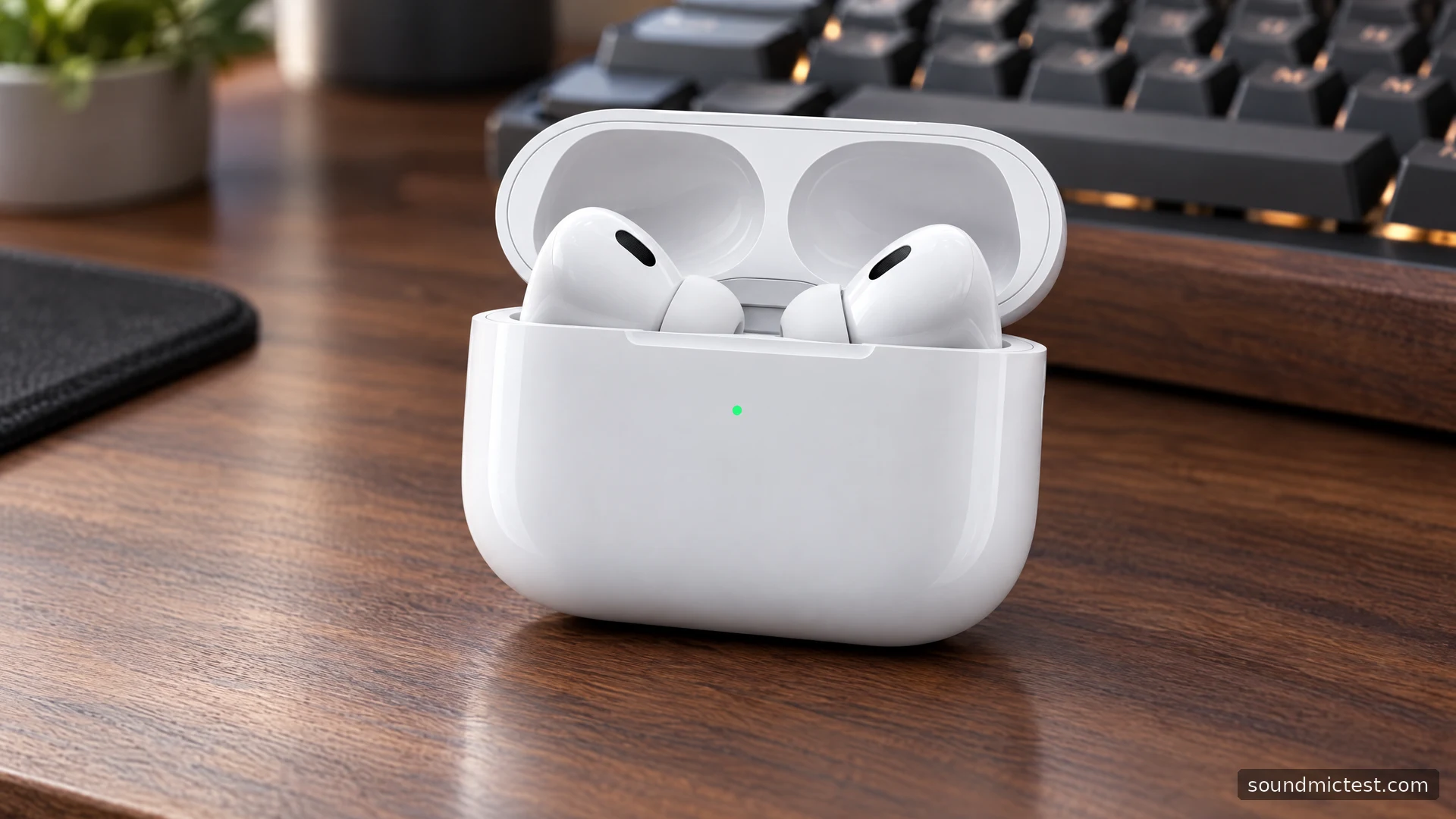
Active noise cancellation and Transparency mode serve different purposes. One reduces distractions; the other lets more of the surroundings into the listening experience. Neither should be judged solely by whether the room becomes completely silent. Fit, the kind of sound around you and the selected mode all matter.
Features that adapt automatically can be convenient, but they also add another possible explanation when playback changes. If you prefer consistent behavior at a desk, establish a manual baseline first. Then enable one automatic feature and decide whether it improves your routine. More automation is not automatically a better personal setup.
For a useful comparison, repeat the same task in the same location with the same volume. Avoid switching from a quiet room to a noisy street and attributing every difference to the earbuds. This approach cannot produce a laboratory attenuation figure, but it can help you select settings sensibly.
What to inspect when buying or troubleshooting
A used pair deserves more scrutiny than a full battery icon. Check that both buds charge, that the case accepts power reliably and that the seller has completed the appropriate account-removal process. Examine the supplied tips and confirm that replacements are available for the correct generation.
If one channel seems absent, use a left/right playback check and inspect the source device's balance and mono settings. If the problem appears only in one app, investigate that app before resetting the earbuds. Keep physical fit, playback routing and microphone selection as separate questions.
AirPods Pro 2 are a strong feature match for an Apple-device owner who wants sealed earbuds with adjustable listening modes. They are less compelling if you dislike anything sealing your ear canal or mostly use a platform where key conveniences are unavailable. Choose the version and condition that fit your actual devices, then spend the first few minutes on fit and controls rather than enabling every optional setting.

About the author
Noah MitchellWireless Audio & Accessories
Noah Mitchell is an editorial pen name for wireless audio and accessories at Sound Mic Test. Articles explore earbuds, portable audio, cables and the small setup choices that affect everyday listening.
Sound Mic Test editorial pen name.
noah.mitchell@soundmictest.com