Wireless audio
Original AirPods Max: Lightning Audio, Controls and Setup
A guide to original Lightning AirPods Max controls, pairing, wired audio and ownership checks, with the USB-C model's differences kept clear.
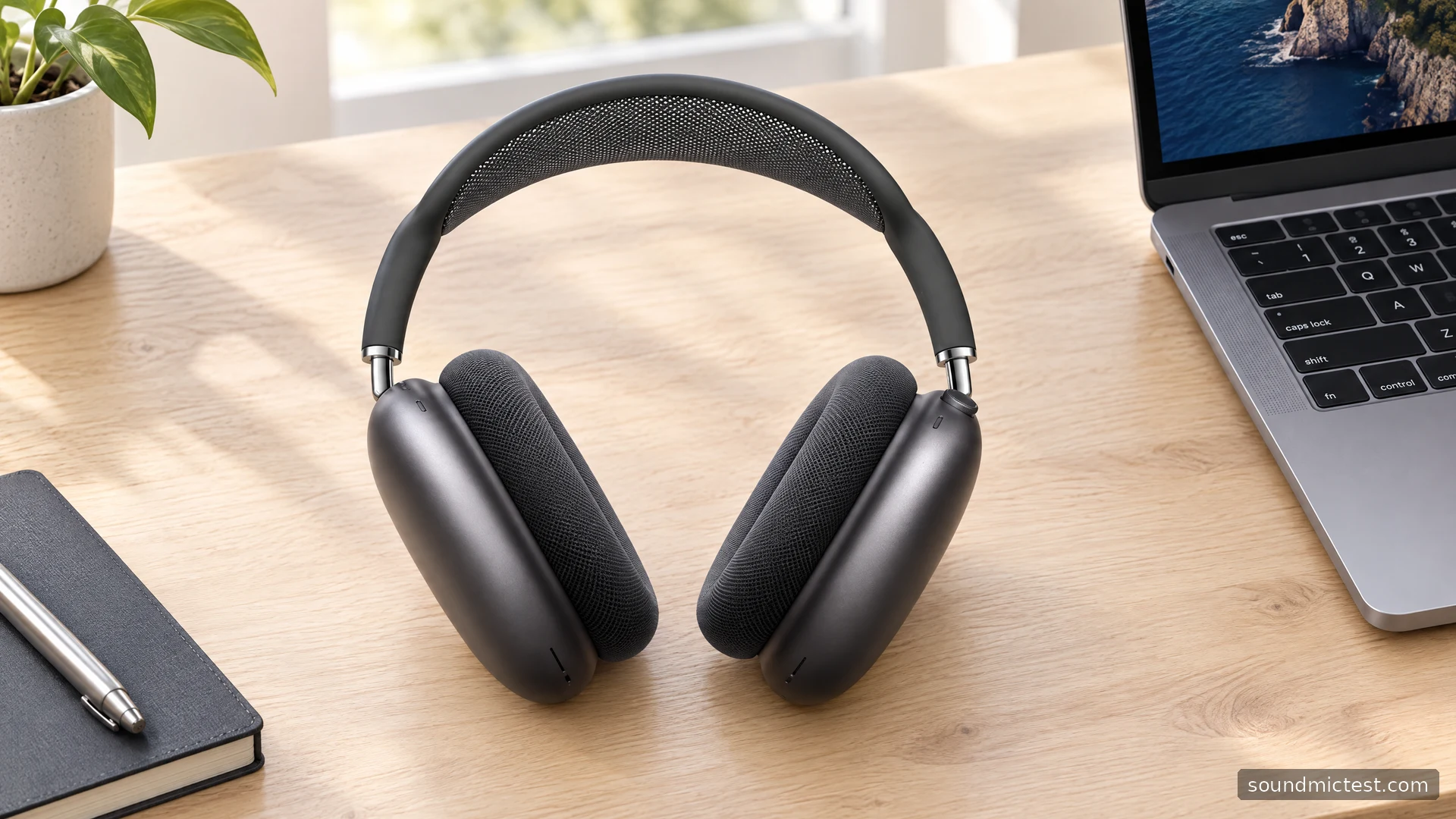
The original AirPods Max is an over-ear headphone for listeners who want Apple's device integration, physical controls and noise-canceling features in a larger design. Its defining tradeoffs are easier to understand once you separate it from the later USB-C version. The first model uses Lightning, and advice about USB-C digital audio does not automatically apply to it.
This guide covers the 2020 Lightning model, using Apple's technical specifications and operating instructions. It focuses on setup and practical ownership questions rather than claiming a listening session or assigning an unsupported benchmark score. If a listing says only "AirPods Max," verify the connector before comparing prices or accessories.
What the original model includes
Apple's original AirPods Max specifications list active noise cancellation, Transparency mode, Adaptive EQ and personalized Spatial Audio with dynamic head tracking on compatible setups. The Digital Crown handles volume and playback, while a separate button changes the listening mode.
Apple lists a weight of 384.8 grams including cushions and a maximum of twenty hours of listening with noise cancellation or Transparency enabled. The weight is a specification; comfort is an individual judgment. If you are sensitive to pressure or routinely wear headphones for several hours, try the fit rather than assuming the headband design removes the importance of weight.
| Original Lightning model | Ownership implication |
|---|---|
| Lightning charging port | Keep the appropriate charging cable available |
| Digital Crown | Physical volume and playback control |
| Noise cancellation and Transparency | Select a listening mode for the situation |
| Smart Case | Used to help preserve battery charge during storage |
| Optional analog audio cable | A specific accessory is needed for a 3.5 mm source |
The useful question is whether those controls and connections suit your routine. A headphone that works neatly across your personal Apple devices may still need a different setup for a work laptop, an aircraft entertainment system or a desk microphone.
Pairing and the first playback check
Apple's connection instructions describe taking AirPods Max out of the Smart Case and holding them near an iPhone or iPad for guided setup. On a non-Apple Bluetooth device, hold the listening-mode button until the indicator flashes white and choose the headphones in the device list.
Once paired, confirm the output destination. If a computer still plays through its speakers, change the selected output before deleting and recreating the Bluetooth pairing. Use the stereo channel check quietly to confirm left and right playback, with the L and R cushions on the corresponding ears.
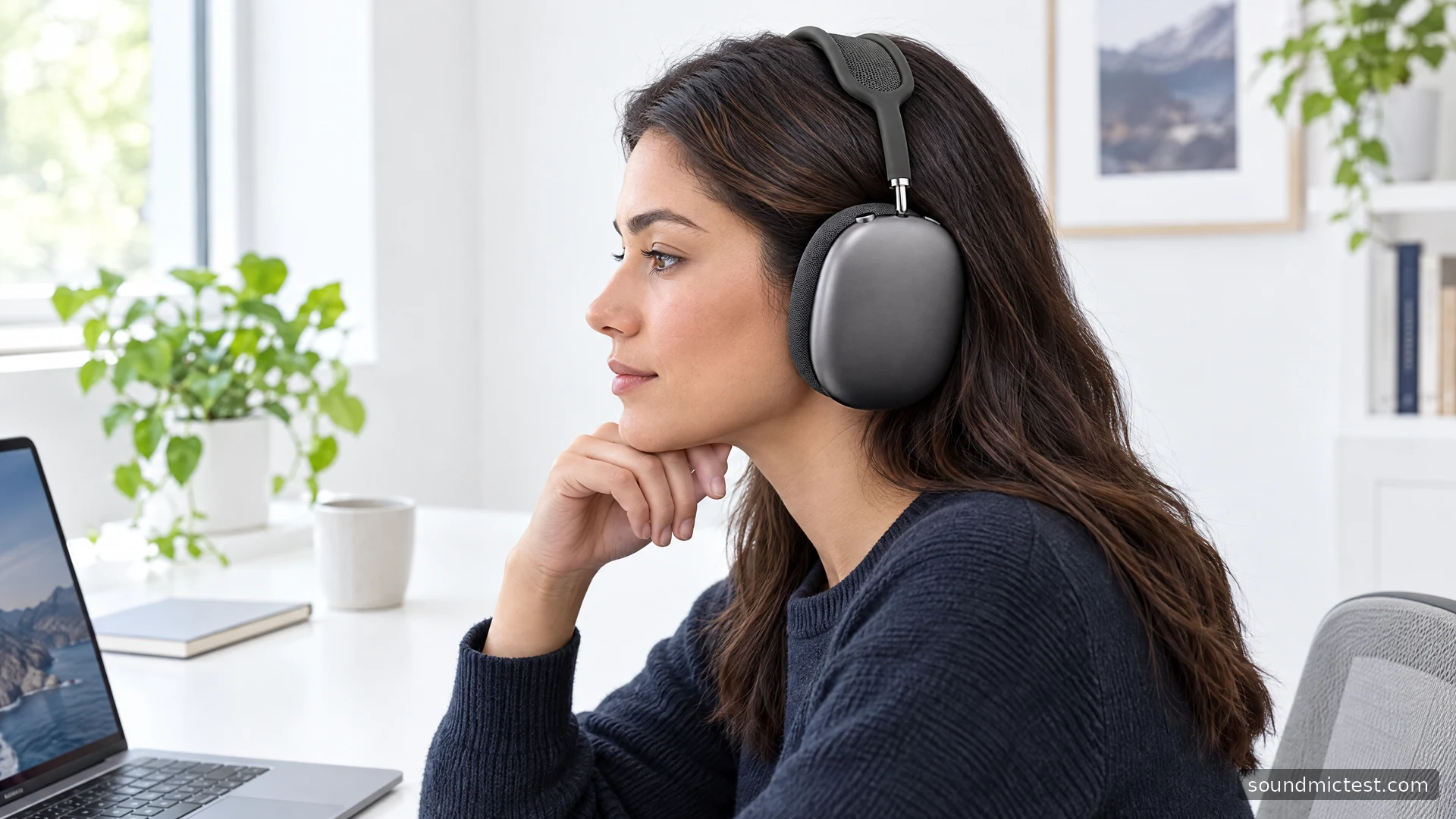
When adjusting the fit, distribute the headband position comfortably and check that the cushions sit around the ears. Glasses, hair and head movement can change the contact. Compare the fit during ordinary work rather than making a comfort decision from a few seconds of standing still.
Use the Digital Crown with confidence
The Crown rotates for volume and presses for playback actions. One press pauses or resumes media, two skip forward and three skip back. Apple also allows the rotation direction for volume adjustment to be changed in settings. If the default feels backward, it is worth configuring once rather than repeatedly making the wrong adjustment.
The separate listening-mode button switches between noise cancellation and Transparency. Start with these manual controls before exploring other processing. For a short conversation, an awareness mode may be more convenient than repeatedly lifting a cup, which can also trigger automatic playback behavior.
For calls, inspect the controls and mute state in the app you actually use. A short voice recording can confirm that your selected microphone is active. Compare with a desk microphone if you already own one, using the same sentence and normal speaking position. That gives you a useful local decision without pretending to measure microphone performance in a laboratory.
The Lightning cable distinction matters
The original model can connect to an analog source through Apple's Lightning to 3.5 mm Audio Cable. A charging cable with a Lightning connector is not the same accessory. Apple's wired-connection documentation distinguishes this path from USB-C digital audio on later hardware.
Before buying a cable for an aircraft screen, console controller or audio interface, check the source's socket and the exact accessory's purpose. Similar-looking adapters may be designed to send audio in a different direction. Do not assume that any chain of plugs that physically fits provides the intended signal path.
Also avoid treating wired listening as proof that a particular application can use the headphone microphone through the same cable. Input and output need separate verification. For a desk setup, a dedicated microphone plus headphone playback may be simpler than trying to make one unverified adapter arrangement do both jobs.
Restarting and deciding whether to buy
Apple's restart instructions distinguish releasing the Crown and listening-mode button when the light flashes amber from continuing until a factory reset occurs. Follow the indicator and the intended procedure. Holding buttons for longer is not automatically a more effective restart.
For a second-hand pair, inspect the cushions, headband, connector and case, then assess charging behavior and battery duration during normal use. Confirm that the previous owner has removed the headphones from their Apple Account where required. A pristine exterior does not establish battery condition or a clean account handover.
The original AirPods Max is worth considering when its Apple integration and physical controls match your needs and the specific pair is in sound condition. Pass if a lighter headset, simple USB audio or a different wired connection is central to your setup. The connector is part of the buying decision, not a minor detail to discover after ordering an accessory.

About the author
Noah MitchellWireless Audio & Accessories
Noah Mitchell is an editorial pen name for wireless audio and accessories at Sound Mic Test. Articles explore earbuds, portable audio, cables and the small setup choices that affect everyday listening.
Sound Mic Test editorial pen name.
noah.mitchell@soundmictest.com