Gaming Audio
Best Gaming Headsets: Choose by Platform, Mic and Connection
Choose a gaming headset by platform support, wired or wireless connection, microphone placement and the way your desk is arranged.

Amelia Collins is an editorial pen name for gaming and streaming audio at Sound Mic Test. This byline covers headset features, microphone communication, platform compatibility and audio choices for play and live content.
Sound Mic Test editorial pen name.
amelia.collins@soundmictest.com
The easiest gaming-headset mistake is buying the right features for the wrong connection. A headset that works through a PC USB port may not work through an Xbox USB port. A 3.5 mm plug may carry both playback and microphone audio, but a desktop with separate sockets may require the correct splitter.
Before choosing a model, write down the devices you use and how you want to connect them. Then decide whether you need one combined headset or would be better served by headphones and a separate microphone. This guide compares documented setup choices, not invented competitive rankings or microphone test results.
Four sensible buying routes
| Route | Starting point | Why it belongs on the shortlist |
|---|---|---|
| Straightforward wired setup | HyperX Cloud III wired | Several included connection options |
| Simple analog headset | Razer BlackShark V2 X, 3.5 mm version | A direct analog path on compatible devices |
| Wireless with phone mixing | SteelSeries Arctis Nova 7 Gen 2 family | Documented simultaneous Bluetooth and dongle audio |
| Premium wireless alternative | Audeze Maxwell 2 | A different driver design and platform-specific versions |
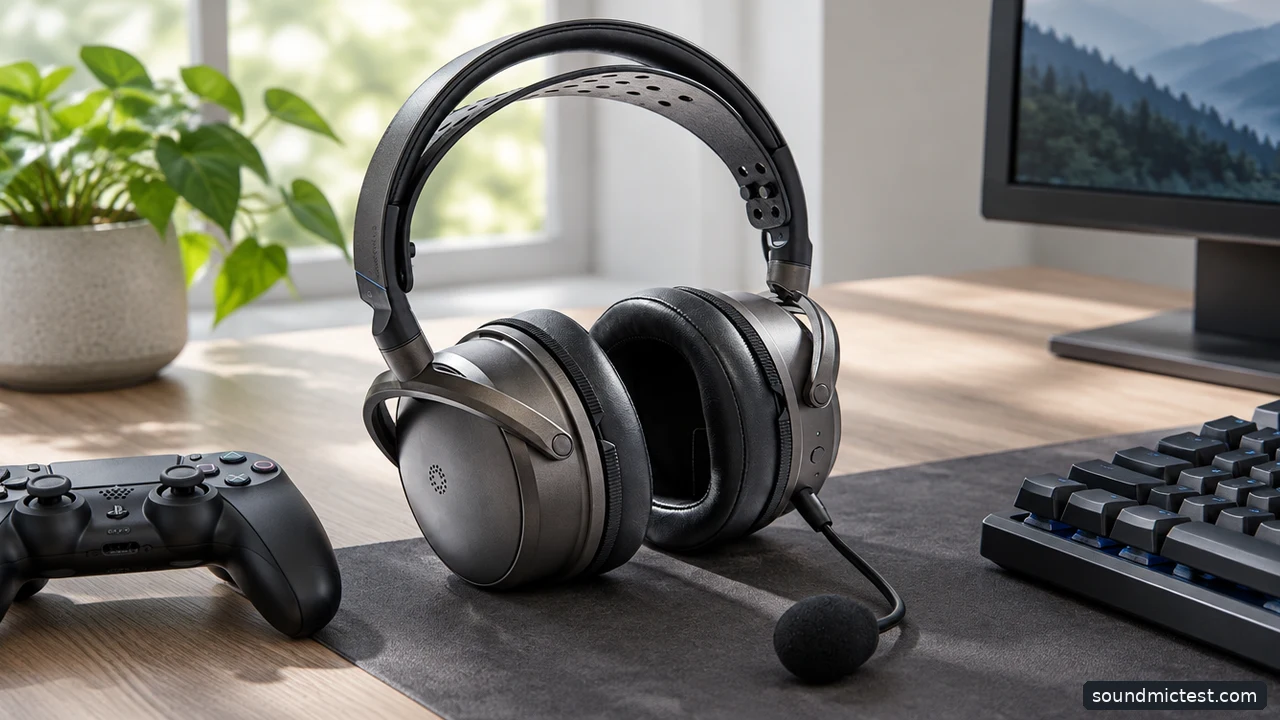
A headset must support the connection used by your platform. Editorial illustration.
HyperX Cloud III wired: check what the included adapters solve
The Cloud III wired product page lists its connection options. The value of that arrangement is practical: you can select the supported path for a computer or controller without assuming every port behaves the same way.
Choose the wired model deliberately. Cloud III, Cloud III Wireless and Cloud III S Wireless are not interchangeable names. A search result or retailer image can make the family look simpler than it is. Check the full product name and box contents before comparing prices.
The trade-off is the cable itself. Think about the distance to the computer, whether the cable crosses your keyboard and how it behaves when you turn in your chair. A wired headset can remove charging and receiver management, but only if the physical setup is comfortable.
Razer BlackShark V2 X: keep the analog version distinct
Razer's BlackShark V2 X manual covers the analog model. It makes sense to investigate when you want a familiar 3.5 mm connection and do not need a wireless receiver.
Check the socket on your device. A combined headset jack can carry playback and microphone signals together. A desktop with separate headphone and microphone sockets needs the appropriate splitter. An ordinary audio extension or headphone-only adapter may not preserve the microphone connection.
Also distinguish this version from similarly named USB and wireless models. Software features described for another BlackShark variant should not be assumed to apply. The buying advantage here is a relatively simple signal path, not every feature associated with the wider product family.
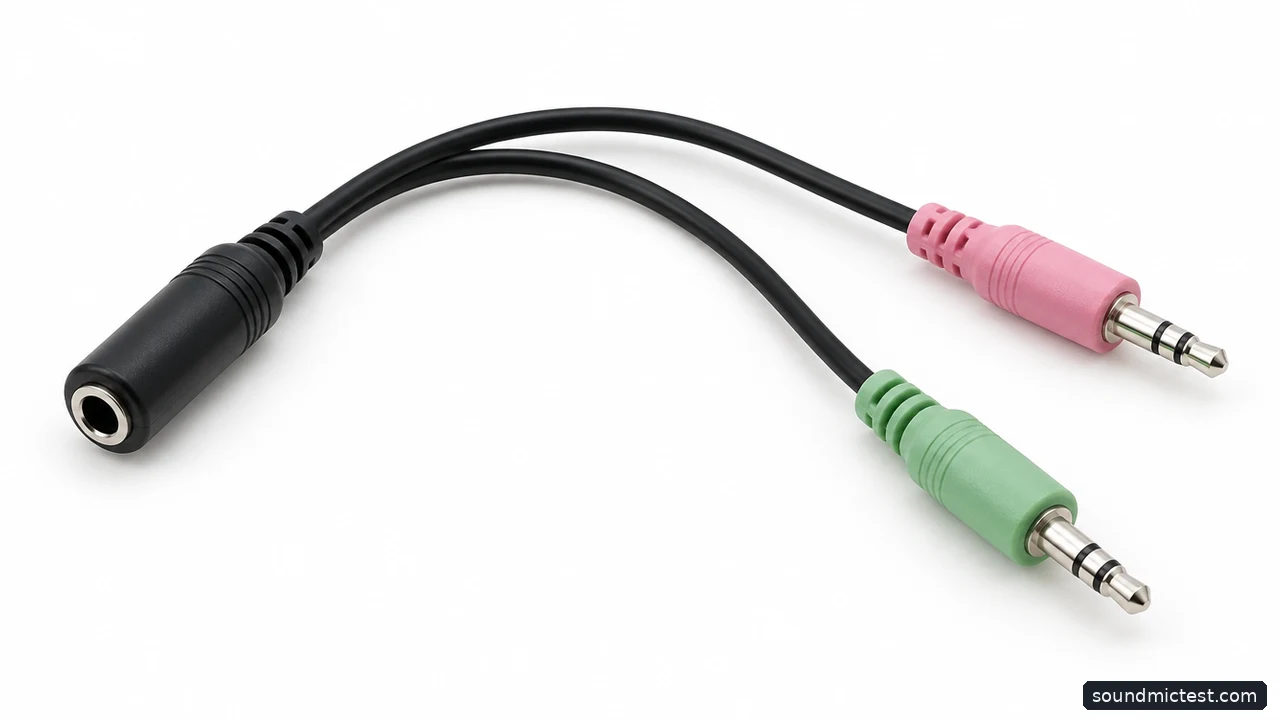
Separate computer audio sockets require the appropriate headset splitter. Editorial illustration.
Arctis Nova 7 Gen 2: choose it for a specific wireless workflow
The Nova 7 Gen 2 documentation describes mixing game audio from the wireless dongle with Bluetooth audio from a mobile device. That is a concrete reason to pay for the wireless system if it matches the way your group plays.
Pick the appropriate family variant for your console. The 7, 7P and 7X labels matter, and the presence of a USB-C connector does not establish support for every platform. Check the exact compatibility table before ordering.
If you never use a second audio source and sit beside the computer all evening, the feature may add little value. Wireless freedom is useful when it solves a real cable problem, not simply because the product sits higher in a range.
Audeze Maxwell 2: assess the complete headset
Maxwell 2 offers a planar magnetic design in Xbox and PlayStation versions. The driver technology is a reason to investigate the product, but it is not a promise of better results in every game or a replacement for a physical-fit check.
Consider the headset as a whole: headband adjustment, microphone position, controls, platform support and the room available around your desk. Read the manual for the connection you intend to use rather than relying on a list of logos on a retailer page.
This is a more involved purchase than selecting a basic analog headset. Make sure its particular design and features justify the cost for your routine, and keep a realistic return option if you cannot try the fit beforehand.
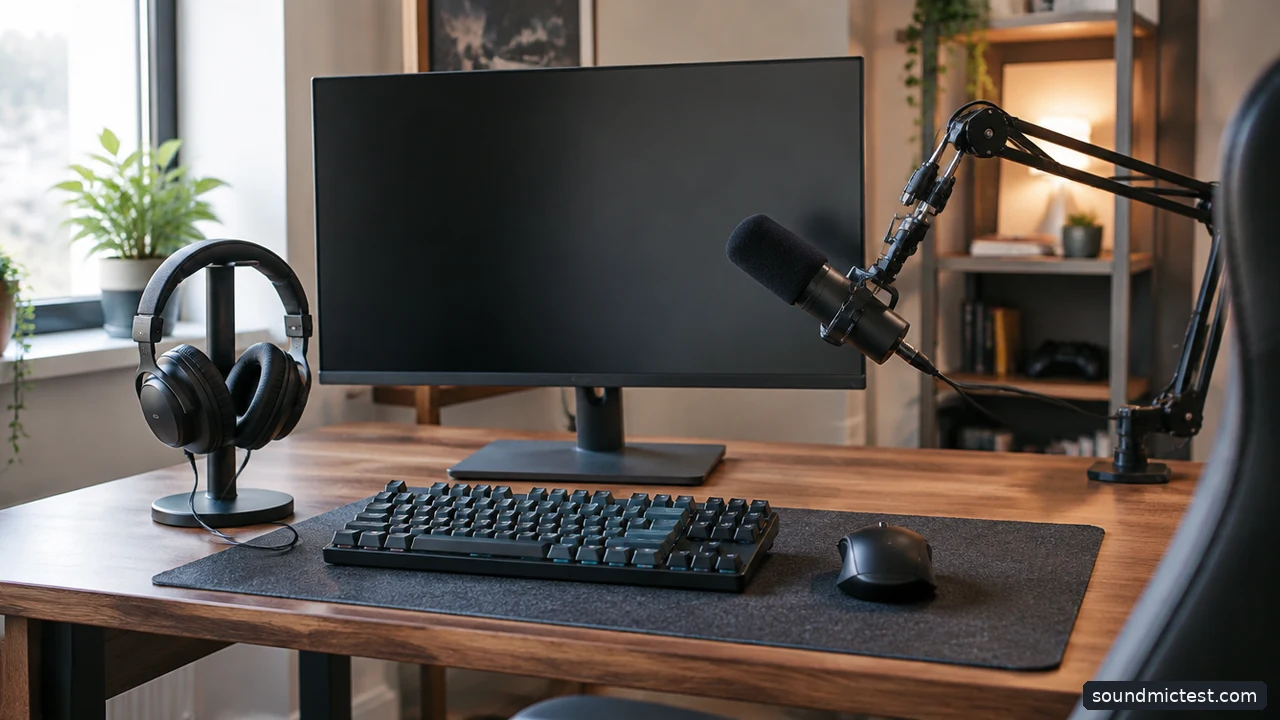
Existing headphones plus a microphone can be an alternative to a headset. Editorial illustration.
When separate headphones and a microphone make more sense
If you already own headphones you enjoy, adding a microphone can be more sensible than replacing everything with a gaming headset. A desktop or boom-mounted microphone also lets you position the input independently from the headphones.
The compromise is desk space and setup complexity. A microphone far from your mouth may capture more of the room, and an unstable arm can introduce handling noise. Consider the position of the keyboard and whether the microphone will obstruct your screen.
For a shared room or a minimal desk, a headset boom remains convenient because it moves with your head. The better system is the one you can keep positioned correctly throughout a session, not the one that looks most elaborate in a setup photograph.
Check routing before changing equipment
Confirm the selected input and output in the operating system, game and chat application. Test the hardware mute and the software mute separately. Place a boom beside the mouth, away from direct breath, and start with moderate input gain.
Our microphone check helps confirm that the intended input is active. Use the left and right channel test if playback seems reversed or one-sided. These checks identify setup problems; they do not measure a headset's competitive performance.
Choose the connection first, the microphone arrangement second and the comfort third. Once those work, compare extra features. That order makes it much harder to buy an impressive headset that does not fit the way you actually play.