Gaming Audio
Best Wireless Gaming Headsets for PC and Console
Find a wireless gaming headset that matches your platform, phone-audio needs and battery expectations without mixing up model variants.

Amelia Collins is an editorial pen name for gaming and streaming audio at Sound Mic Test. This byline covers headset features, microphone communication, platform compatibility and audio choices for play and live content.
Sound Mic Test editorial pen name.
amelia.collins@soundmictest.com
Wireless gaming headsets are easy to compare badly. A huge battery number sits beside a driver size, a console logo and a promise about hearing footsteps, but those details answer different questions. Start with the platform and the connection. Then work out whether you need phone audio mixed into a game, a particular microphone workflow or long battery endurance.
The SteelSeries Arctis Nova 7 Gen 2, Audeze Maxwell 2 and HyperX Cloud III S Wireless cover three useful buying routes. This shortlist is based on manufacturer specifications and compatibility documentation. It is not a measured ranking of sound, latency or competitive performance.
Pick by the job the headset has to do
| Model | Main reason to shortlist it | Important limitation to check |
|---|---|---|
| Arctis Nova 7 Gen 2 family | Game audio plus simultaneous Bluetooth | Exact 7, 7P or 7X platform variant |
| Audeze Maxwell 2 | Planar-driver design and several connection options | Xbox versus PlayStation version and physical fit |
| HyperX Cloud III S Wireless | Long advertised endurance and Bluetooth option | Supported platforms and mode-specific behavior |
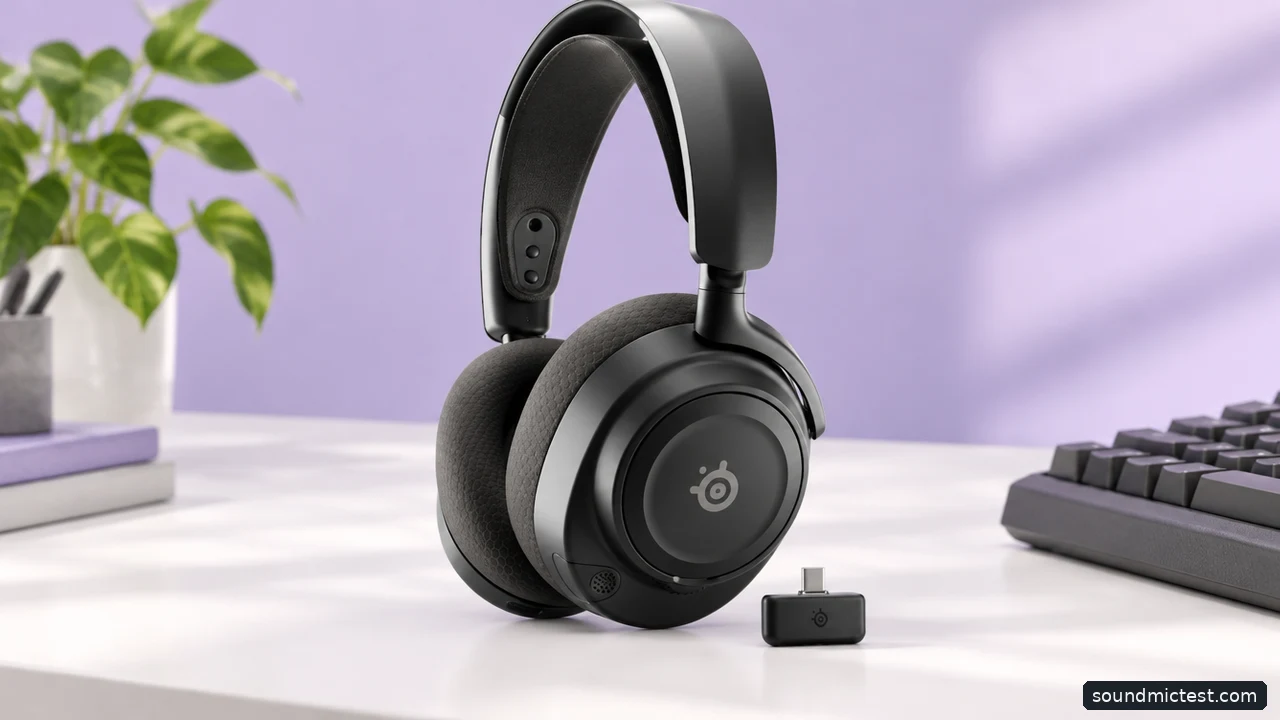
The correct receiver and platform variant matter. Editorial illustration.
Arctis Nova 7 Gen 2: useful for two-source listening
SteelSeries explicitly describes simultaneous game and mobile audio: the USB-C wireless dongle handles the game while Bluetooth carries a phone source. That is useful if your group uses a phone-based chat service or you want to hear mobile audio without abandoning the game connection.
The key word is simultaneous. Some products support both Bluetooth and a gaming dongle but require you to switch between them. Do not assume that two wireless logos mean two sources can be heard together. Also check what happens to the microphone when a phone call arrives.
Choose the platform variant deliberately. The family includes PC, PlayStation and Xbox-focused versions, and their controls and supported connections are not identical. Read the compatibility table for the exact listing rather than accepting a marketplace title that shortens everything to "Nova 7."
Audeze Maxwell 2: a different driver approach, with practical trade-offs
The Maxwell 2 product page presents a planar magnetic gaming headset in Xbox and PlayStation versions. Planar drivers are a design choice, not proof that every listener will prefer the result or that game positioning becomes more accurate.
Audeze's getting-started guide describes expected battery life of more than 80 hours at its specified listening level. Compare that claim with the conditions attached to competitors' figures, not as a standardized battery benchmark.
The purchase deserves a physical-fit check. A headset can offer the connections you want yet be a poor match for your head, glasses or session length. Check the return conditions, adjust the suspension properly and make sure the microphone arrangement suits your desk. Buy the correct platform version rather than relying on an unofficial compatibility workaround.
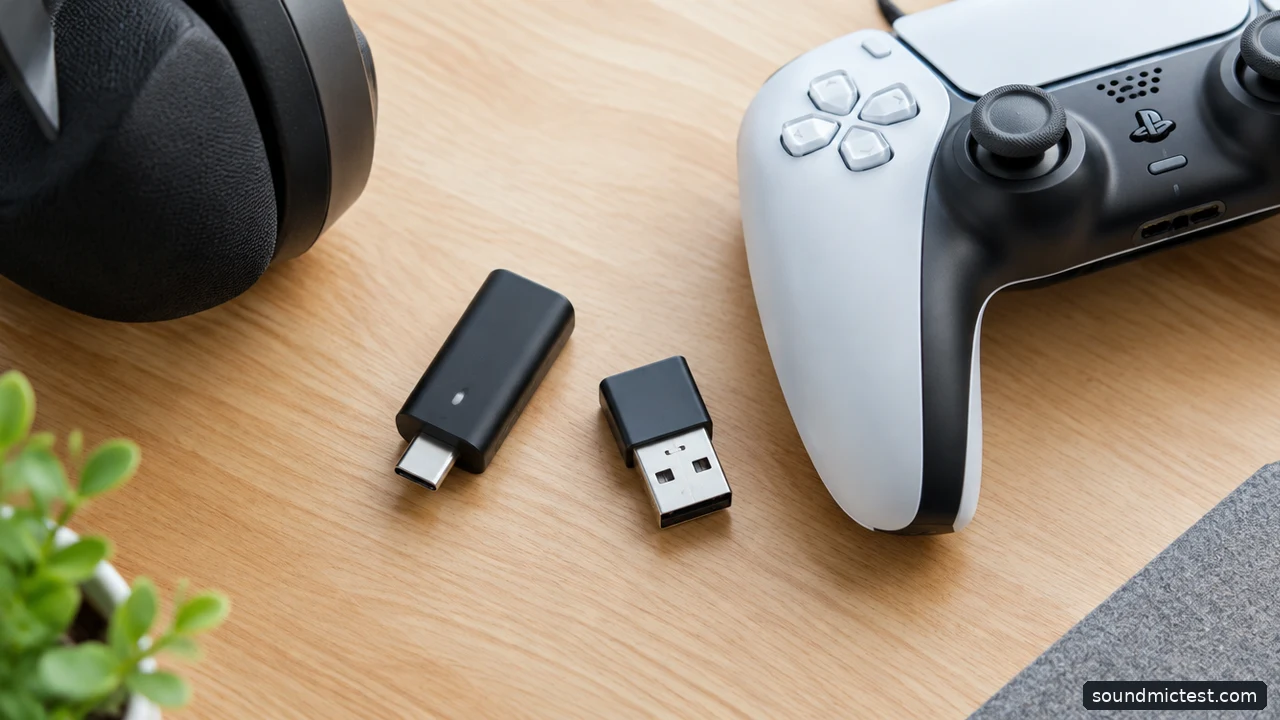
Check which adapters are supplied with the exact headset. Editorial illustration.
HyperX Cloud III S Wireless: endurance with a generation warning
The Cloud III S Wireless specification lists up to 120 hours using its 2.4 GHz USB connection and up to 200 hours in Bluetooth mode. Those are separate modes, so the larger figure should not be presented as the gaming-dongle runtime.
HyperX lists support for PC, PlayStation, Switch, Mac, mobile and Bluetooth devices. Xbox is not included in that list. An Xbox owner should therefore choose a headset with explicit support for the intended console connection rather than assume any USB dongle will work.
Watch the letter S in the name. The older Cloud III Wireless and Cloud III S Wireless are different products, and the current manufacturer's page for the older model directs buyers toward its successor. A discount on older stock may still be useful, but it must be evaluated with the older model's actual features.
Bluetooth is not the default gaming connection
For these headsets, begin with the supplied gaming dongle on a supported platform. Keep it accessible, and use a supplied extension or adapter if the manufacturer recommends one. Avoid placing it where the computer case or a crowded cable bundle makes connection problems harder to diagnose.
Bluetooth remains useful for phones and everyday listening, but microphone routing, delay and available features can differ from the dongle connection. Test the connection you intend to use rather than drawing conclusions from music playback on a different device.
Check simultaneous-audio behavior explicitly. Support for two sources, switching between sources and mixing two sources are separate features. This distinction matters more for some players than a small difference in advertised battery life.
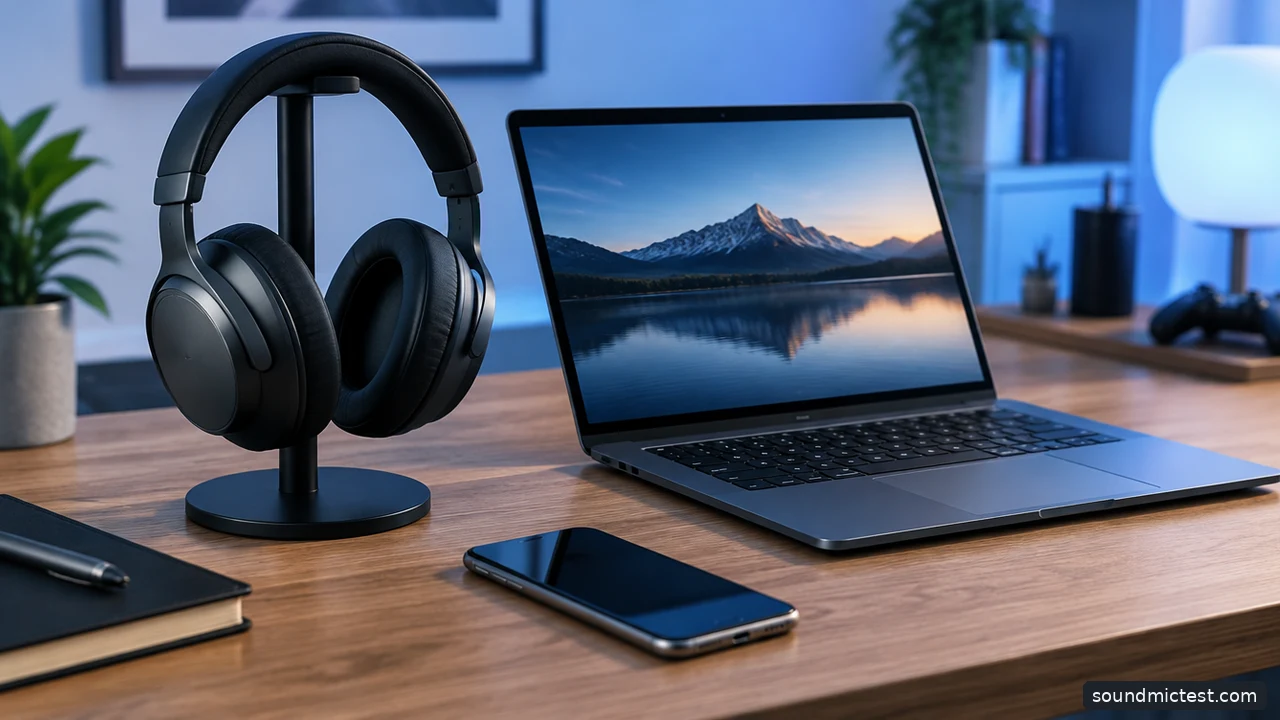
Two supported sources do not always mean simultaneous playback. Editorial illustration.
Check the microphone in the game you actually play
Select the headset input in the operating system and in the game or chat application. Place the boom beside the mouth rather than directly in the path of breath. Record a normal sentence before enabling aggressive noise reduction, then compare with processing on.
Use our microphone test to confirm input and playback. The stereo test can catch reversed channels or an output-selection mistake. These are practical setup checks, not calibrated headset benchmarks or proof of an advantage in a competitive game.
Finally, review the whole purchase: replacement cushions, receiver availability, warranty coverage and whether the microphone can be replaced. Wireless convenience is less convincing if losing one small dongle makes the headset difficult to use.
Choose the Nova 7 Gen 2 family when mixed game-and-phone audio is central. Consider Maxwell 2 when its design and connection options justify the investment for your setup. Look at Cloud III S Wireless when endurance is the priority and its supported platform list matches yours. Compatibility comes first; the feature comparison becomes useful after that.