Microphones
Best Microphones for Podcasting: USB and XLR Options Compared
Compare Shure MV7+, RODE PodMic USB and Audio-Technica ATR2100x-USB, then choose the right USB or XLR recording workflow.

Emma Bennett is an editorial pen name for microphone and voice-recording coverage at Sound Mic Test. This byline covers microphone features, recording setups and practical considerations for calls, streaming and spoken-word audio.
Sound Mic Test editorial pen name.
emma.bennett@soundmictest.com
The best podcast microphone is not necessarily the largest one in the shot. It is the one you can position properly, monitor while recording and connect without turning every session into troubleshooting. For a solo show, that can mean one USB cable. For two people in the same room, it usually means thinking about the interface and monitoring system before choosing the microphones.
Three sensible starting points are the Shure MV7+, RODE PodMic USB and Audio-Technica ATR2100x-USB. All provide a route into USB recording and an XLR connection for a different setup later. This guide compares documented connections and workflow choices, rather than claiming a listening test or a universal winner for every voice.
Choose the recording system first
| Your setup | Sensible route | Cost that is easy to overlook |
|---|---|---|
| One person recording at a desk | USB microphone with headphone monitoring | A stable arm or stand |
| Two people in one room | Separate XLR microphones into a suitable interface | Two inputs, cables and headphone distribution |
| Remote interviews | One reliable microphone per location | Recording software and backup workflow |
| Travel recording | Compact microphone and verified device support | Adapters, power and a protective case |
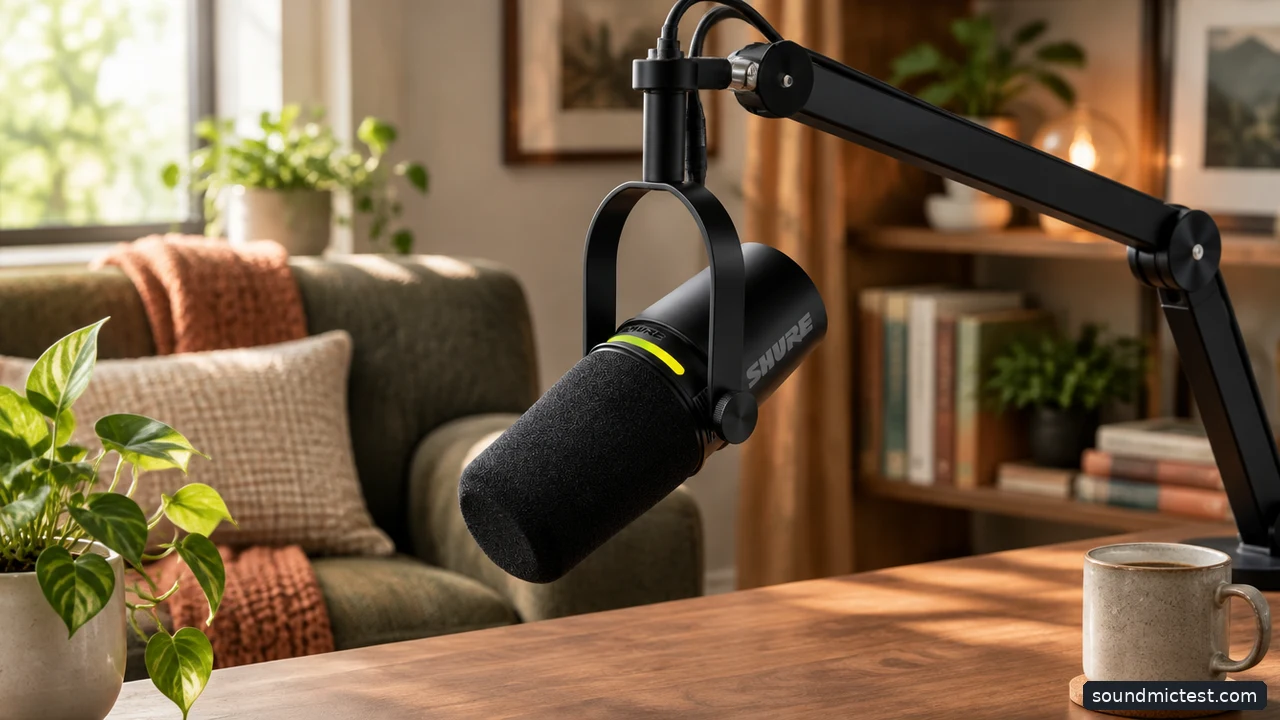
A stable mount helps maintain a repeatable speaking position. Editorial illustration.
Shure MV7+: useful when processing belongs in the microphone
The MV7+ user guide describes a dynamic microphone with USB-C, XLR and a headphone output. Its USB processing includes features such as automatic level control and noise reduction. That makes it a candidate for a solo host who wants some processing before the signal reaches the recording application.
The important distinction is the XLR output. Shure states that software settings do not affect that passive output. Switching from USB to an interface therefore changes the workflow; do not expect a USB processing preset to follow the analog signal automatically.
The limitation is that processing cannot rescue every placement mistake. A microphone positioned across a reflective desk may capture a distant voice and room sound. Move it into a sensible speaking position before reaching for a denoiser. If you need no onboard processing and already have an interface, compare the total cost with a simpler XLR microphone.
RODE PodMic USB: a flexible route from desk to interface
The PodMic USB guide covers USB recording, XLR connection and headphone monitoring. Its dual connection approach makes sense for a creator who starts with one computer and may later move to an interface or mixer.
Pay particular attention to mute behavior. RODE's current instructions distinguish operation with RODE Connect or UNIFY from other software. Outside those supported applications, pressing the headphone control can disable monitoring without stopping microphone transmission. Verify the mute in the recording application before relying on a hardware gesture during a live session.
Also budget for support that can hold the microphone securely. A stable mount and a repeatable speaking position are more useful than an elaborate desk arrangement that sags between takes. Check the arm's rated load and whether the necessary thread adapter is included.
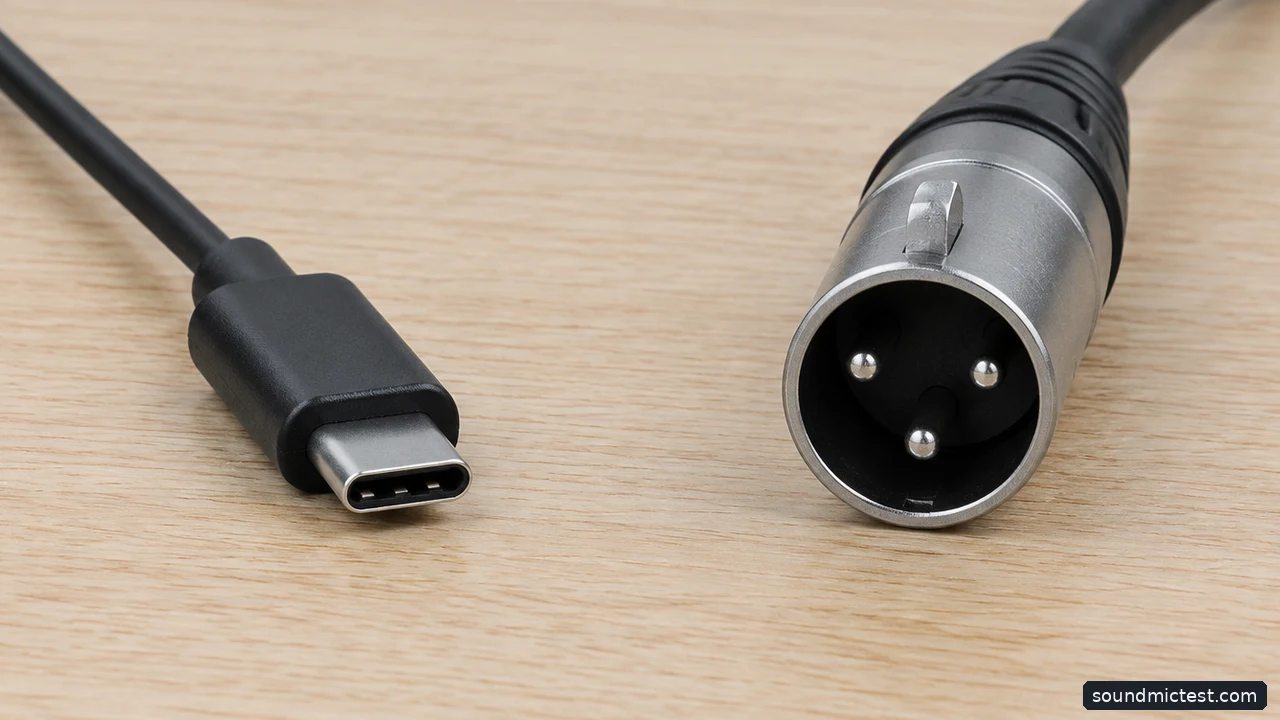
USB and XLR lead to different recording workflows. Editorial illustration.
Audio-Technica ATR2100x-USB: a straightforward entry point
Audio-Technica's ATR2100x-USB manual identifies a cardioid dynamic microphone with USB-C and XLR outputs. It also provides headphone monitoring. The appeal is a familiar handheld format that can work on a stand, rather than a large broadcast-style microphone becoming the center of the desk.
Treat it as a practical system purchase. Compare the local price, supplied cables and mounting accessories with the other options. A less expensive microphone can be the better starting point when it leaves enough budget for a useful stand and a quieter recording position.
Check the exact model suffix when shopping. Similar product names can refer to different connectors or earlier versions. A USB-C port also does not establish compatibility with every phone, tablet or recording application; confirm the manufacturer's requirements for the device you intend to use.
USB versus XLR is mostly a workflow decision
A USB microphone includes the conversion needed to send audio directly to a computer. An XLR microphone needs a suitable microphone input, normally on an interface or mixer. Neither connector by itself determines whether your finished episode sounds convincing.
For a single host, USB reduces the number of boxes and cables. For several speakers in the same room, a shared interface can make synchronized recording and separate tracks easier to manage. Connecting multiple independent USB microphones may be possible in some systems, but it adds software and clock-management questions that beginners should resolve before the first guest arrives.
Do not buy an interface solely because an online setup photo includes one. First identify the number of microphones, required headphone outputs and recording device. Then choose equipment that fits those requirements without paying for channels you will never use.
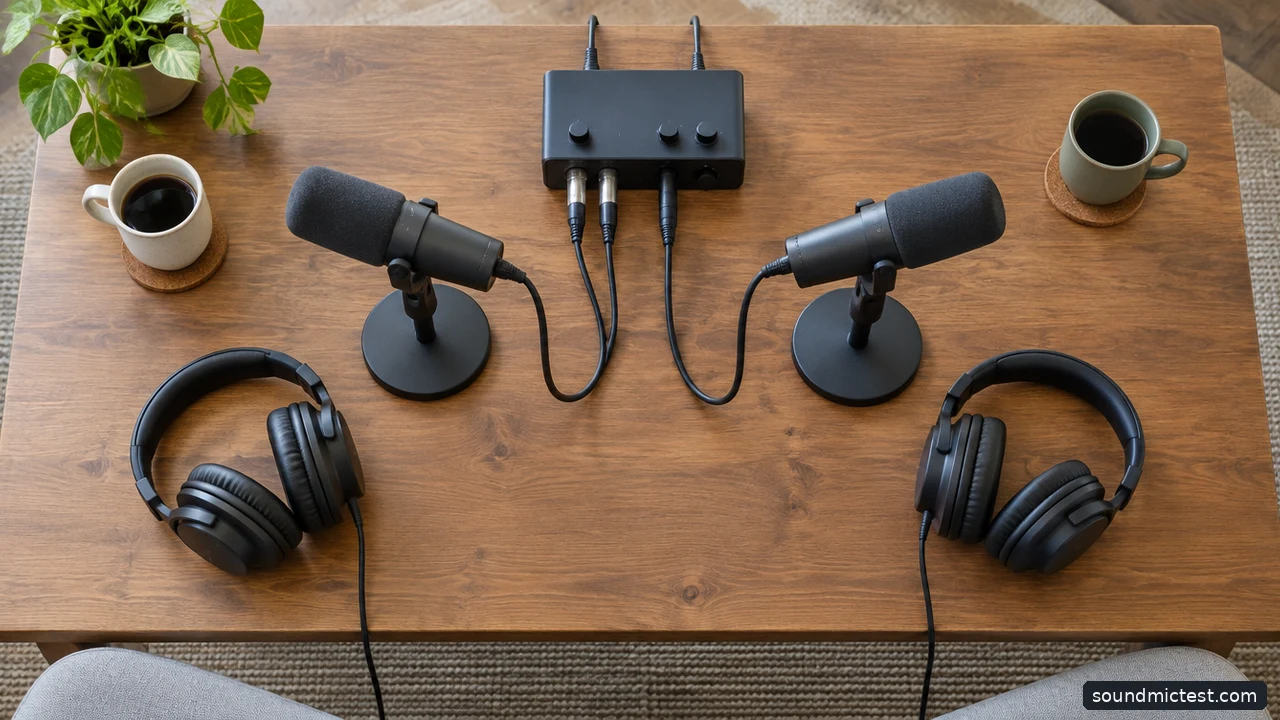
A shared interface can simplify a two-person recording setup. Editorial illustration.
Make a useful test recording before buying accessories
Speak at the distance and angle recommended for the microphone, with the grille aimed appropriately. Record an ordinary sentence, a quieter sentence and a brief pause. Listen for plosives, clothing noise, room reflections and keyboard vibration. Move the microphone or keyboard before applying heavy processing.
Our microphone test can confirm that the intended device is selected. The voice recorder helps you listen back to a short sample. Neither is a substitute for checking the actual podcast application, because that software may apply its own gain, noise suppression or echo cancellation.
Use headphones while recording and check that monitoring is not delayed or doubled. Save a short sample with the exact settings you intend to use for the episode. It is much easier to solve a routing problem before recording an hour-long conversation.
Choose the MV7+ for its USB processing workflow, the PodMic USB for a versatile desk-to-interface setup, or the ATR2100x-USB for a simpler entry point. Spend the remaining attention on positioning, monitoring and a recording routine you can repeat. Those decisions remain valuable when the microphone eventually changes.