Headphones
Best Budget Earbuds: Affordable Picks and Their Trade-Offs
Compare affordable wireless earbuds with a simple wired alternative, including dated US prices and a practical new-pair checklist.

Noah Mitchell is an editorial pen name for wireless audio and accessories at Sound Mic Test. Articles explore earbuds, portable audio, cables and the small setup choices that affect everyday listening.
Sound Mic Test editorial pen name.
noah.mitchell@soundmictest.com
Budget earbuds are most useful when you know what you are asking them to do. A backup pair for a laptop bag does not need the same features as the earbuds you wear through every commute. The aim is to spend less without accepting a compromise that makes the purchase frustrating.
This guide focuses on genuinely inexpensive options, with a roughly $50 US shopping ceiling rather than stretching toward premium wireless models. JLab Go Pop ANC, CMF Buds 2a and Apple EarPods with USB-C offer three different routes. The comparison uses manufacturer information and dated prices, not an invented sound-quality shootout.
Three ways to keep the bill down
| Product | US listing checked October 15, 2026 | Why consider it? |
|---|---|---|
| JLab Go Pop ANC, Transparent Purple | $19.99 sale price | Low-cost wireless listening with ANC |
| CMF Buds 2a | $29 | Another inexpensive wireless option |
| Apple EarPods, USB-C | $19 | Wired listening without earbud charging |
Prices exclude location-dependent tax and shipping. Sales and colors can change the total, so check the exact listing rather than assuming the table applies to every version.
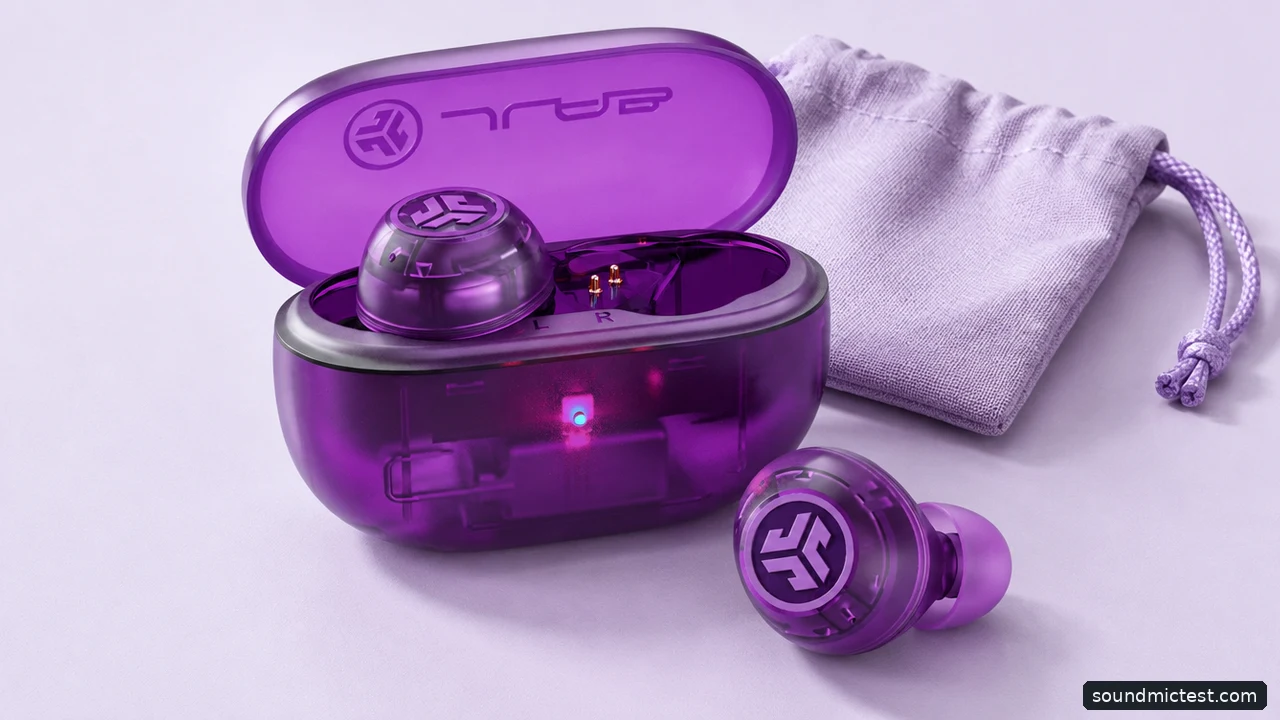
Compare the exact model and color when checking a sale. Editorial illustration.
JLab Go Pop ANC: investigate the low-cost wireless option
The Transparent Purple Go Pop ANC page showed $19.99 when checked. It is worth considering for a backup pair or a low-cost introduction to wireless earbuds, provided the fit and controls work for you.
Do not confuse the model with every other product carrying "Go" or "Pop" in its name. Check the full name, color and included accessories. A product-family resemblance is not evidence that two listings have the same noise controls, app support or battery behavior.
The key compromise is uncertainty that a specification cannot resolve for you. A low price does not prove poor sound, but neither does an ANC label establish premium cancellation. Use the return period to evaluate the actual fit and the situations where you plan to listen. If the earbuds constantly loosen, the discount is not the deciding fact.
CMF Buds 2a: compare the exact model, not the brand family
Nothing's CMF Buds 2a listing showed $29, with active noise cancellation and a manufacturer claim of up to eight hours of playback. That figure should be read with its conditions; do not assume it describes every listening mode or a day dominated by calls.
The 2a is not simply another color of Buds 2 or Buds 2 Plus. Product names this similar make it easy to borrow a feature from the wrong review. Keep the exact model name beside the specifications while shopping.
This option makes sense to investigate if you want wireless convenience without spending close to $100. Compare its fit, controls and warranty with the JLab offer rather than trying to declare a winner from driver diameter or an advertised ANC number. Those numbers do not provide a controlled comparison of what you will hear.
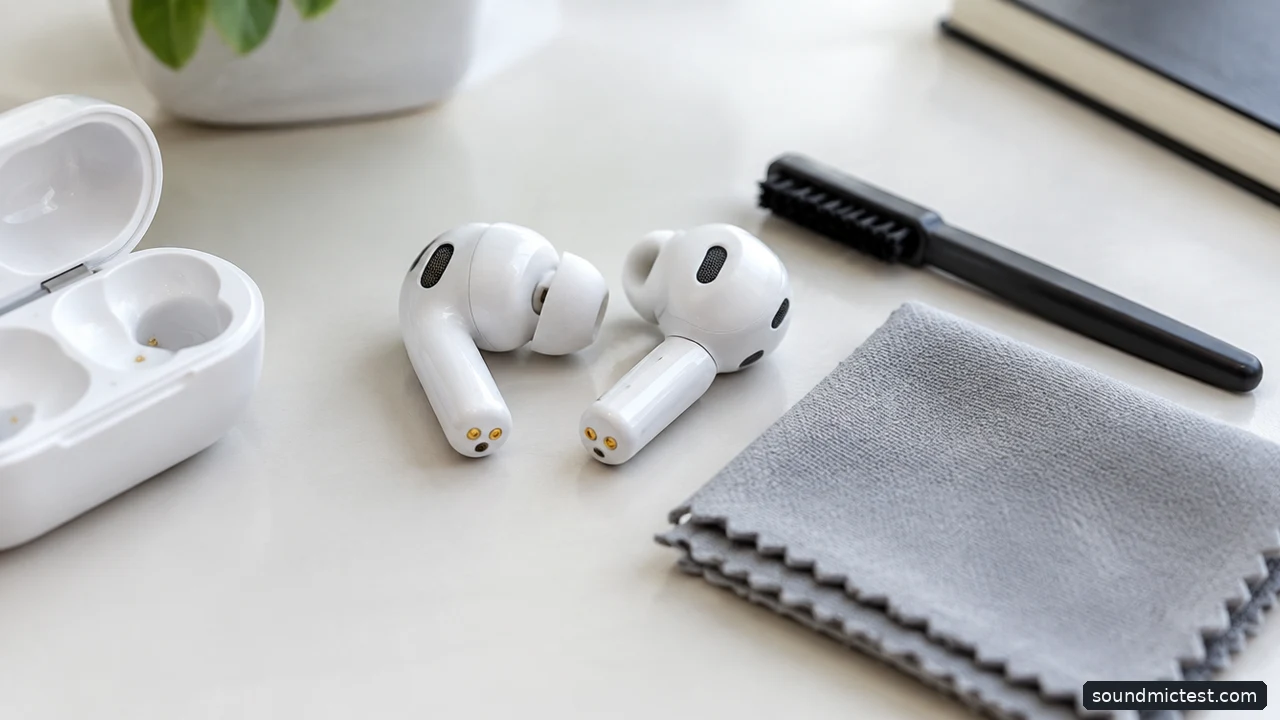
Use the manufacturer-approved cleaning method. Editorial illustration.
Apple EarPods with USB-C: remove charging from the problem
The USB-C EarPods listing showed $19 and describes a built-in remote for playback, volume and calls. A wired pair can be especially useful as a bag backup because there is no earbud battery to discover empty at the wrong moment.
The trade-off is the fixed physical shape and the cable. EarPods do not use the same silicone-tip arrangement as sealed in-ear models, so their fit and isolation will not suit everyone. Check that they stay comfortable rather than assuming an inexpensive wired pair is automatically universal.
Also read the compatibility requirements. USB-C describes a connector, not a promise that every device and application will support every remote function. Apple lists supported devices and software versions. Confirm your own setup before relying on the pair for work calls or travel.
Cheap earbuds can become expensive through small annoyances
Think about the items most likely to fail your routine. A case that opens awkwardly, touch controls that trigger during adjustment or a cable that catches on clothing can make a product unpleasant long before its electronics stop working.
Check replacement tips and the charging connection. If the case is lost, find out whether replacement support exists before buying another entire set. For wired earbuds, inspect the connector and strain relief, and avoid storing the cable tightly bent around the phone.
Do not spend extra on an unfamiliar marketplace bundle solely because it includes many accessories. A straightforward purchase from a seller with clear returns can be more useful than a complicated discount. Keep the packaging until you have checked both playback and calls.
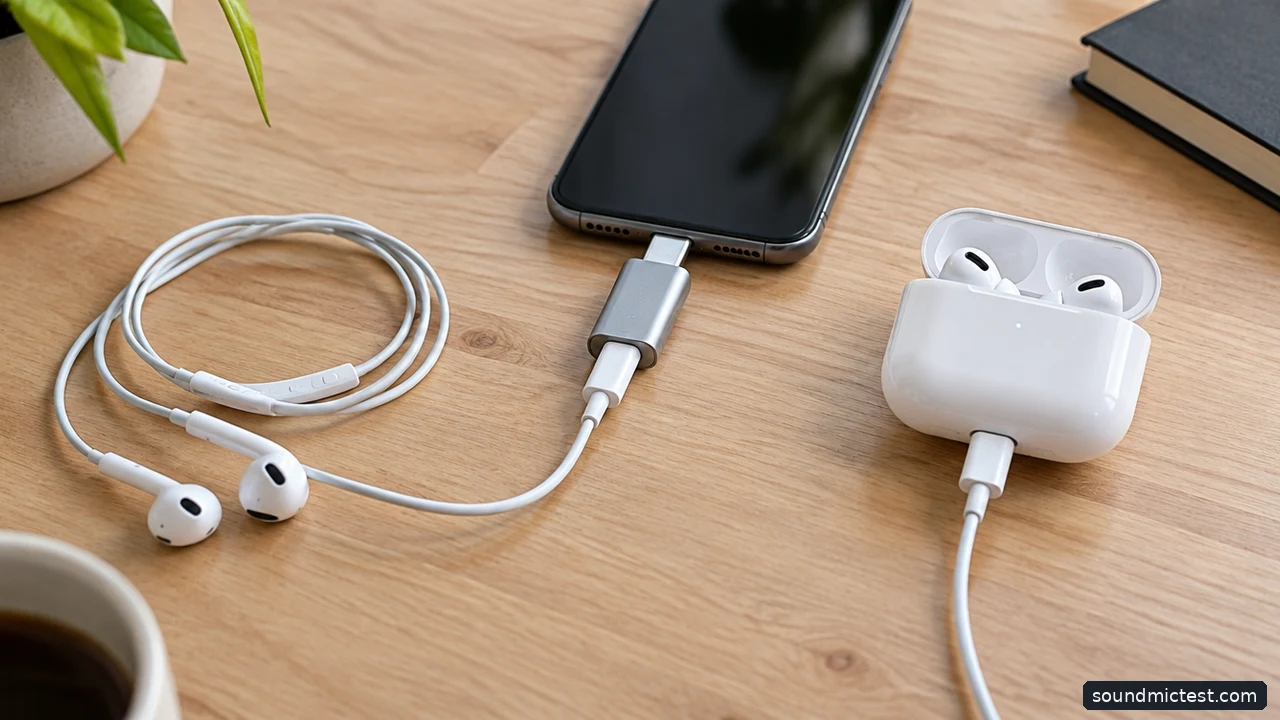
A wired pair avoids charging; a wireless pair avoids the cable. Editorial illustration.
A short acceptance check for a new pair
For wireless earbuds, charge the case and confirm that both buds seat correctly. Remove any shipping film identified in the instructions. Pair with the device you actually use, then verify that both sides play and that the controls behave as expected.
Try a familiar spoken recording as well as music. If the sound seems one-sided, check device balance and reseat the earbuds before changing EQ. Our left and right channel test can help confirm the routing. It does not establish a frequency-response score or compare two models scientifically.
For calls, select the intended input and make a short recording with our microphone test. Listen for the basic result on your own device. A correct setup is more valuable than discovering during an important call that the laptop has been using its internal microphone instead.
Choose JLab or CMF when low-cost wireless convenience is the goal and the fit works for you. Choose USB-C EarPods when avoiding charging matters more than avoiding a cable. The best budget purchase meets a modest, clear requirement reliably; it does not need to imitate a flagship specification sheet.