Audio equipment
Best MP3 Players and Digital Audio Players for Offline Music
The best reason to buy a dedicated music player is control over your listening routine. You can carry a local library, keep music away from notifications and connect wired headphones without borrowing the phone's charging socket. Better sound is not automatic. If your phone already plays your files reliably and drives your earphones comfortably, a separate player needs to solve another problem.

Ethan Parker is an editorial pen name for Sound Mic Test's audio-electronics coverage. Articles explain DACs, headphone amplifiers, audio interfaces and how their specifications relate to a complete setup.
Sound Mic Test editorial pen name.
ethan.parker@soundmictest.com
The best reason to buy a dedicated music player is control over your listening routine. You can carry a local library, keep music away from notifications and connect wired headphones without borrowing the phone's charging socket. Better sound is not automatic. If your phone already plays your files reliably and drives your earphones comfortably, a separate player needs to solve another problem.
FiiO JM21 is a concrete option for listeners who want Android applications alongside local playback. A simpler local-file player suits people who want fewer distractions, while an existing phone and a suitable USB adapter can avoid another battery to maintain. This guide compares those approaches using documented features and practical setup requirements.
Choose the kind of offline listening first
| Your library | Useful starting point | Main compromise |
|---|---|---|
| Purchased downloads and ripped albums | Local-file player with expandable storage | Library organization becomes your responsibility |
| Streaming subscriptions and local files | Android player such as JM21 | Offline access depends on each service |
| A small library already on your phone | Keep the phone and improve its connection | Notifications and shared battery use remain |
| Long listening sessions without a screen | A simple player with physical controls | Check navigation before buying |
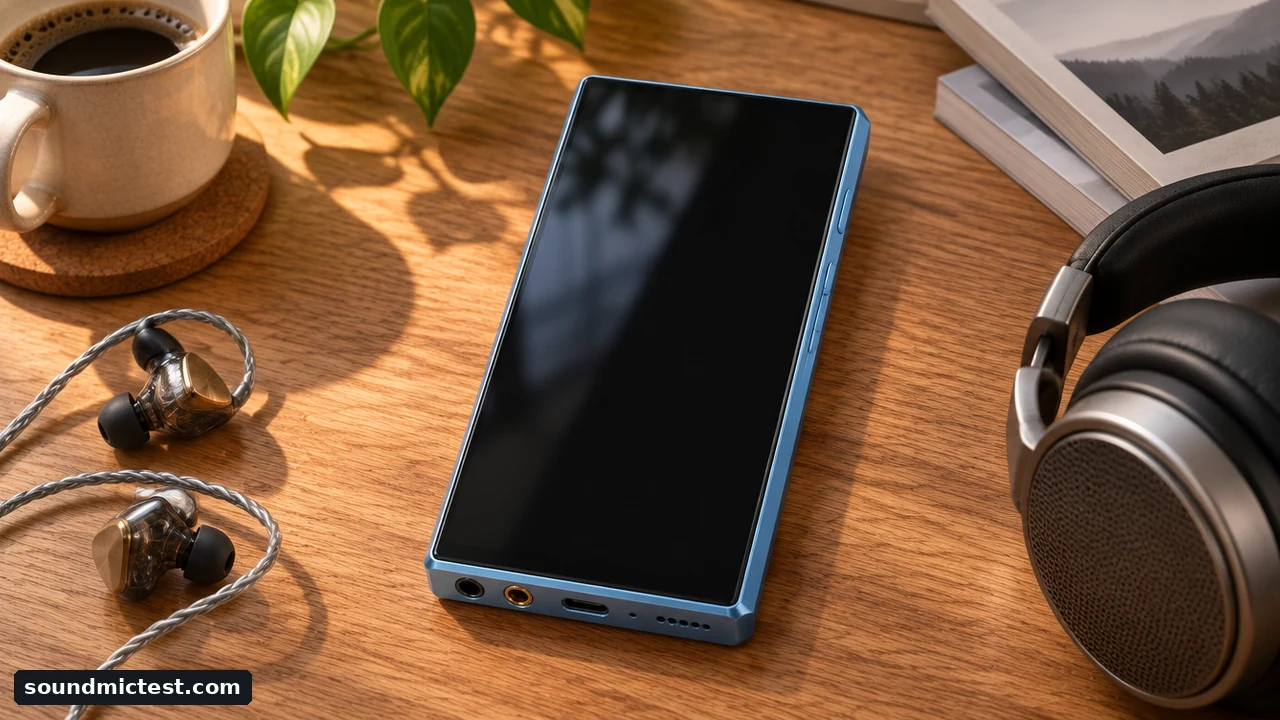
Consider an offline music player by storage, app support and wired connections, with practical checks for the FiiO JM21 and simpler alternatives. Editorial illustration.
JM21: useful flexibility, with version checks
The FiiO JM21 product page documents Android 13, microSD expansion and both 3.5mm and 4.4mm headphone outputs. It also lists different memory configurations. Confirm the exact version rather than assuming every listing has the same storage, RAM or battery specification.
FiiO cautions owners of the original 3GB configuration against installing too many applications or running several simultaneously. That makes the player easier to understand as a focused audio device than as a replacement smartphone. Install the music applications you need and leave unrelated software elsewhere.
The appeal is a single device that can hold files and run supported streaming apps. The compromise is upkeep: charging, software updates, downloads and a second library interface. Those are reasonable costs when the player creates a better listening routine, but unnecessary ones if it merely duplicates your phone.
Owned files and streaming downloads are different
A folder of purchased music can be copied between compatible devices. A streaming application's offline downloads usually belong to that application's protected storage and remain subject to its account and subscription rules. Do not buy a player expecting to copy a streaming download folder into an ordinary music application.
Before ordering, check whether your service supports the player's operating system and the offline functions you use. Download a small playlist, then test playback with network access disabled during the return period. Include a long album or podcast if those form a large part of your listening.
For local files, check the formats and tagging conventions in your own collection. A player supporting a file extension does not guarantee that its library browser handles every embedded image, compilation tag or unusually long filename gracefully. A representative sample is more useful than a list of impressive format logos.
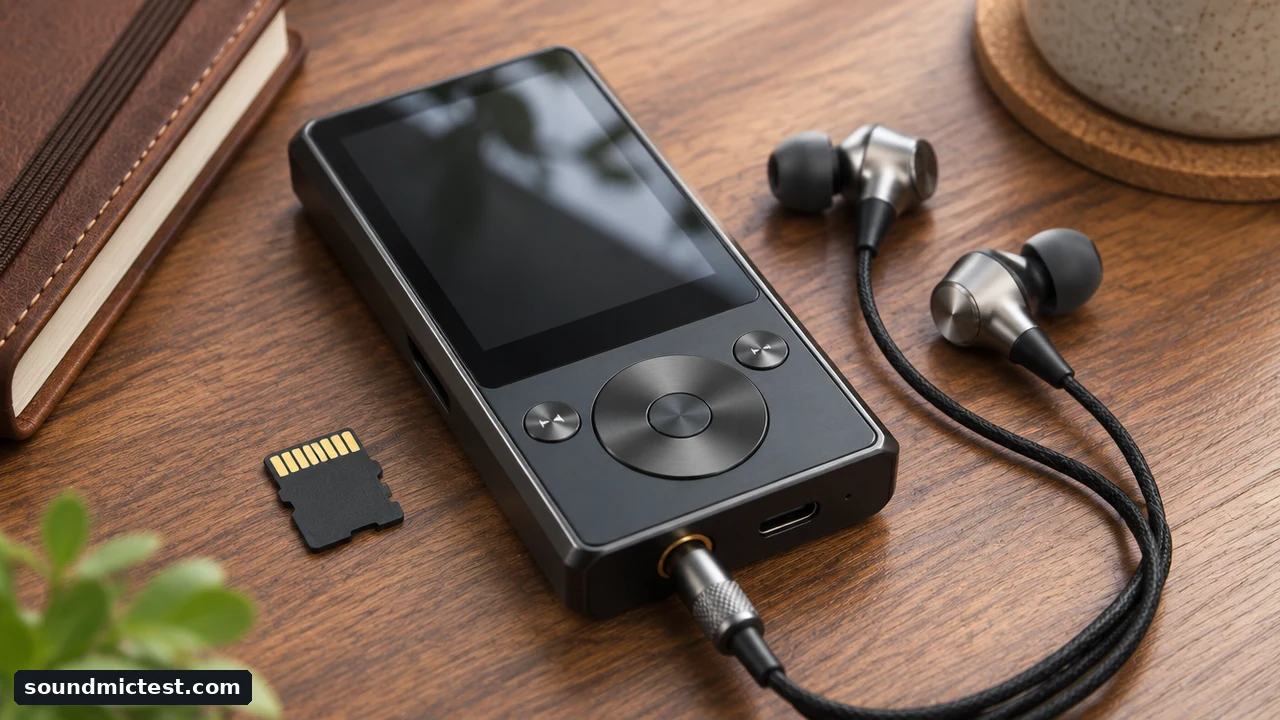
MicroSD card beside a portable music player and wired earphones. Editorial illustration.
Storage capacity does not organize a library
Start with consistent artist, album and track-number tags. Compilation albums are especially worth checking because inconsistent album-artist fields can scatter one release across several entries. Make those changes on a computer before copying thousands of files.
Keep a separate backup. A memory card inside a pocket player is a listening copy, not the only place your purchased library should live. When replacing a card, use the player's documented formatting process and allow its library scan to finish before judging navigation speed.
Leave some free space for app updates, artwork and new downloads. The advertised storage capacity is not all available to music once the operating system and applications are installed. Check usable storage for the exact configuration if a large offline collection is the main reason for buying.
Match the output to the earphones you own
An ordinary 3.5mm output remains a useful starting point. A 4.4mm balanced socket requires an appropriate headphone cable and connection arrangement; it is not an instruction to attach any adapter that physically fits. Follow the player and cable manufacturer's compatibility guidance.
More available power is not automatically beneficial for sensitive earphones. Useful volume adjustment, low background noise and a comfortable listening level matter more than a large headline wattage. Start at low volume when changing headphones or outputs.
Our wired-earbud guide covers the connection choices at the other end of the cable. If your existing earphones already work well, buy the player around them before budgeting for an entirely new system.
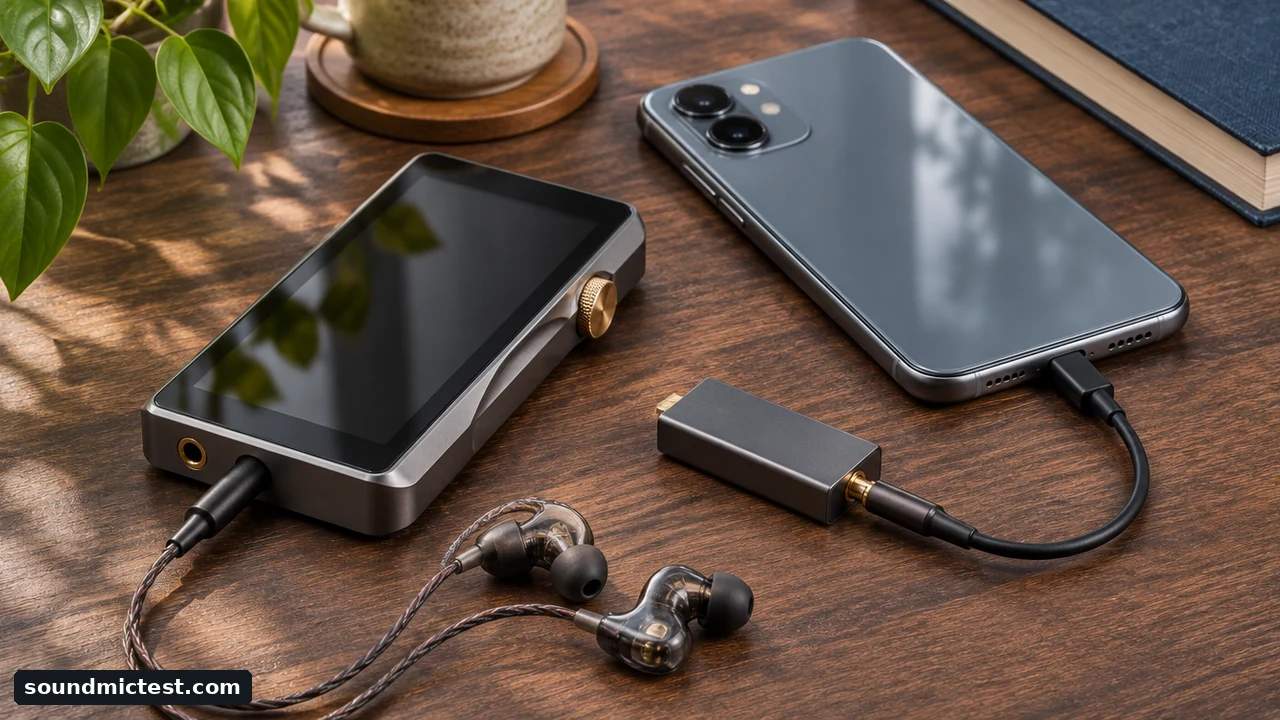
Music player beside phone and compact USB DAC. Editorial illustration.
Try the complete pocket setup
Check whether you can reach playback controls with the player in a pocket. Notice cable strain, accidental button presses and whether the case makes an already thick device awkward to carry. A desk-friendly arrangement can become cumbersome on a train.
Charge the player using the documented method and test a normal day's routine. Wireless connections, screen use, applications and headphone output can all affect battery endurance. Treat a manufacturer's maximum runtime as a specified scenario rather than your guaranteed result.
Use the stereo test where the player's browser supports it to check channel routing. It cannot establish DAC accuracy or prove that one output sounds better. For the actual decision, compare convenience, reliable playback and the total number of accessories you need to carry. A dedicated player earns its place when those details make you listen more easily.